
30+ Hottest Nano Banana Model Prompts (Copy and Paste)

Now, Nano Banana AI has taken the AI community by storm. Powered by Google’s Gemini 2.5 Flash Image model, it has fueled over 200 million creative edits and attracted millions of new users. Known for its blazing-fast generation, consistent results, and photorealistic output, Nano Banana makes it easy to transform simple photos into 3D figurines, retro artworks, or cinematic posters. While other tools like Flux Kontext AI offer creative flexibility, Nano Banana’s speed and accuracy make it the perfect choice for experimenting with fun, viral, and highly detailed AI photo prompts. In this guide, we’ll explore the latest and hottest Nano Banana model prompt text, complete with step-by-step prompts and practical usage tips. All you need to do is copy and paste the Gemini AI photo prompts to the tool so you can create viral-ready AI images.
Image Effects
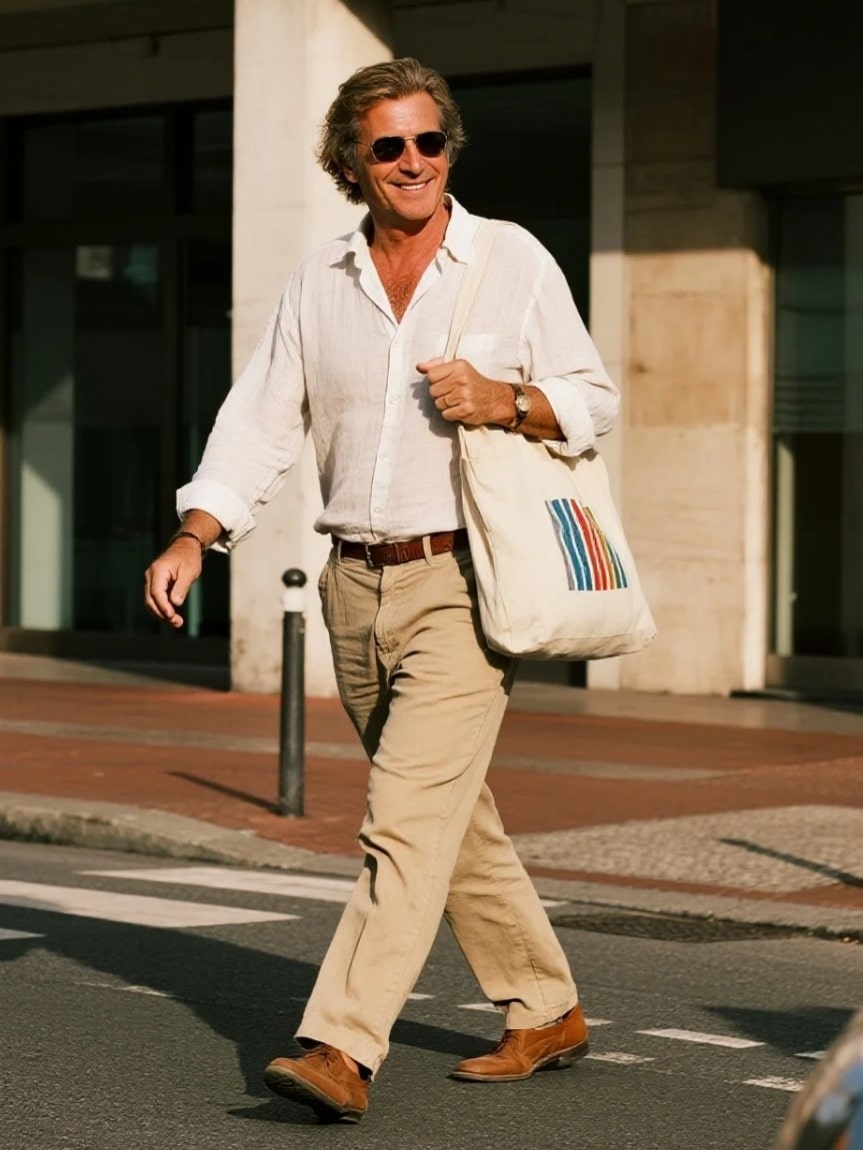
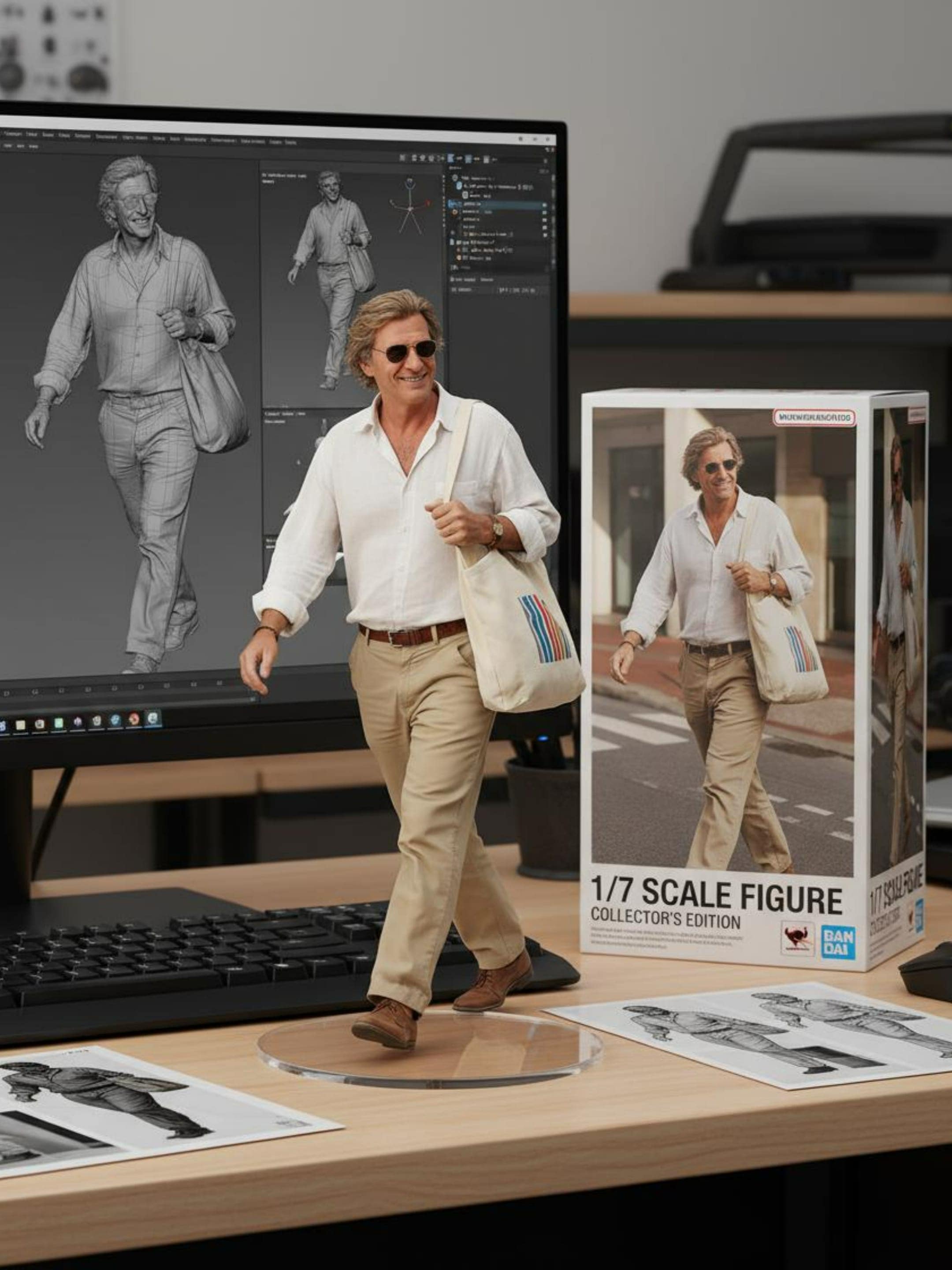
1. Nano Banana 3D Action Figure
Easily generate lifelike 3D action figures from your images with Nano Banana prompts.
✅ Nano Banana Prompt:
create a 1/7 scale commercialized figure of thecharacter in the illustration, in a realistic styie and environment.Place the figure on a computer desk, using a circular transparent acrylic base without any text.On the computer screen, display the ZBrush modeling process of the figure.Next to the computer screen, place a BANDAI-style toy packaging box printedwith the original artwork.
2. Chibi Knitted Doll
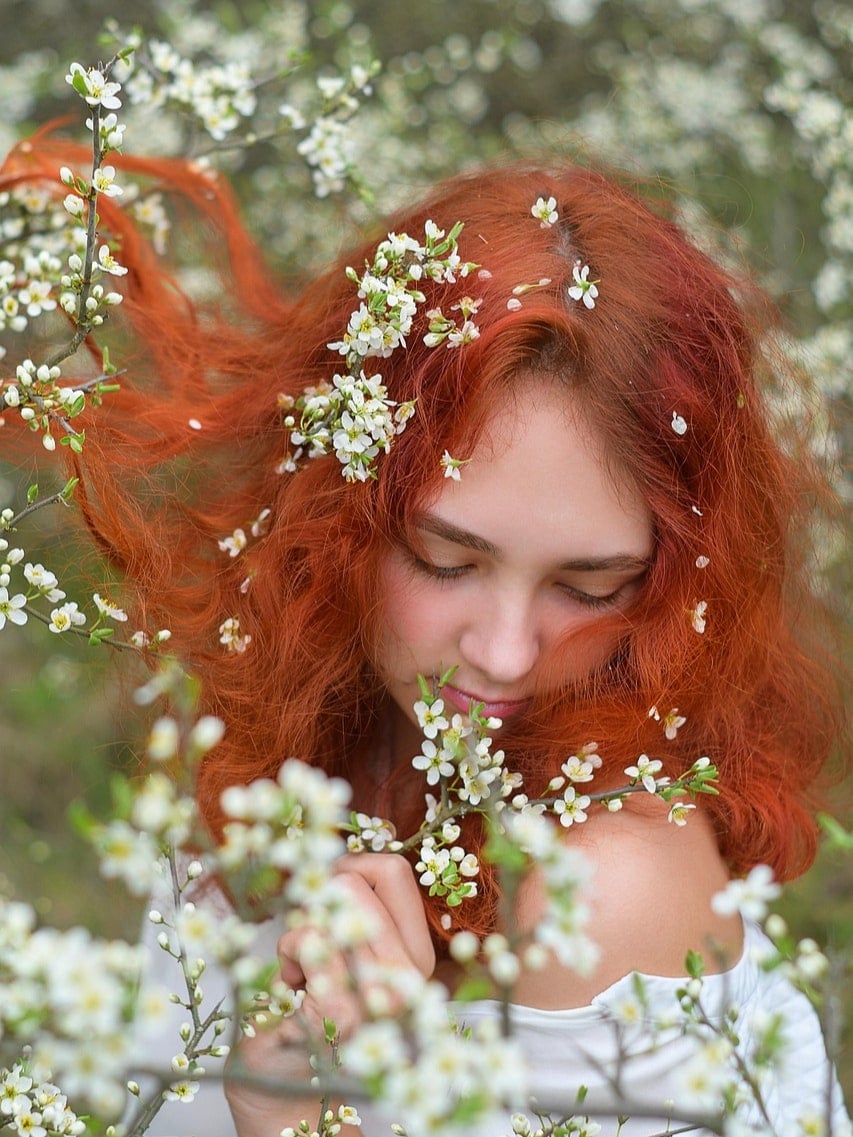
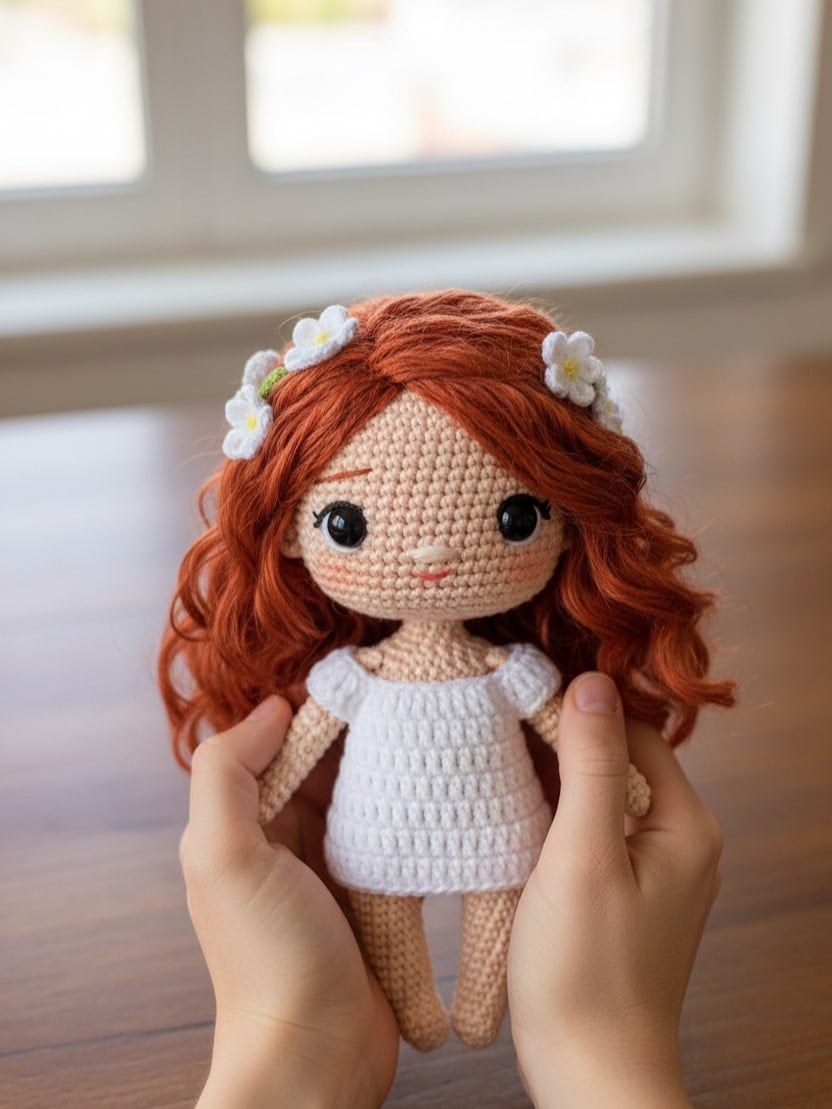
Quickly transform your images into cute chibi-style knitted dolls with Gemini AI prompt copy and paste.
✅ Nano Banana Prompt:
A close-up, professionally composed photograph showcasing a hand-crocheted yarn doll gently cradled by two hands. The doll has a rounded shape, featuring the cute chibi image of the [upload image] character, with vivid contrasting colors and rich details. The hands holding the doll are natural and gentle, with clearly visible finger postures, and natural skin texture and light/shadow transitions, conveying a warm and realistic touch. The background is slightly blurred, depicting an indoor environment with a warm wooden tabletop and natural light streaming in from a window, creating a comfortable and intimate atmosphere. The overall image conveys a sense of exquisite craftsmanship and cherished warmth.
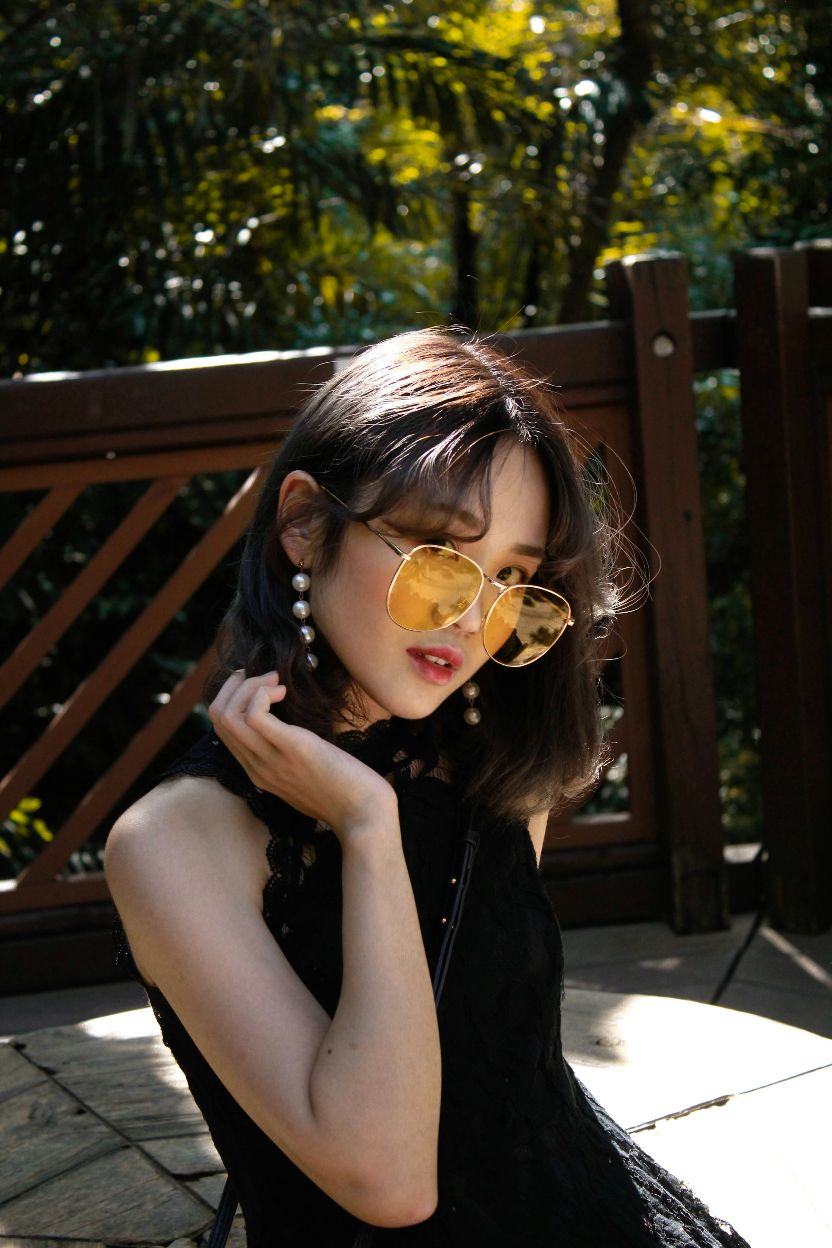
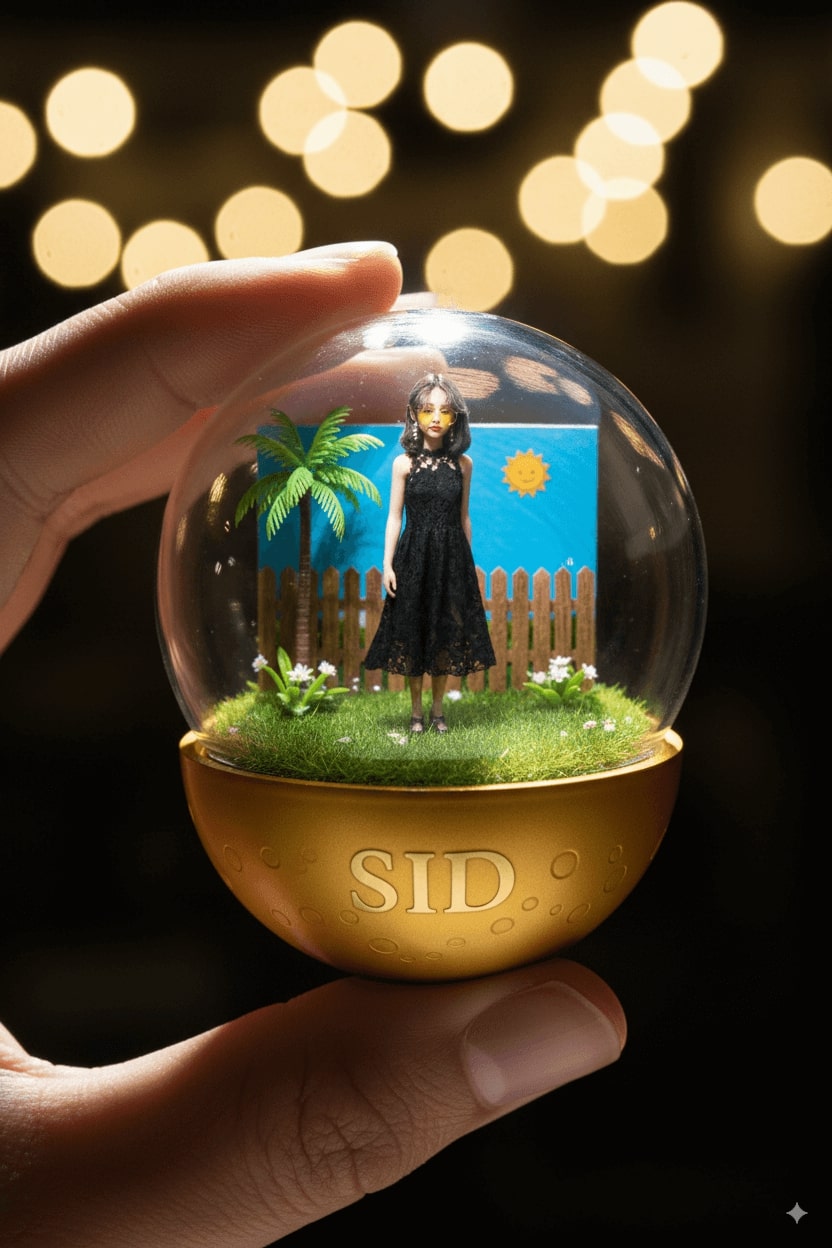
3. Character Capsules
Create compact, stylized character capsules from your images using Nano Banana prompt example.
✅ Nano Banana Prompt:
A detailed, transparent gashapon capsule diorama, held between fingers, featuring [NAME] in their [ICONIC POSE / STYLE]. Inside: [short description of figure’s look, clothing, and accessories], with background elements such as [relevant setting: stadium, stage, lecture hall, etc.]. Lighting should be dramatic and cinematic, matching their theme. The capsule has a transparent top and a colored base [choose fitting color: e.g., royal blue, gold, black, red], decorated with [motifs related to the person]. The base is labeled with [NAME or NICKNAME] in a matching font style. The design should look like a miniature collectible, with photorealistic detail and soft bokeh.
👀 Note: Replace [NAME], [ICONIC POSE / STYLE], [short description of figure’s look, clothing, and accessories], [relevant setting: stadium, stage, lecture hall, etc.], [choose fitting color: e.g., royal blue, gold, black, red], and [NAME or NICKNAME] in the prompt with specific descriptions.
4. Character Plush Toys
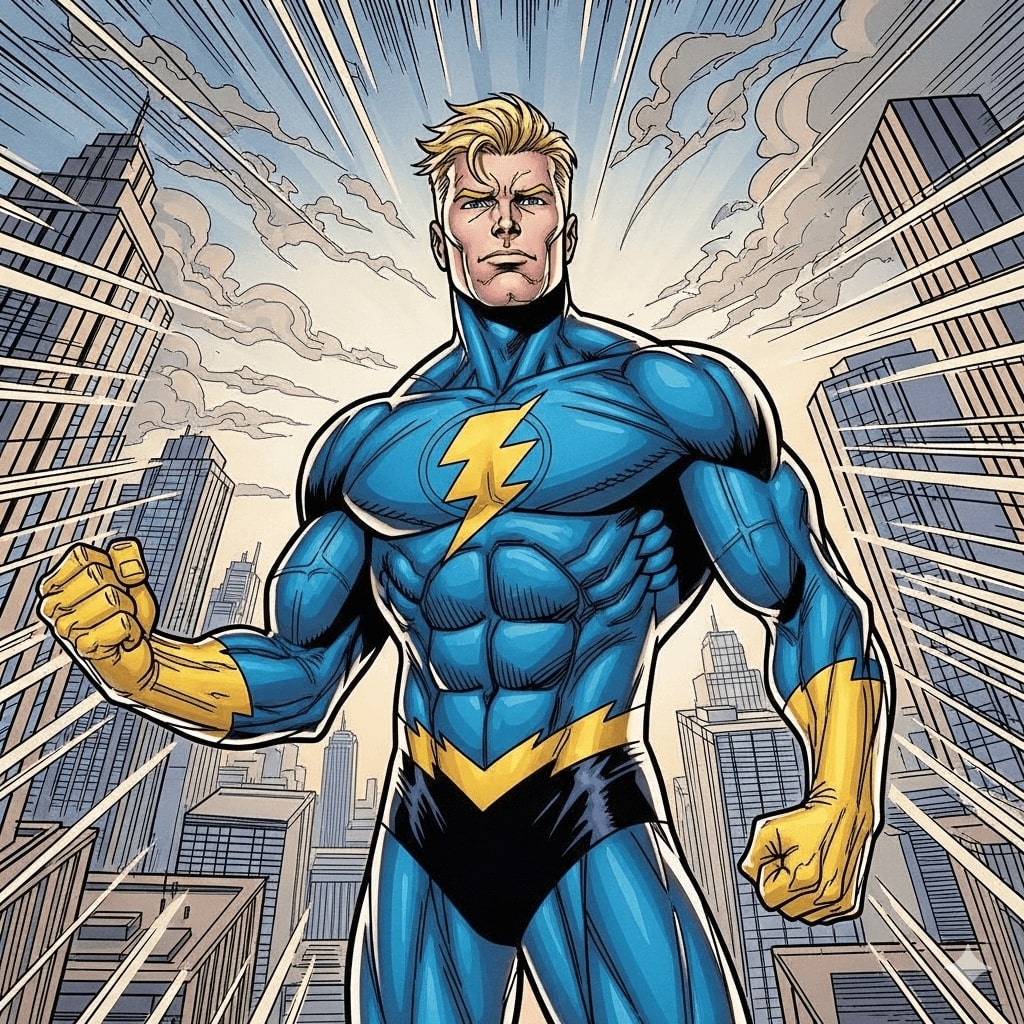
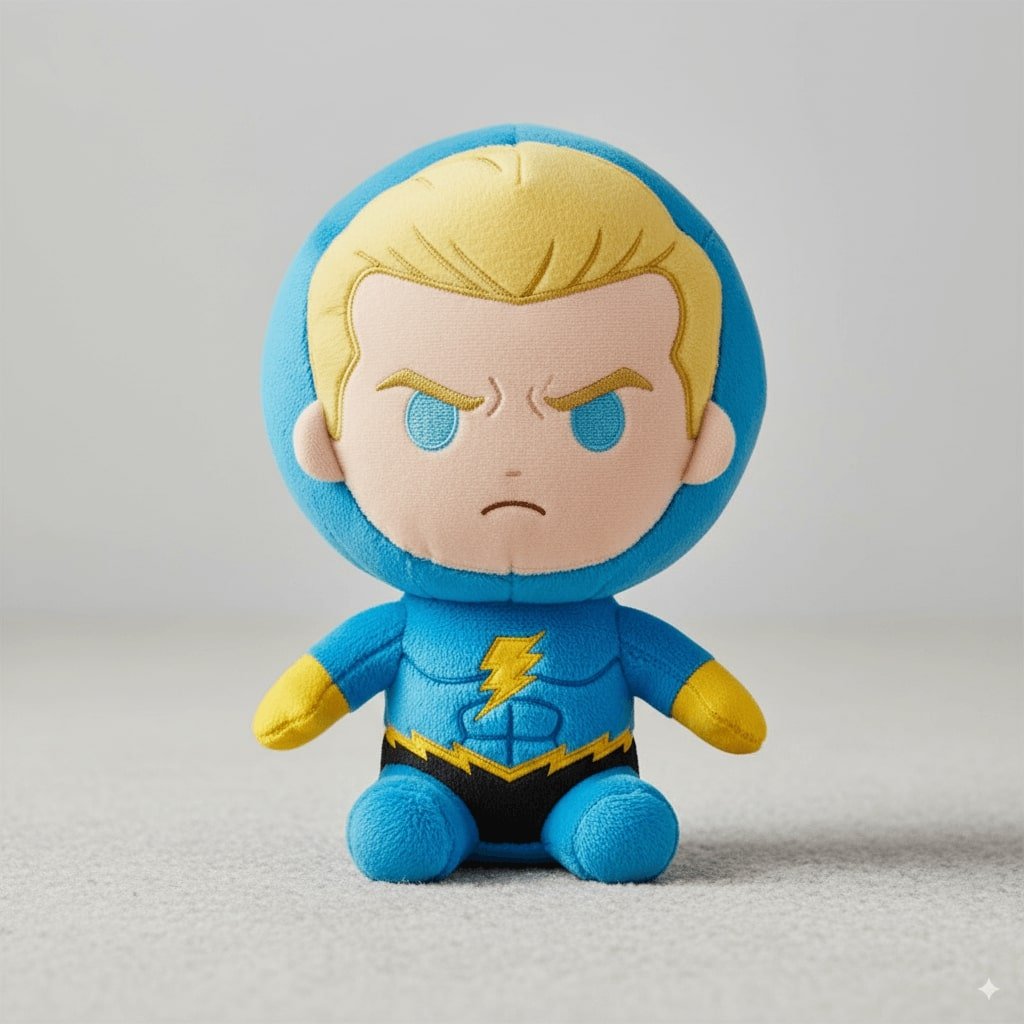
Transform your characters into adorable plush toys instantly with Nano Banana model prompts.
✅ Nano Banana Prompt:
A soft, high-quality plush toy of [CHARACTER], with an oversized head, small body, and stubby limbs. Made of fuzzy fabric with visible stitching and embroidered facial features. The plush is shown sitting or standing against a neutral background. The expression is cute or expressive, and it wears simple clothes or iconic accessories if relevant. Lighting is soft and even, with a realistic, collectible plush look. Centered, full-body view.
👀 Note: Replace [CHARACTER] in the prompt with specific descriptions.
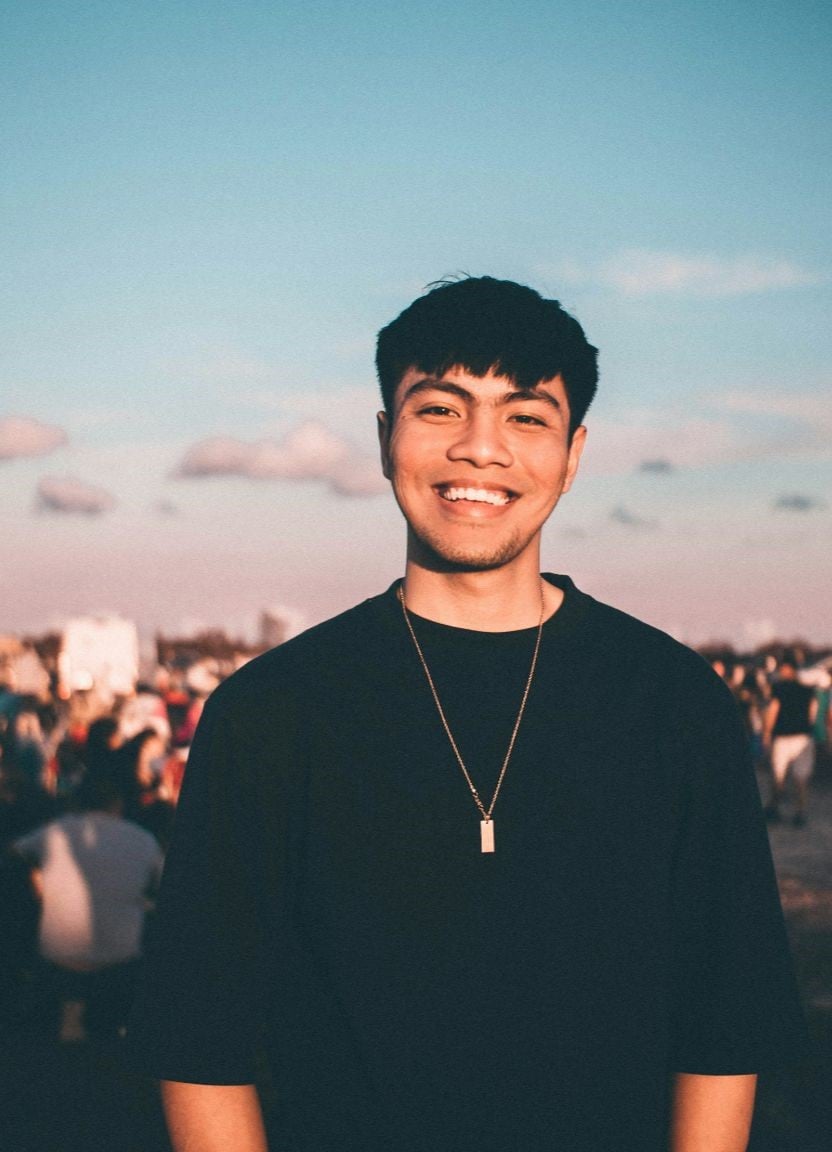
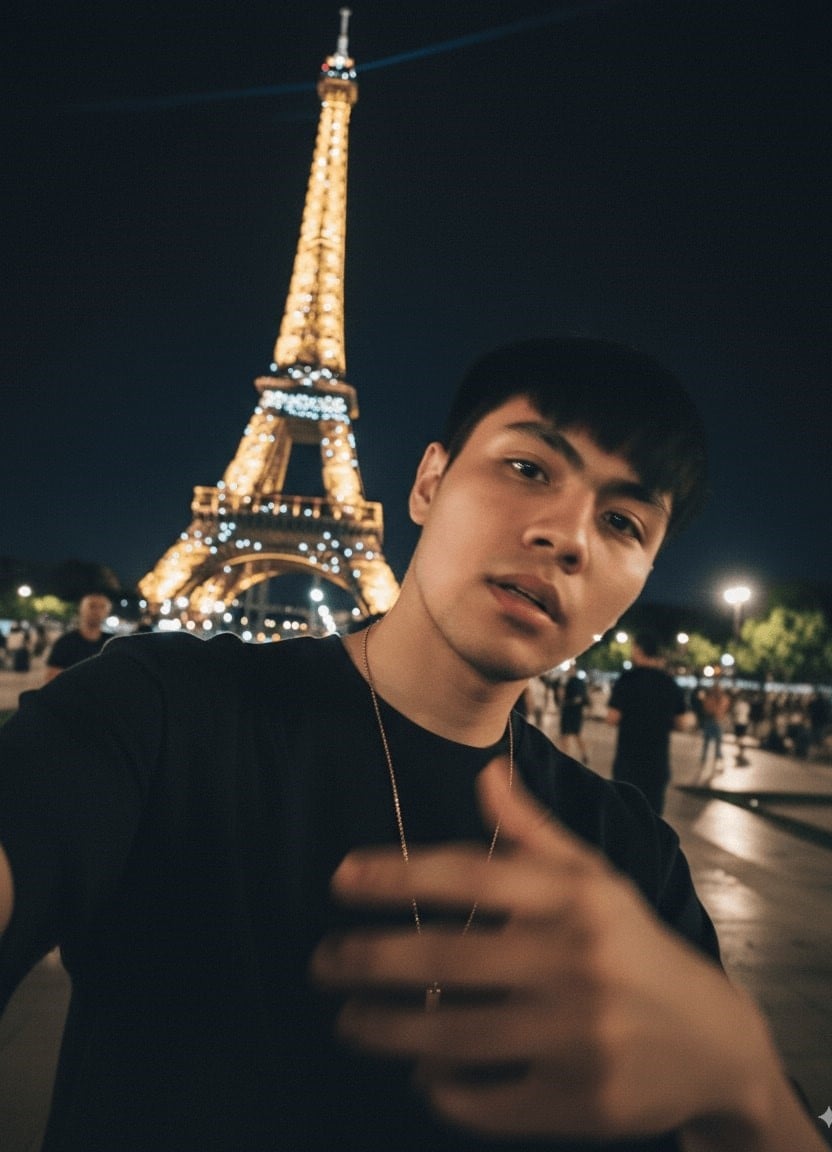
5. iPhone Selfie
Generate realistic iPhone-style selfies from your photos using the trending prompt for Nano Banana.
✅ Nano Banana Prompt:
Please draw an extremely ordinary and unremarkable iPhone selfie, with no clear subject or sense of composition — just like a random snapshot taken casually. The photo should include slight motion blur, with uneven lighting caused by sunlight or indoor lights resulting in mild overexposure. The angle is awkward, the composition is messy, and the overall aesthetic is deliberately plain — as if it was accidentally taken while pulling the phone out of a pocket. The subjects are [Names], taken at night, next to the [Location].
👀 Note: Replace [name] and [Location] in the prompt with specific descriptions.
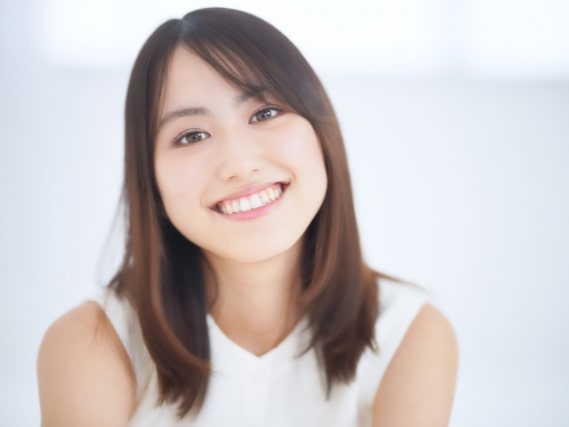
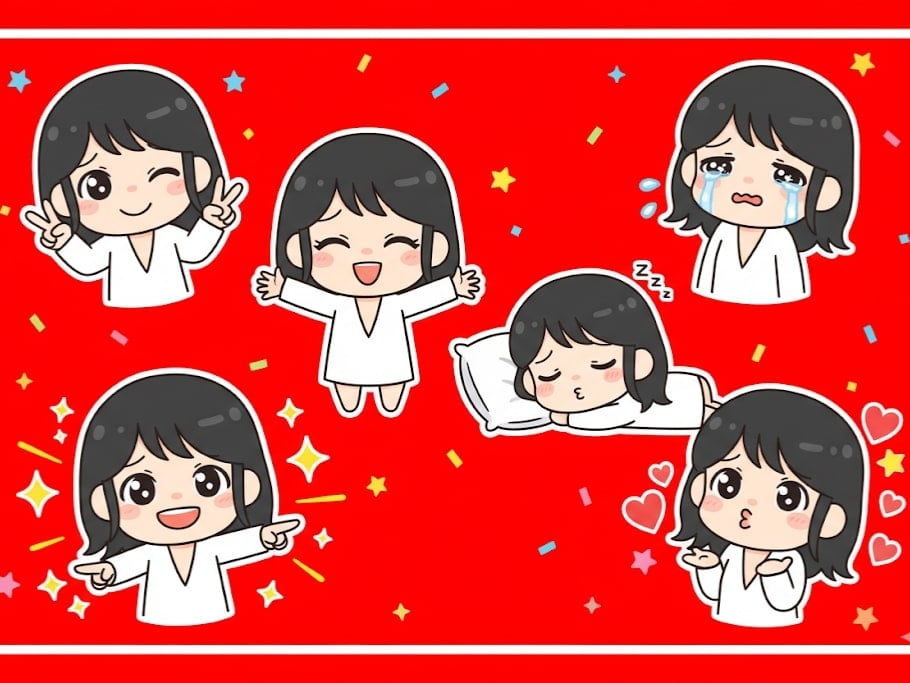
6. Chibi Emoji Sticker
Copy and paste this trending AI photo prompt to create playful chibi emoji stickers from any image using different poses.
✅ Nano Banana Prompt:
Making a playful peace sign with both hands and winking. Tearful eyes and slightly trembling lips, showing a cute crying expression. Arms wide open in a warm, enthusiastic hug pose. Lying on their side asleep, resting on a tiny pillow with a sweet smile. Pointing forward with confidence, surrounded by shining visual effects. Blowing a kiss, with heart symbols floating around. Maintain the chibi aesthetic. Exaggerated, expressive big eyes. Soft facial lines. Background: Vibrant red with star or colorful confetti elements for decoration. Leave some clean white space around each sticker. Aspect ratio: 9:16
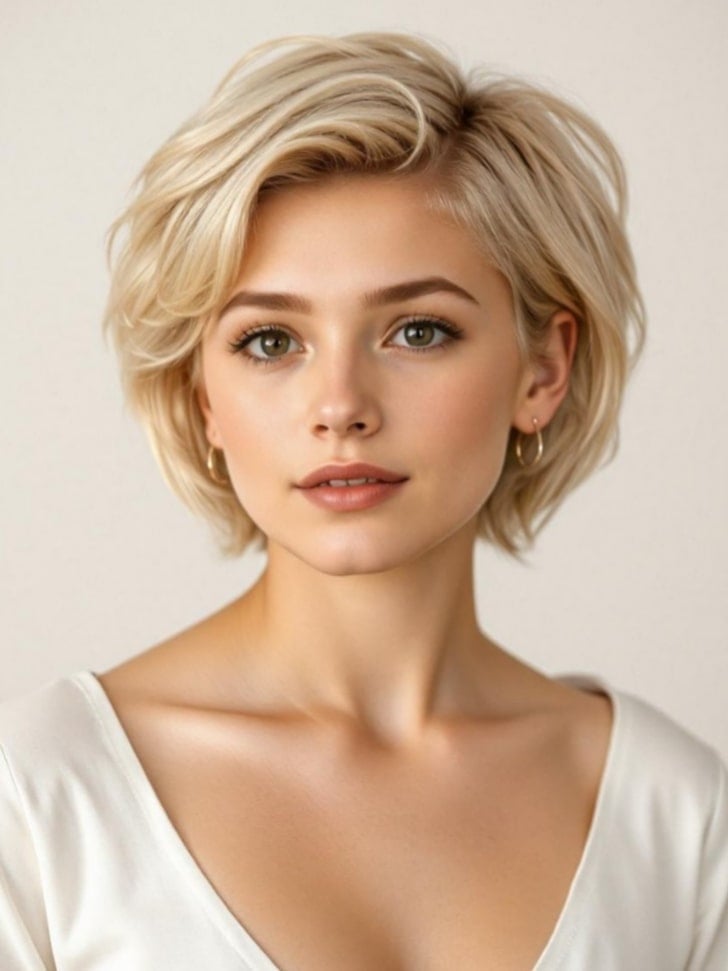
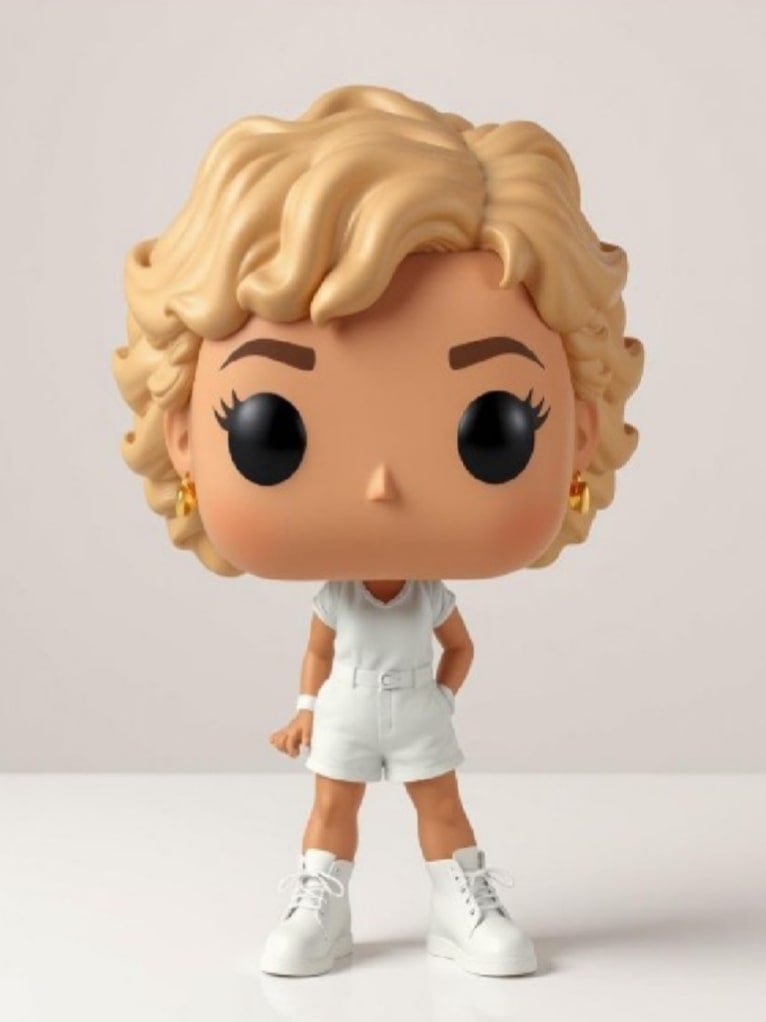
7. Funko Pop Figure
Quickly turn your photos into collectible Funko Pop-style figures with Gemini AI photo prompt copy and paste.
✅ Nano Banana Prompt:
Create a detailed 3D render of a chibi Funko Pop figure, strictly based on the provided reference photo. The figure should accurately reflect the person's appearance, hairstyle, attire, and characteristic style from the photo. High detail, studio lighting, photorealistic texture, pure white background.
👀 Note: Replace [name] in the prompt with specific descriptions.
8. Ghibli Style
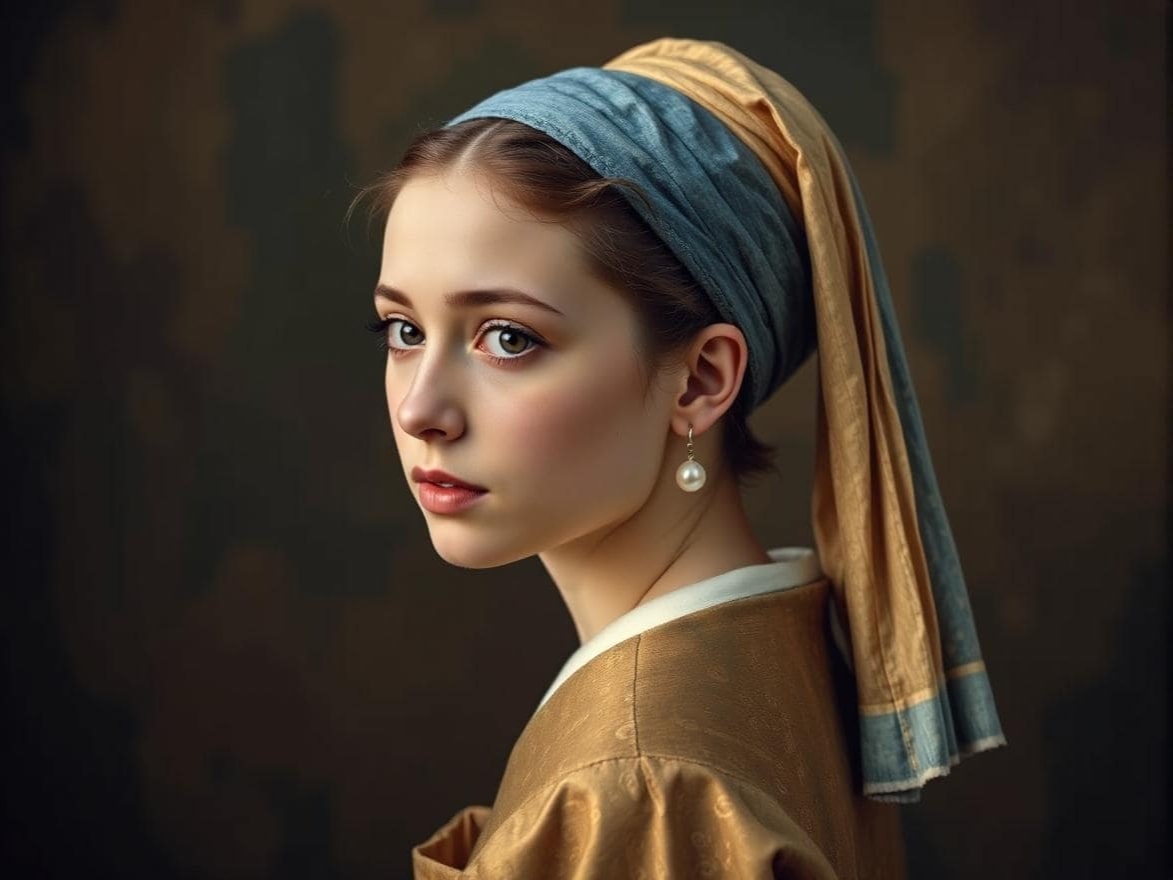
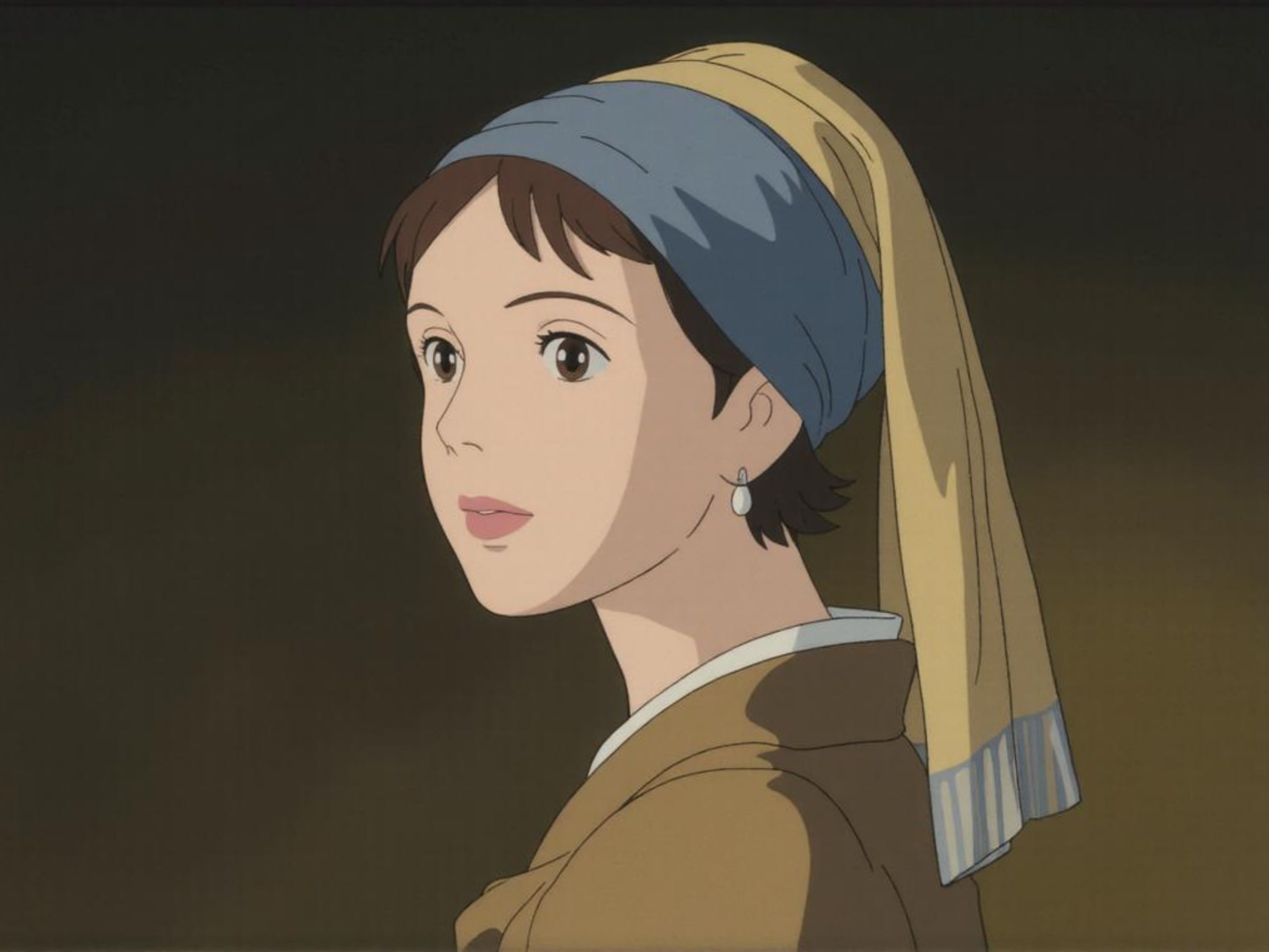
Transform your images into enchanting scenes inspired by Studio Ghibli image style.
✅ Nano Banana Prompt:
Redraw this photo in Ghibli style
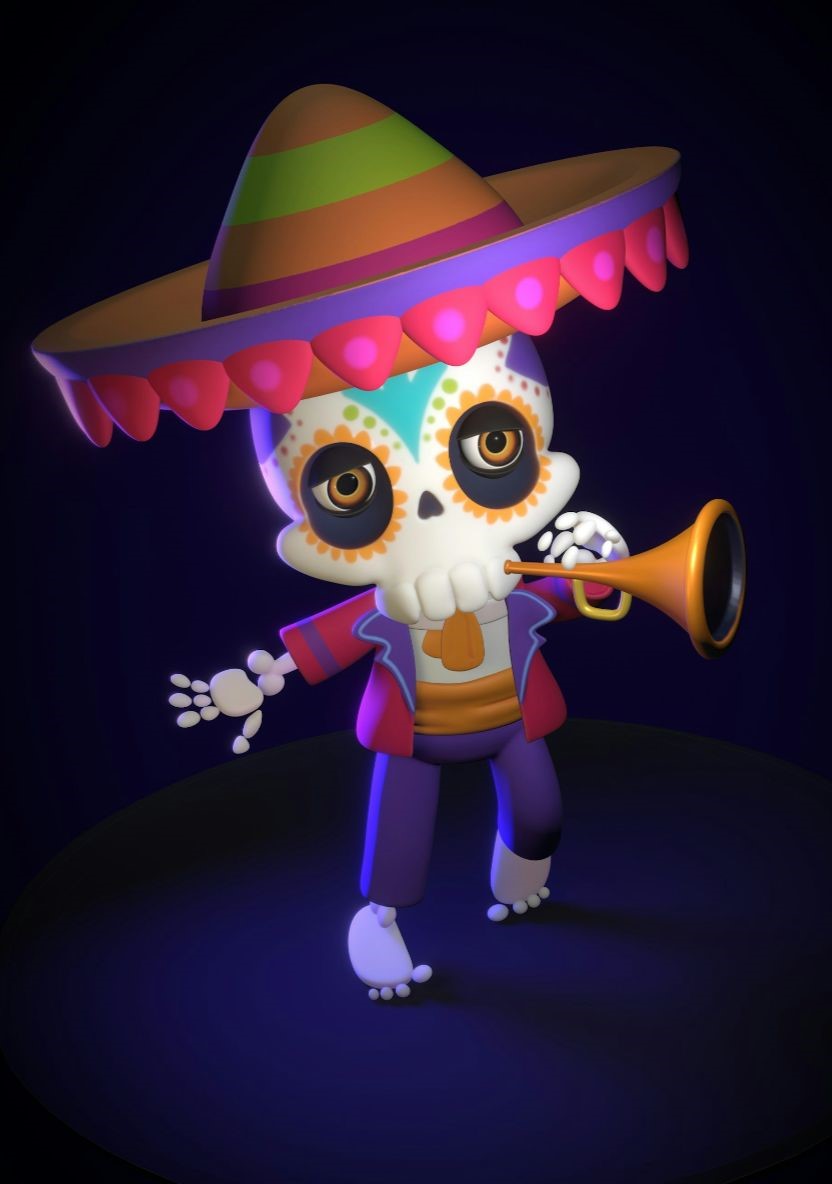
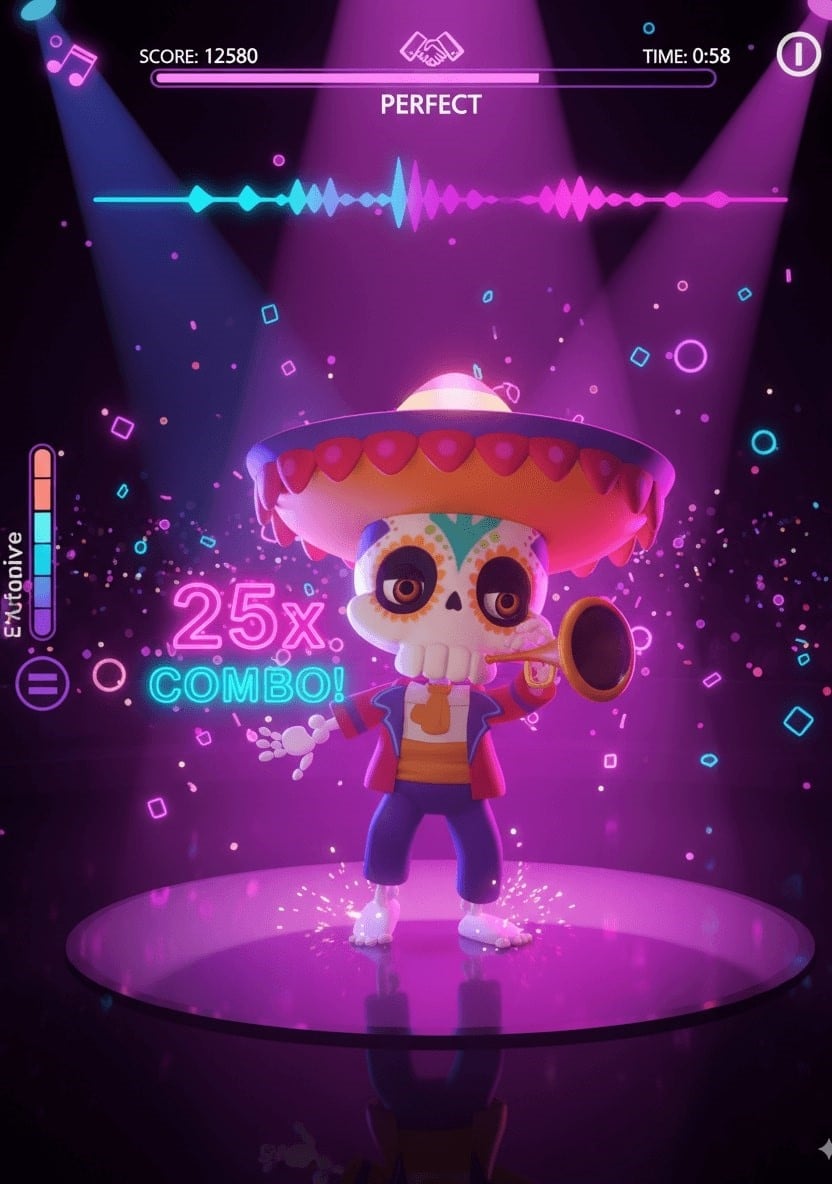
9. Game UI
Convert your designs into immersive game UI elements with Nano Banana model prompts.
✅ Nano Banana Prompt:
A vibrant rhythm dance game screenshot featuring the 3D animated character from the reference photo, keeping its unique style, hat, outfit, and confident dance pose. Immersive cinematic lighting with neon pink and purple glow, glossy reflective dance floor shining under spotlights, and dynamic 3D cartoon style. Rhythm game interface with immersive UI: score meter at the top, colorful music waveform animations synced to the beat, stage timer countdown, and floating combo numbers. Highly detailed, game-like atmosphere with energy bars, neon particle effects, and immersive arcade rhythm game HUD elements. Ultra-detailed, cinematic, immersive, 3D animation.
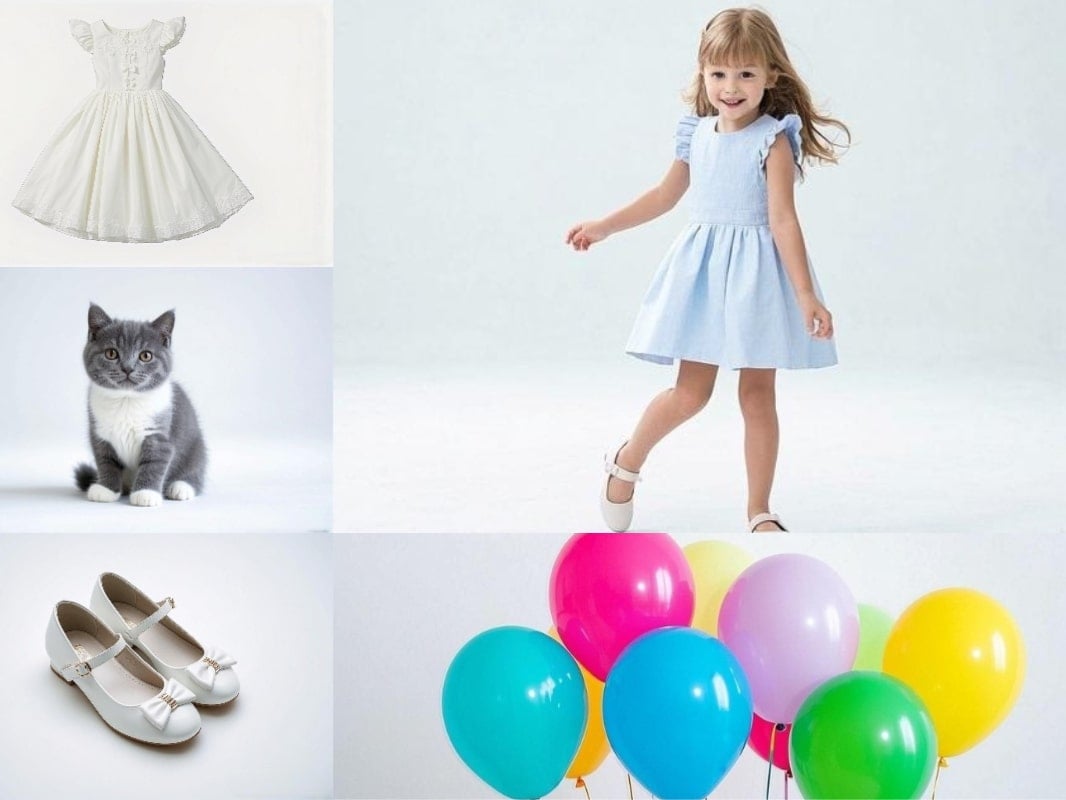
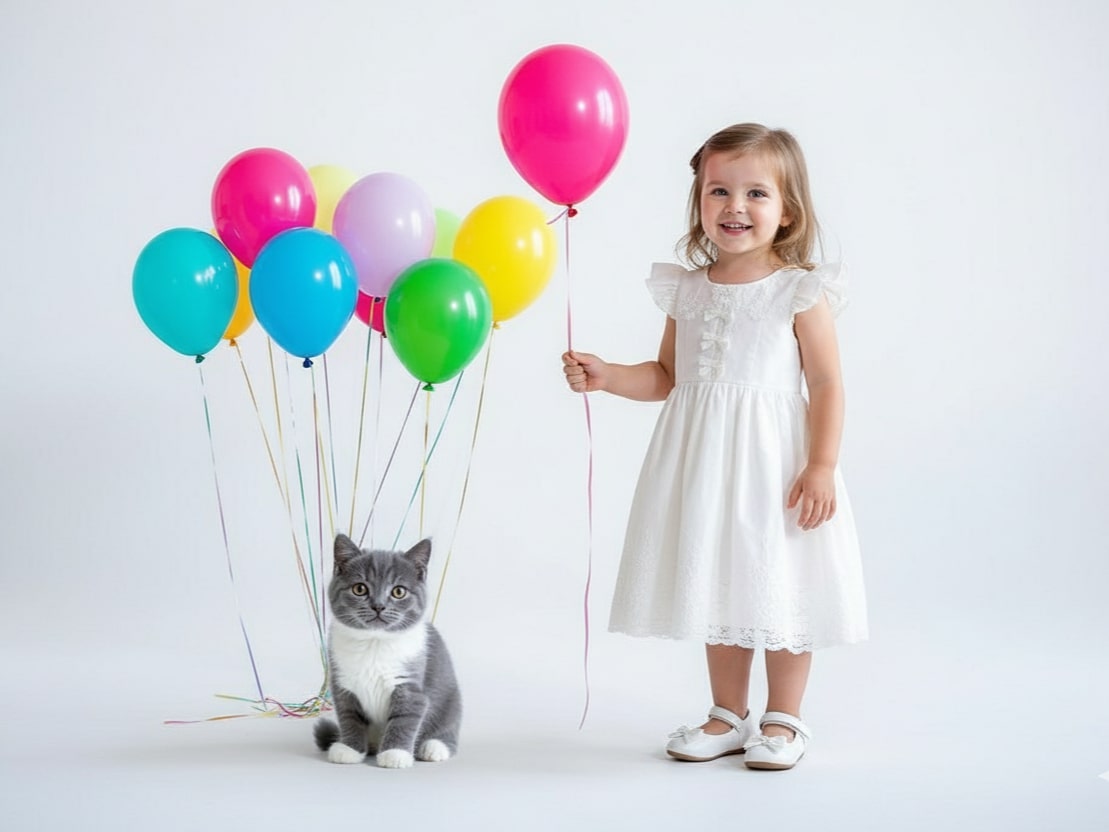
10. Image Fusion: Combine Multiple Images
Seamlessly merge multiple photos into one cohesive and visually striking image with Nano Banana prompt guide.
✅ Nano Banana Prompt:
Combine multiple images ([Image1], [Image2], [Image3], …) into a single cohesive image. Keep all key subjects recognizable and maintain their proportions and details. Blend the images naturally with consistent lighting, shadows, perspective, and style. Photorealistic, high-resolution, seamless integration.
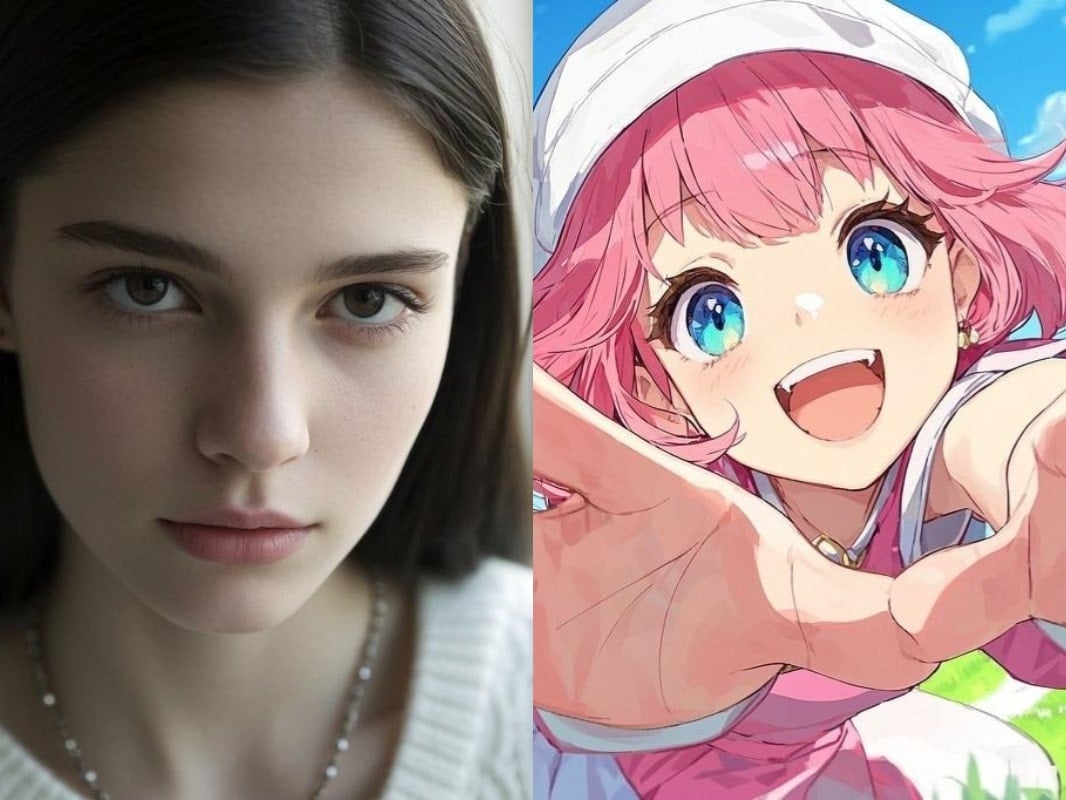
11. Style Fusion
blend the styles of two images to create a unique, harmonious look with Nano Banana prompt generator.
✅ Nano Banana Prompt:
Transform this image [Image1] into the artistic style of [Image2]. Keep the main subject, composition, and details from [Image1], but apply the colors, textures, and overall aesthetic of [Image2]. High-quality, [illustraition] style, consistent details.
👀 Note: Replace [illustraition] in the prompt with specific descriptions.

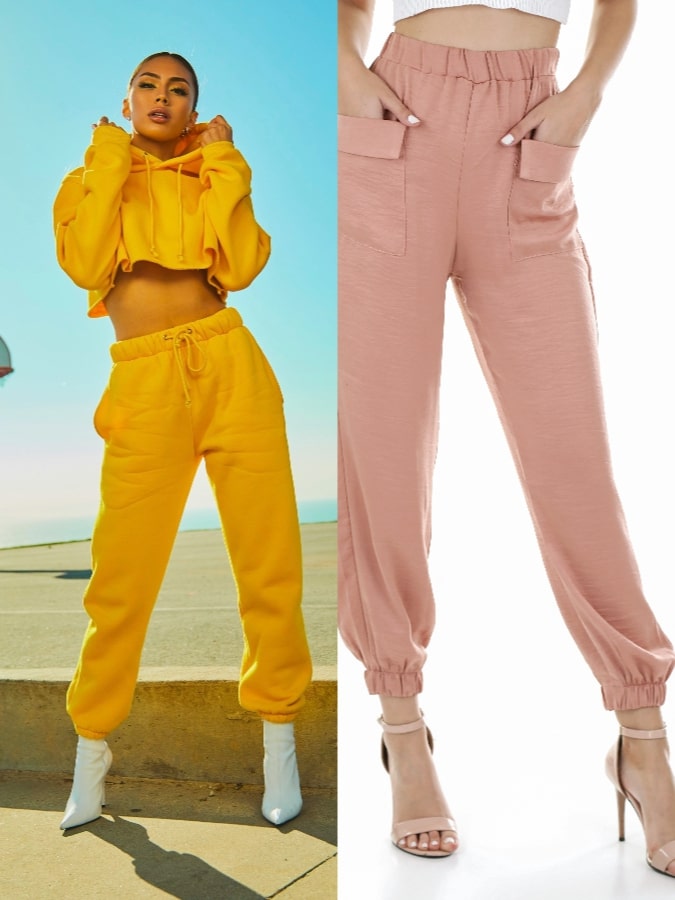
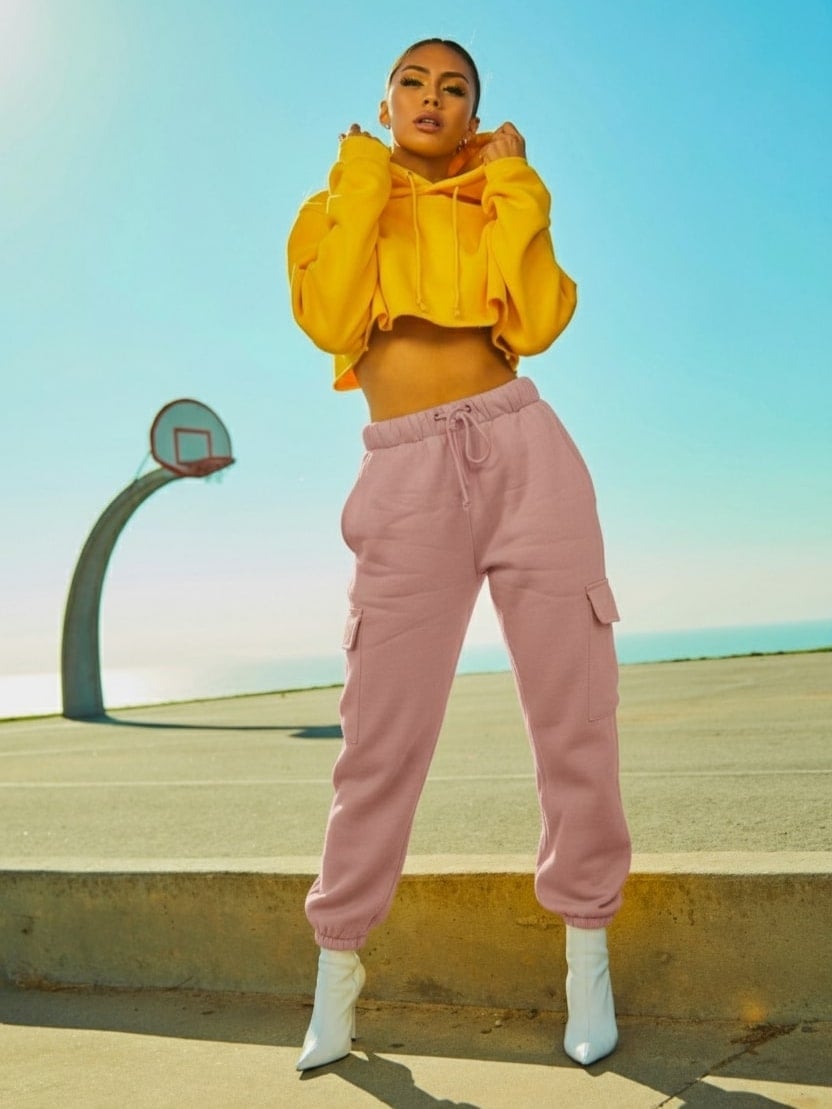
12. Virtual Change Clothes
Instantly change outfits on your subjects to see them in new styles and looks.
✅ Nano Banana Prompt:
Keep the character in [Image1] unchanged, but replace her pant with the outfit in [Image2]. Maintain the same pose, body proportions, and facial features, while applying the color, texture, and style of the pants in [Image2]. High-quality, realistic, consistent detail.
Portrait Editing
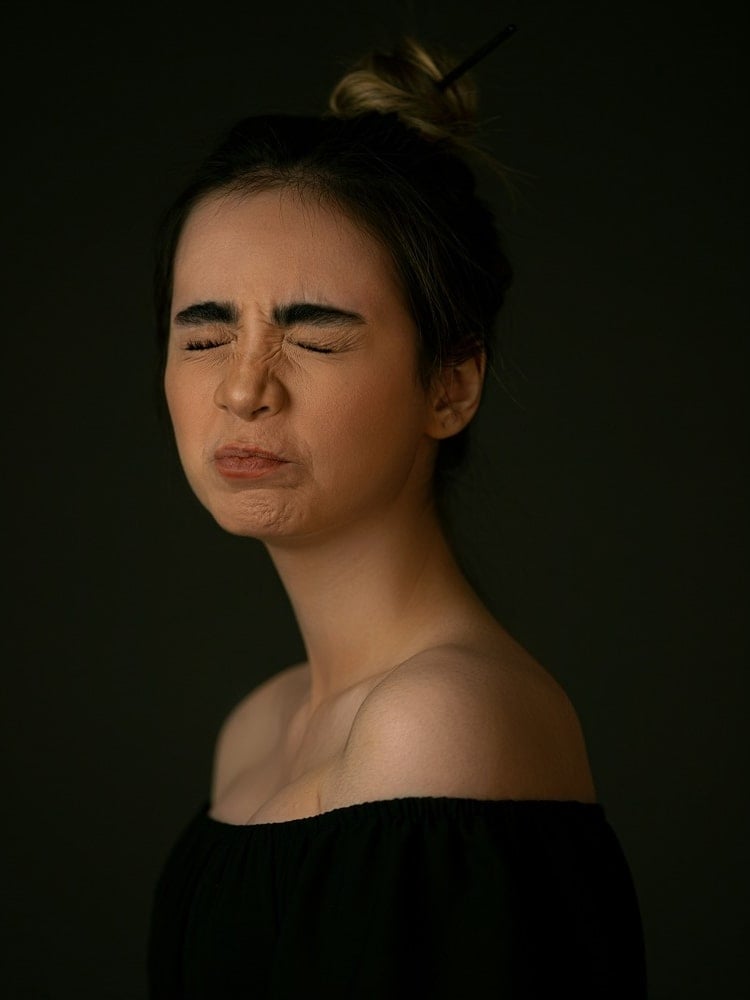
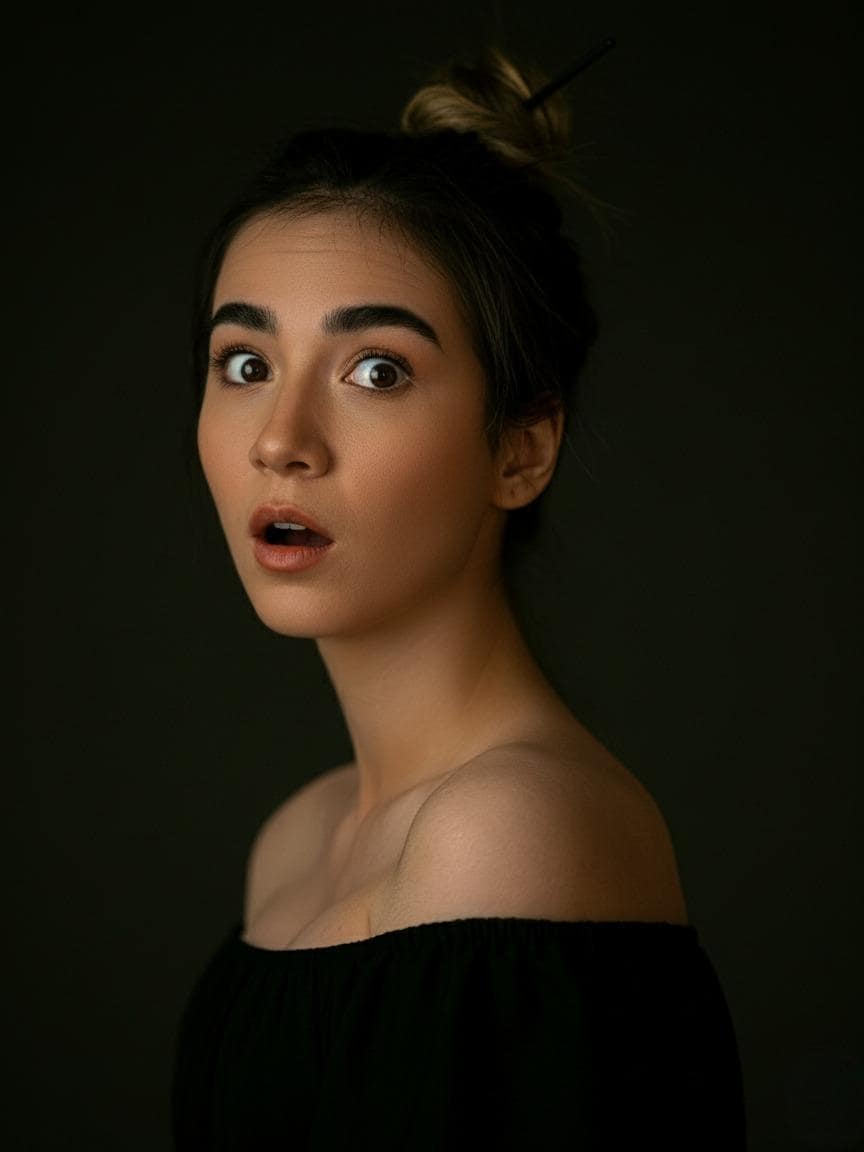
13. Facial Expression Control
Adjust facial expressions to make your subjects smile, frown, or show any emotion using Nano Banana model prompts.
✅ Nano Banana Prompt:
Keep the person from [Image1] unchanged, but change their facial expression to [desired expression, e.g., smiling, surprised, angry]. Preserve the pose, body proportions, hairstyle, and overall appearance. Maintain realistic lighting, shadows, and photorealistic details.
14. Pose Control
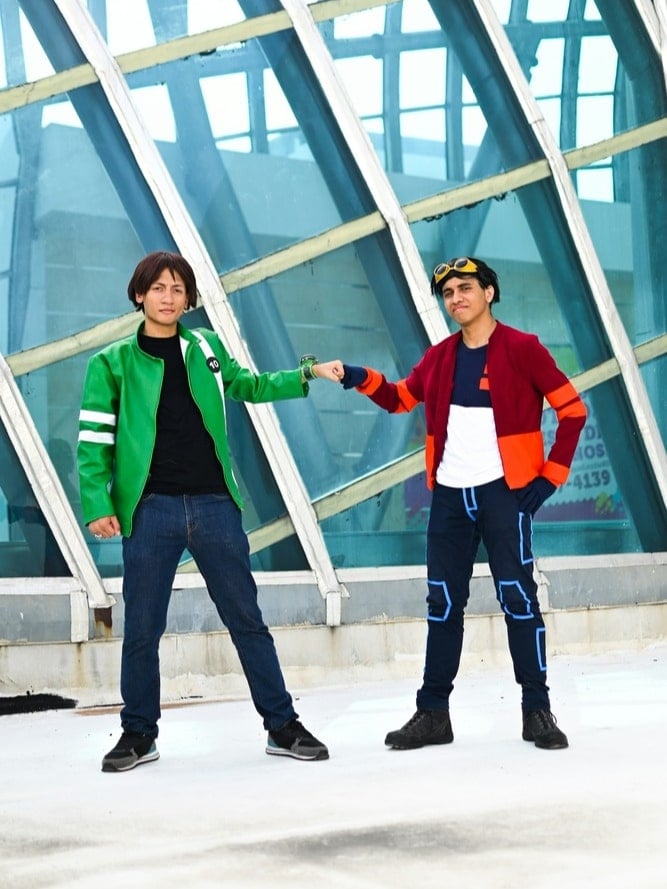
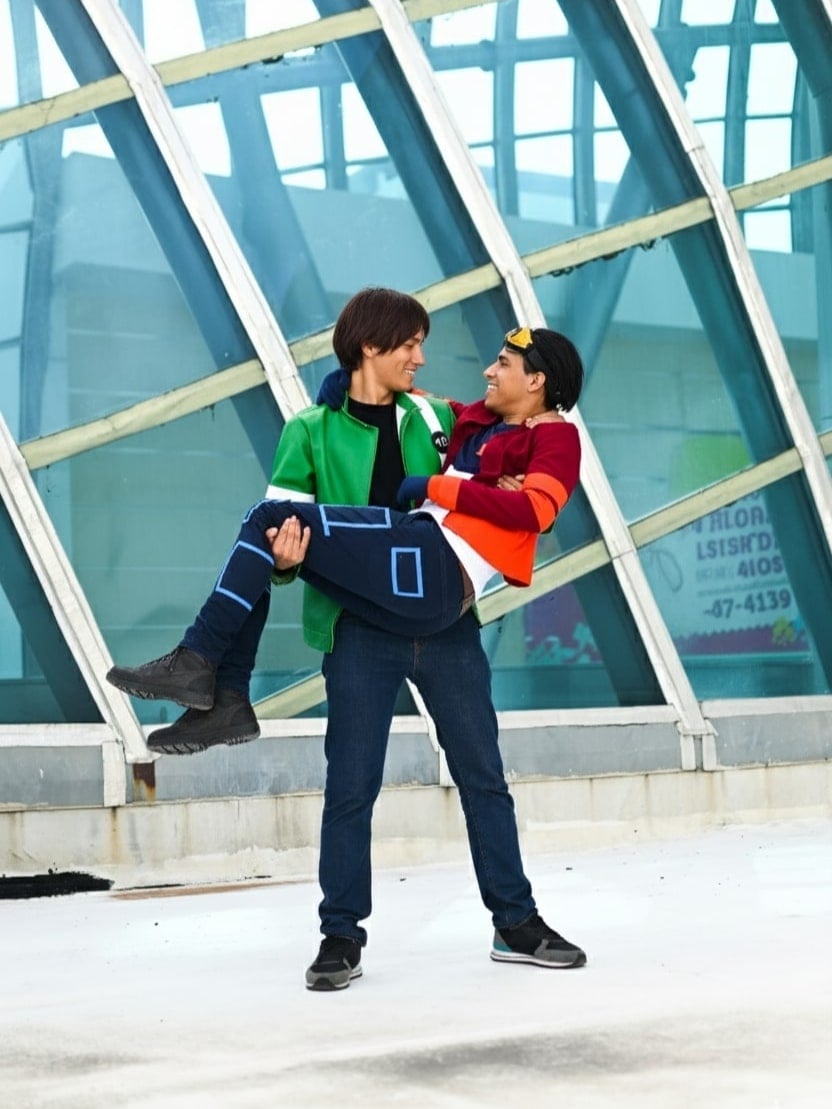
Change the posture of your subjects to achieve dynamic or natural poses.
✅ Nano Banana Prompt:
Take the two men and place them in the exact poses of the man in green carrying the man in red. Preserve their identities, body proportions, and clothing details. Ensure the pose is natural and realistic, with consistent lighting, shadows, and perspective. Photorealistic, high-resolution result.
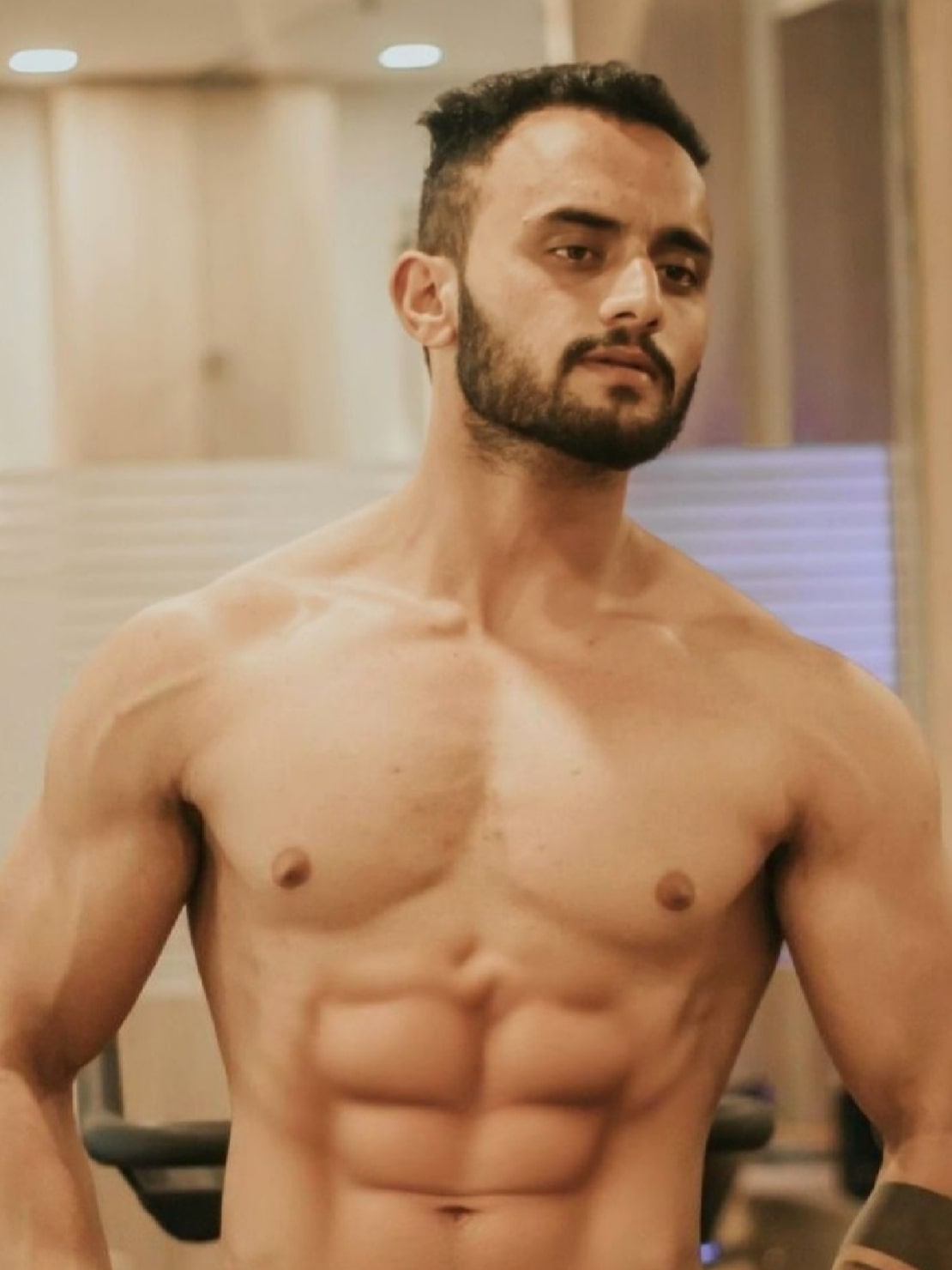
15. Body Reshape
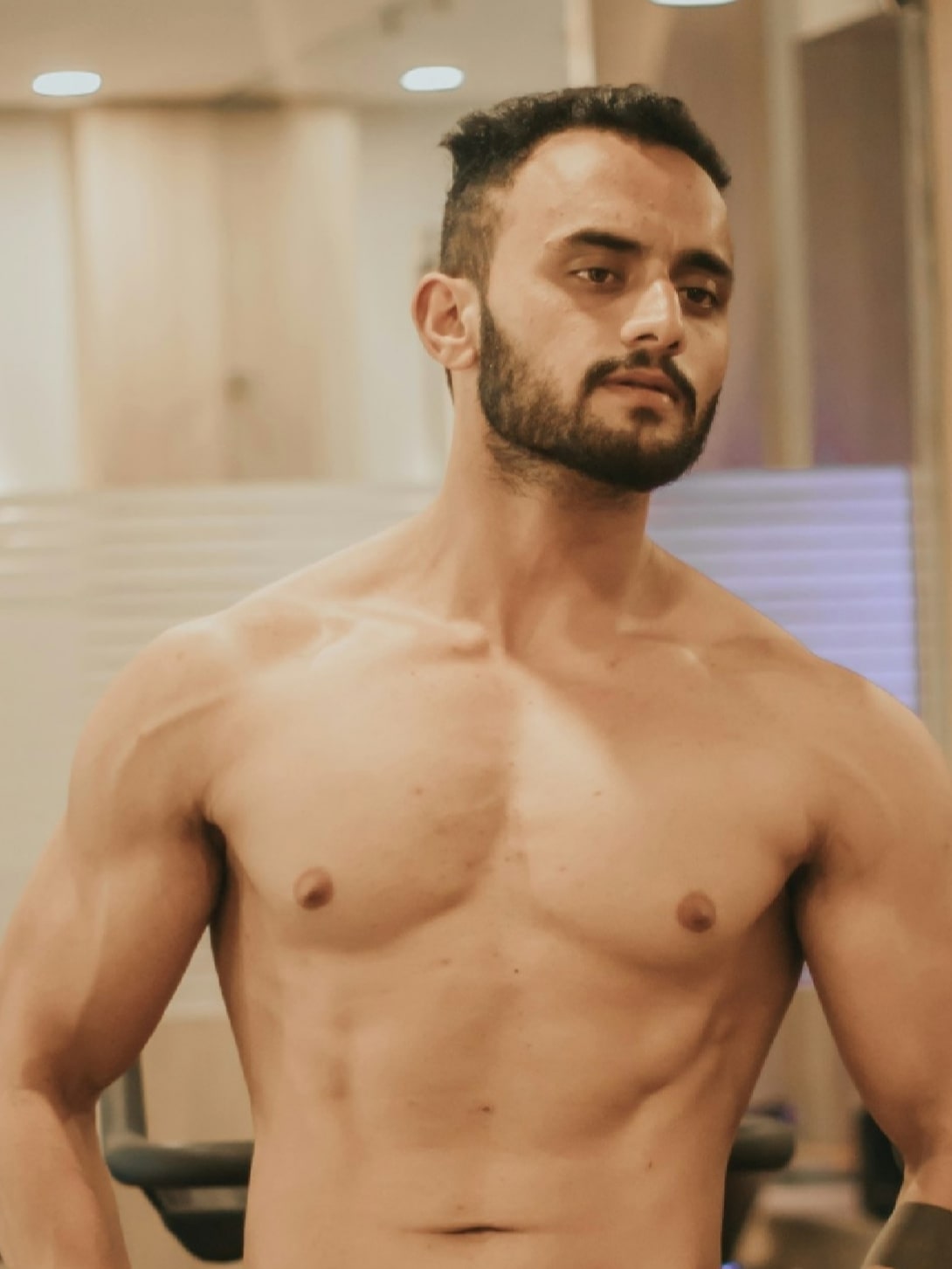
Easily transform body shapes, from muscular to slim or fuller, with a few simple adjustments.
✅ Nano Banana Prompt:
Reshape the body of the person in [Image1] into a [target body type]. Keep the face, identity, hairstyle, and clothing consistent. Ensure realistic anatomy, natural proportions, and photorealistic details.
16. 3x3 Grid Portrait
Generate a 3x3 grid of portraits showcasing different life experience using Nano Banana model prompts.
✅ Nano Banana Prompt:
Using the uploaded photo as a reference, generate a set of 9 vibrant half-length portraits featuring natural life. Each portrait should show a different pose and be placed in a unique setting, with rich, colorful details that highlight the diversity of nature.

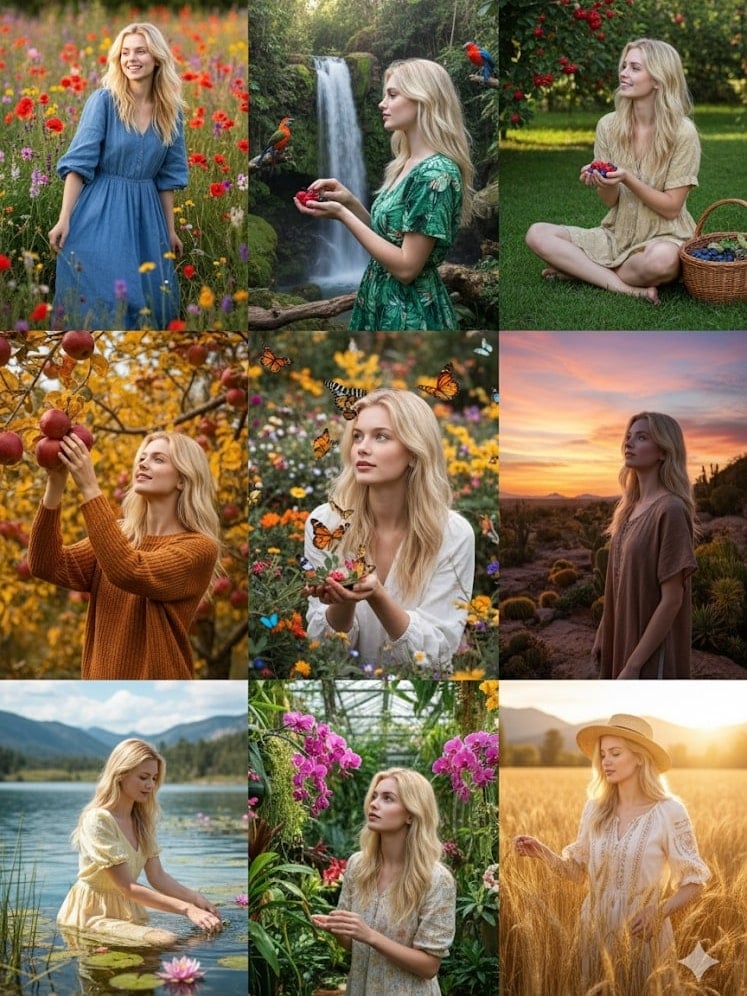
Image Editing
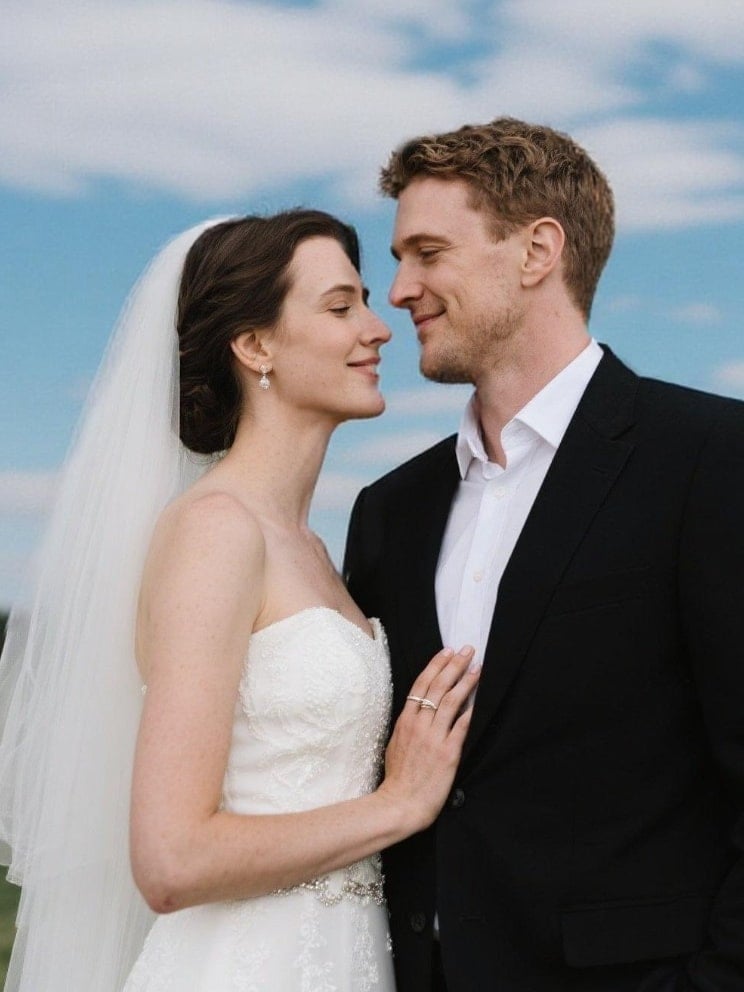
17. Change Image Background
Type in prompts for Nano Banana to replace any image background with a new scene while keeping the subject intact.
✅ Nano Banana Prompt:
Replace the background of [Image1] with [desired background description, e.g., a beach, a forest, a city skyline]. Keep the main subject (person/object) unchanged, maintaining original proportions, lighting, and details. Ensure the subject blends naturally with the new environment. Photorealistic, high-resolution, seamless integration.

18. Add and Remove Object from Image
Add Object to Image
Easily insert new objects into your images and make them blend naturally.
✅ Nano Banana Prompt:
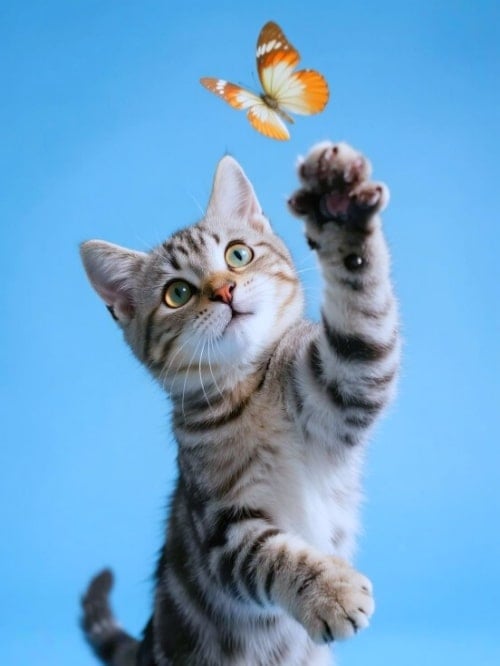
Add [desired element, e.g., a tree, a lamp, a dog] to [Image1]. Place it naturally in the scene, matching the lighting, perspective, and style. Keep the original elements unchanged. Photorealistic, seamless integration.
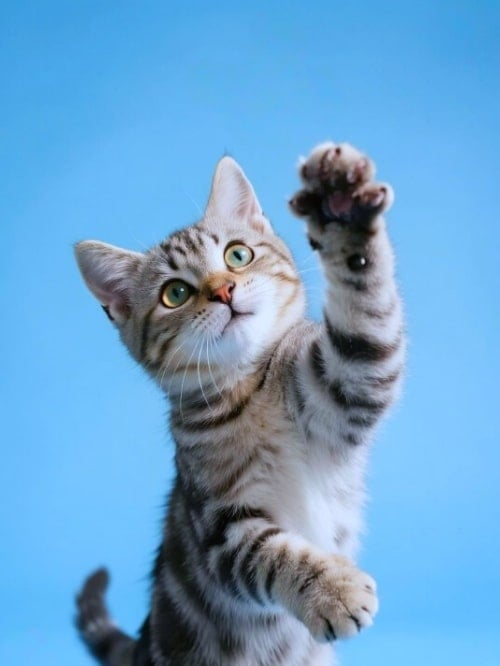
Remove Object from Image
Remove unwanted objects from your photos for a clean, polished result with Nano Banana photo editor.
✅ Nano Banana Prompt:
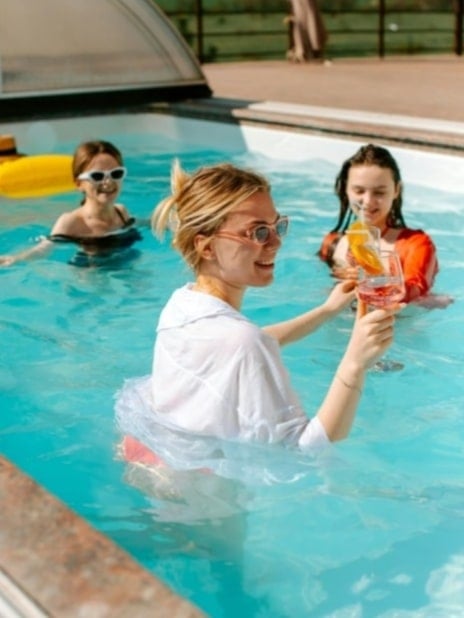
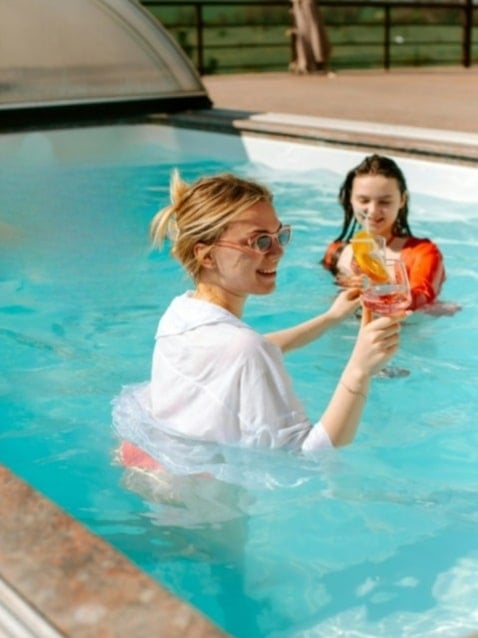
Remove [element to remove, e.g., a person, a car, a sign] from [Image1]. Fill the background naturally to maintain the scene’s continuity, lighting, and details. Keep all other elements unchanged. Photorealistic, high-resolution.
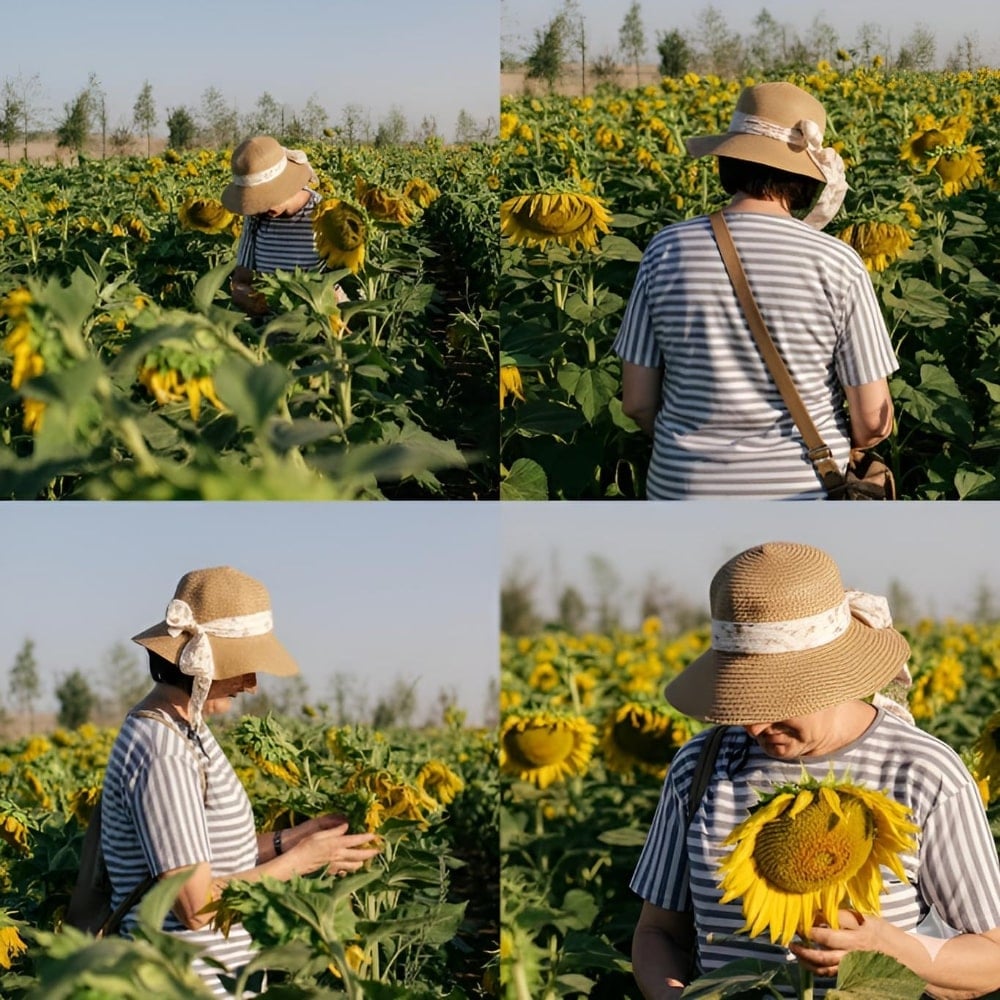
19. Change Camera Angle
Adjust the camera perspective to capture your subject from any viewpoint with this trending AI photo prompt.
✅ Nano Banana Prompt:
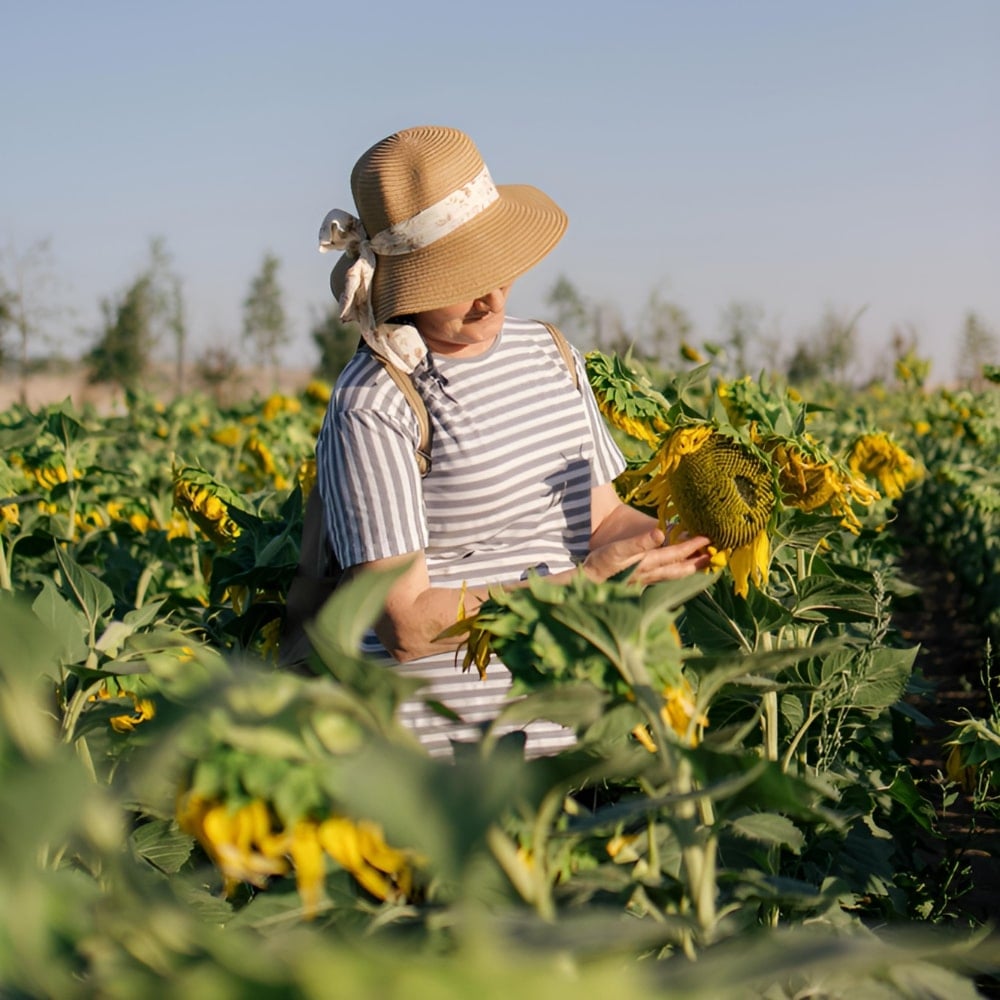
Recreate the person from [Image1] in four different camera perspectives.Keep the subject’s identity, body proportions, and clothing consistent across all four images. Maintain the same background environment as [Image1], with photorealistic lighting, natural shadows, and high-quality details.
Generate four variations side by side:
- Bird’s-eye view (from above).
- Rear view (from behind).
- Side profile view.
- Close-up portrait view.
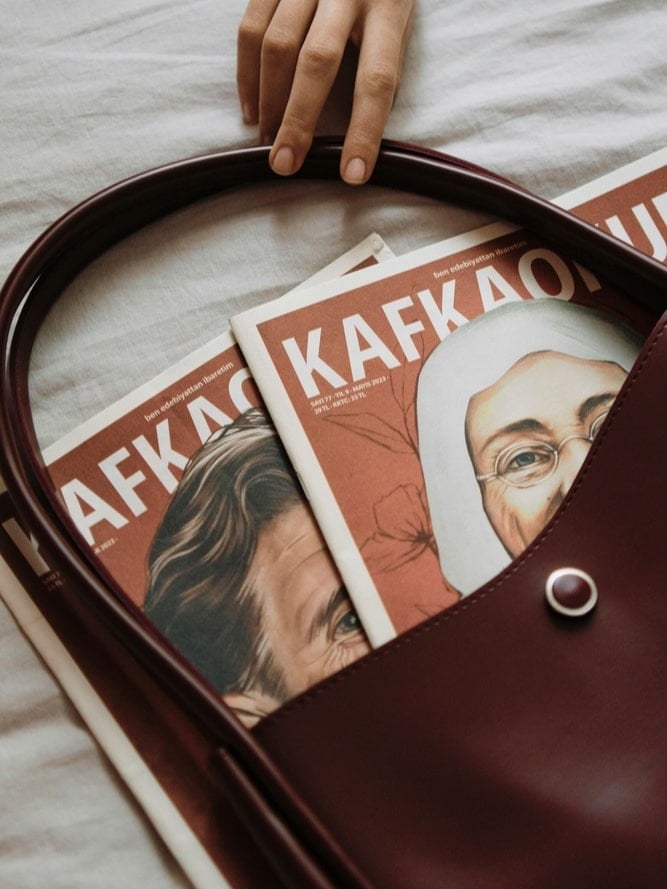
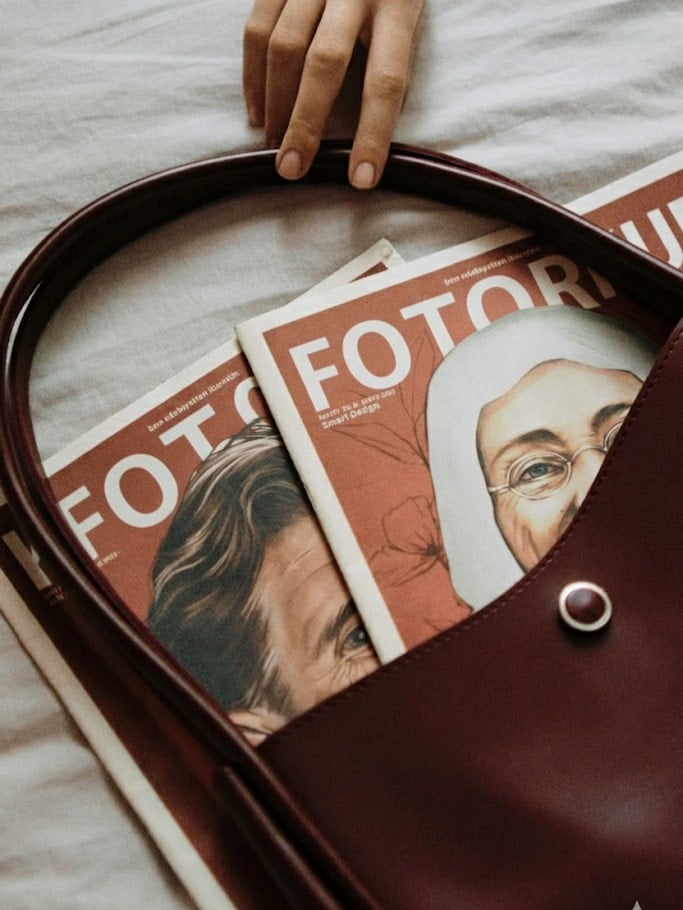
20. Edit Text in Image
Modify or replace text within your images while keeping the design altogether.
✅ Nano Banana Prompt:
Edit the text in [Image1]. Replace the existing text with “[your new text]” while keeping the background, design, and other elements unchanged. Match the font style, size, and color to look natural and consistent with the image. Photorealistic, seamless integration.
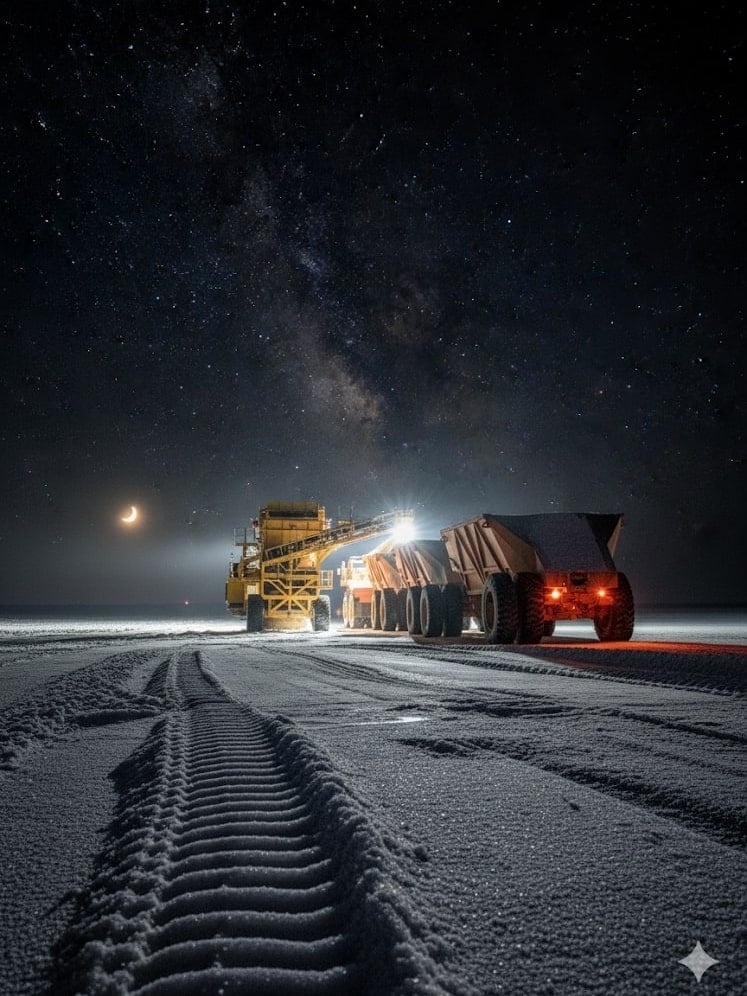
21. Time-Based Image Generation
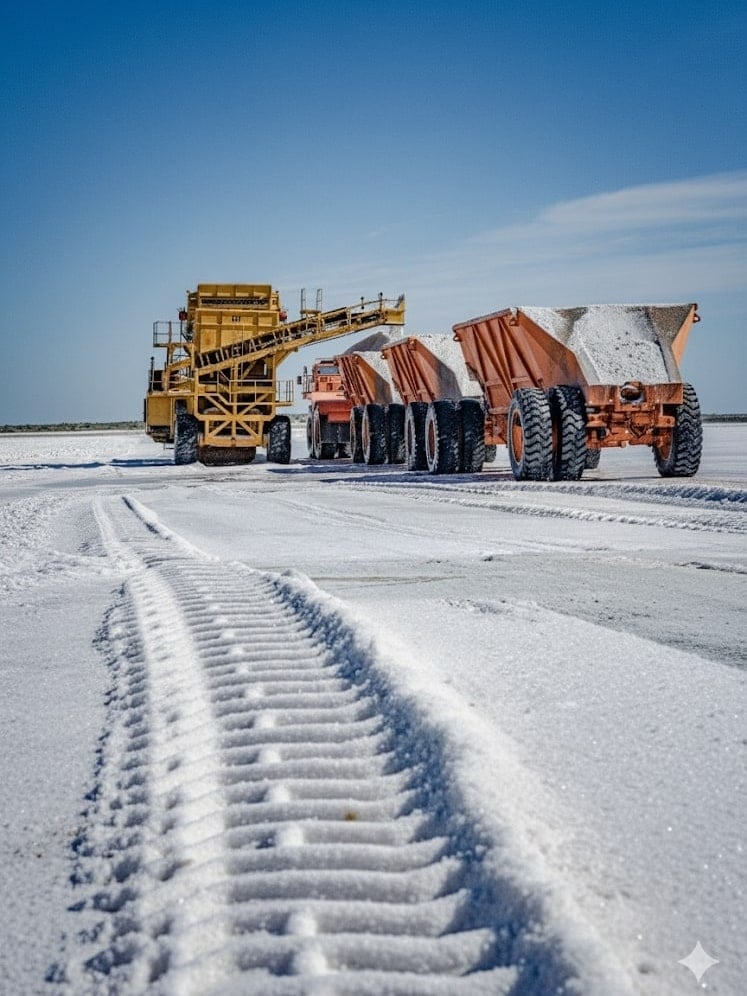
Generate scenes that reflect specific moments in time, like 10 minutes later or at sunset, controlling time using the Nano Banana prompt example.
✅ Nano Banana Prompt:
Generate an image of the same scene as [Image1], but showing how it looks 10 minutes later. Keep the environment and style consistent, but add natural changes over time such as light, weather, people and so on. Photorealistic, seamless continuity.
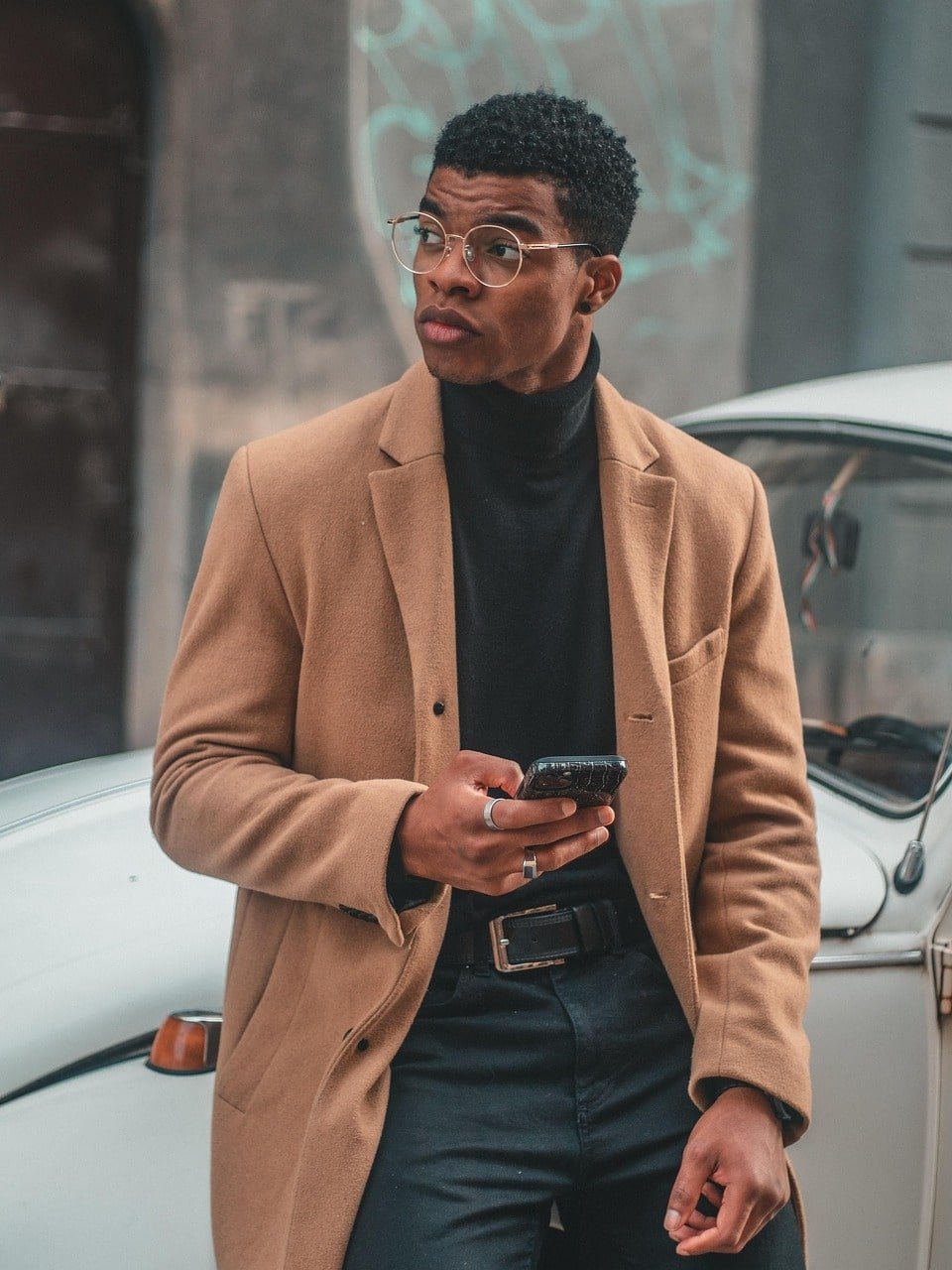
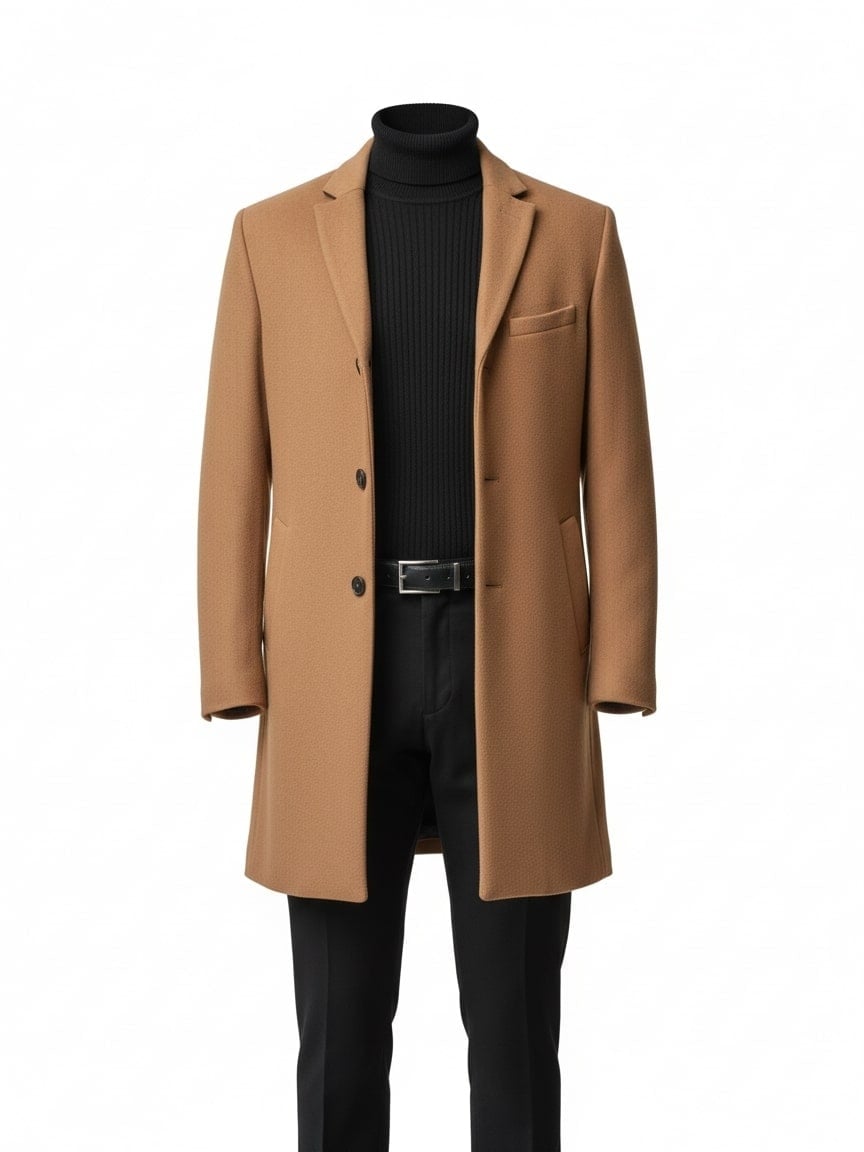
22. Object Extraction
Easily isolate and extract specific objects from any image for further editing or reuse.
✅ Nano Banana Prompt:
Extract the clothing from [Image1] and present it as a clean e-commerce product photo. Remove the model’s body completely. Keep the outfit in natural 3D shape, with realistic fabric folds, seams, and textures. Display the garment as if photographed on a mannequin or neatly laid flat, centered on a pure white or transparent background. High-resolution, professional lighting, suitable for online fashion catalog.
23. Enhance Image
Improve image quality, sharpening details and boosting clarity with minimal effort.
✅ Nano Banana Prompt:
Enhance [Image1] to improve overall quality and detail. Keep the original composition, colors, and style intact. Increase resolution, sharpness, texture clarity, and lighting realism. Output as a photorealistic, high-resolution image.
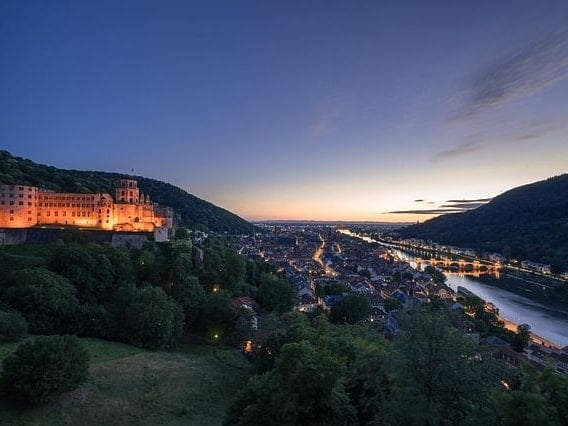
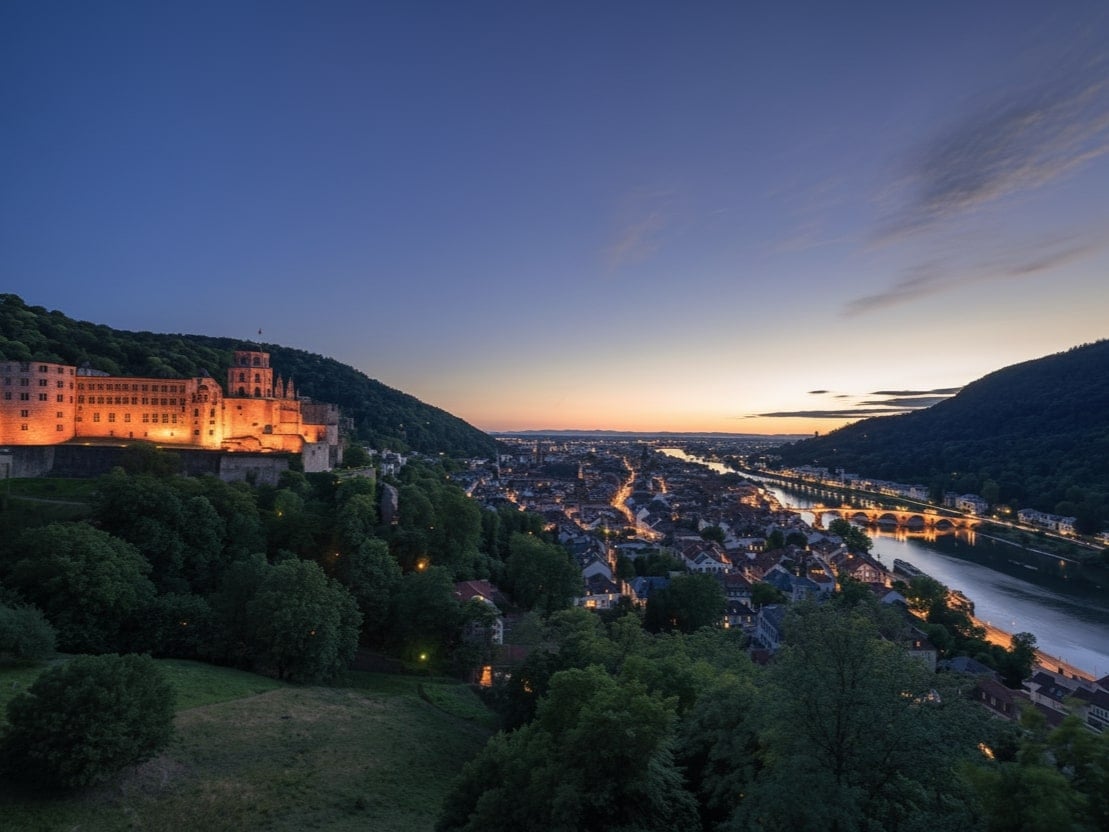
24. Change the Weather
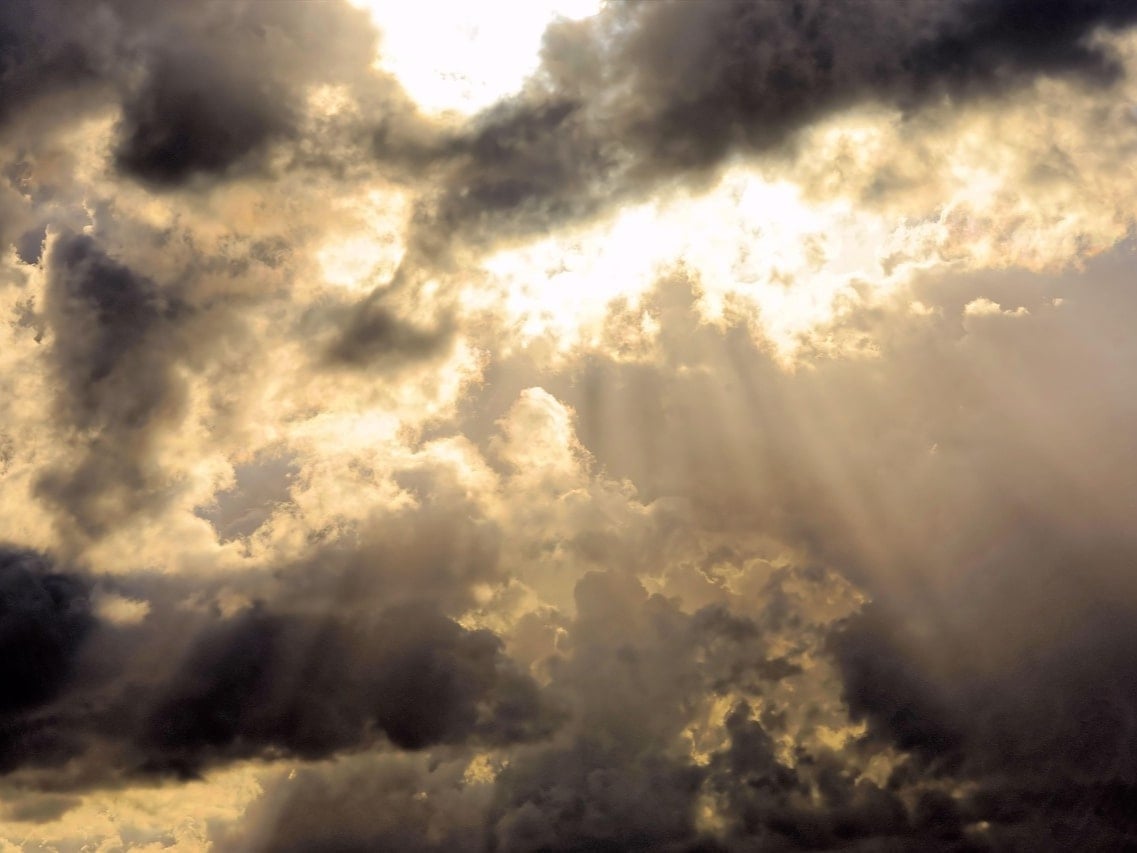
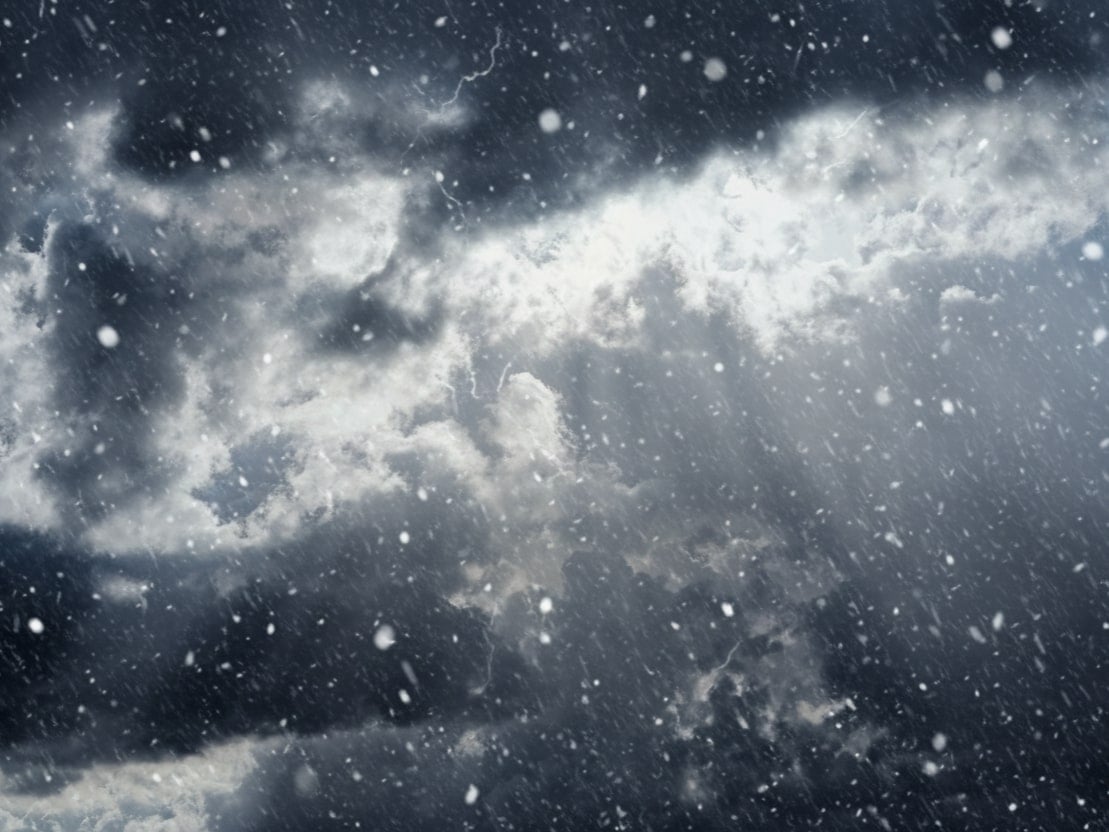
Transform the scene’s weather instantly, from sunny to rainy, snowy, or foggy, with realistic effects.
✅ Nano Banana Prompt:
Change the weather in [Image1] to [desired weather, e.g., rainy, snowy, foggy, sunny]. Keep the main subject and overall scene intact. Adjust lighting, shadows, colors, and environmental effects to match the new weather. Photorealistic, seamless integration, high-resolution.
25. Change Image Color
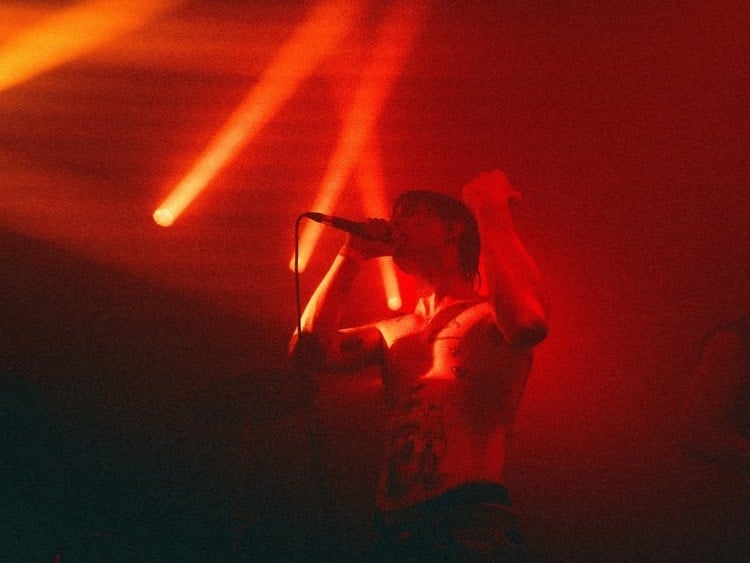
Easily adjust the colors of your images to match any mood, style, or aesthetic.
✅ Nano Banana Prompt:
Change the colors in [Image1] to [desired color/style, e.g., warm tones, cool blue tones, pastel colors]. Keep the main subject and composition intact. Adjust lighting, shadows, and overall color balance to match the new color scheme. Photorealistic, high-resolution, natural-looking result.
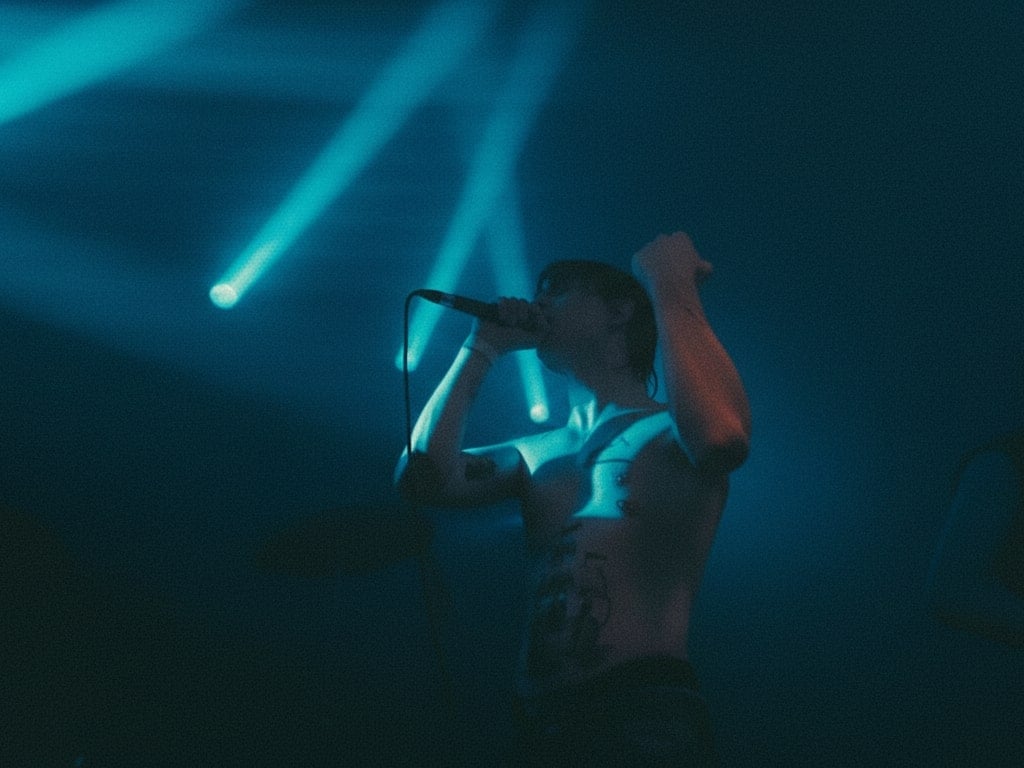
26. Image Replace
Swap specific elements or subjects in your image seamlessly with new ones.
✅ Nano Banana Prompt:
Replace [target element or area] in [Image1] with [new element or reference, e.g., a different person, object, or scene]. Keep all other parts of the image unchanged. Ensure the replacement blends naturally with lighting, perspective, and overall style. Photorealistic, high-resolution, seamless integration.
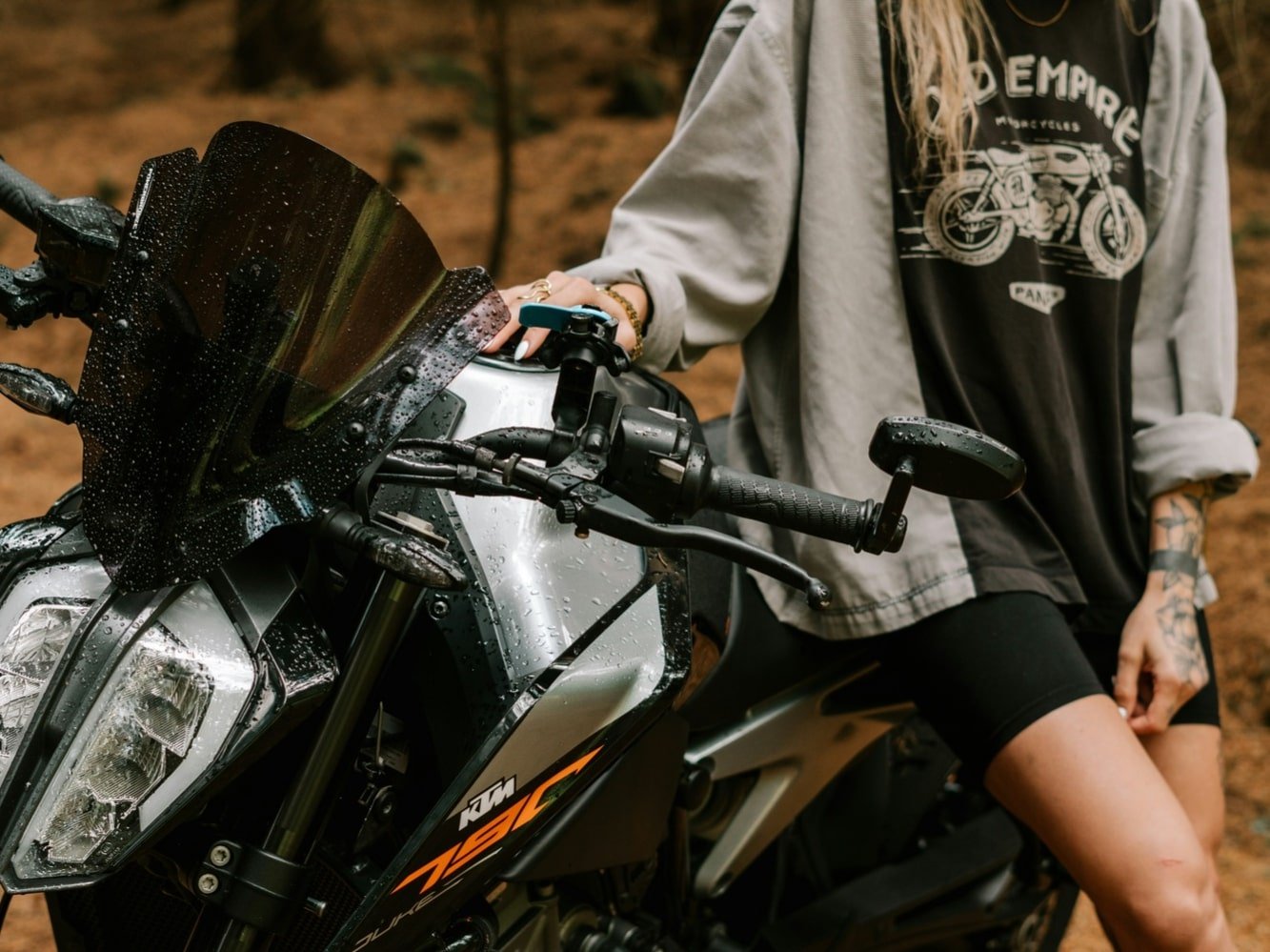
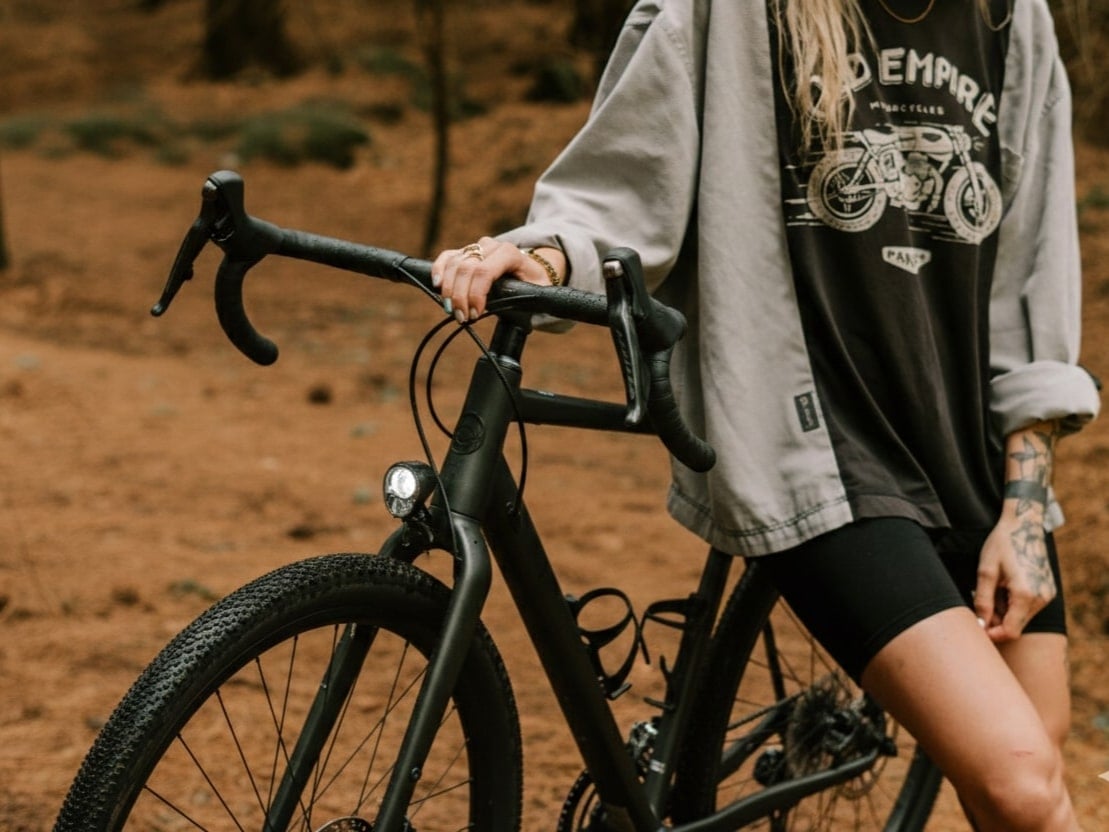
27. Image Outpainting
Extend your images beyond the original borders, creating natural and seamless new content.
✅ Nano Banana Prompt:
Extend [Image1] beyond its original borders using outpainting. Keep the main subject and composition intact. Generate new content around the edges that matches the style, colors, lighting, and perspective of the original image. Photorealistic, high-resolution, seamless integration.
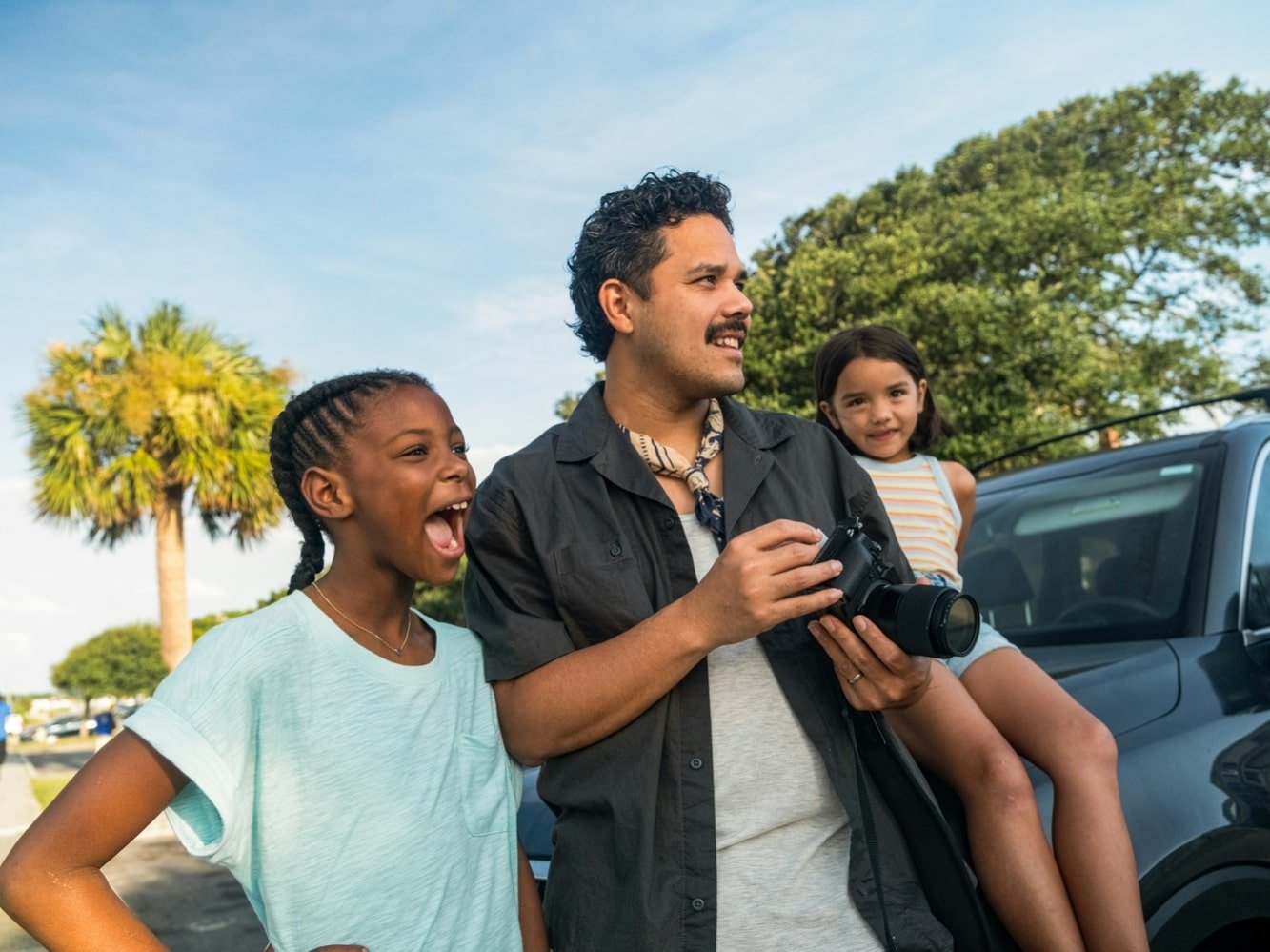
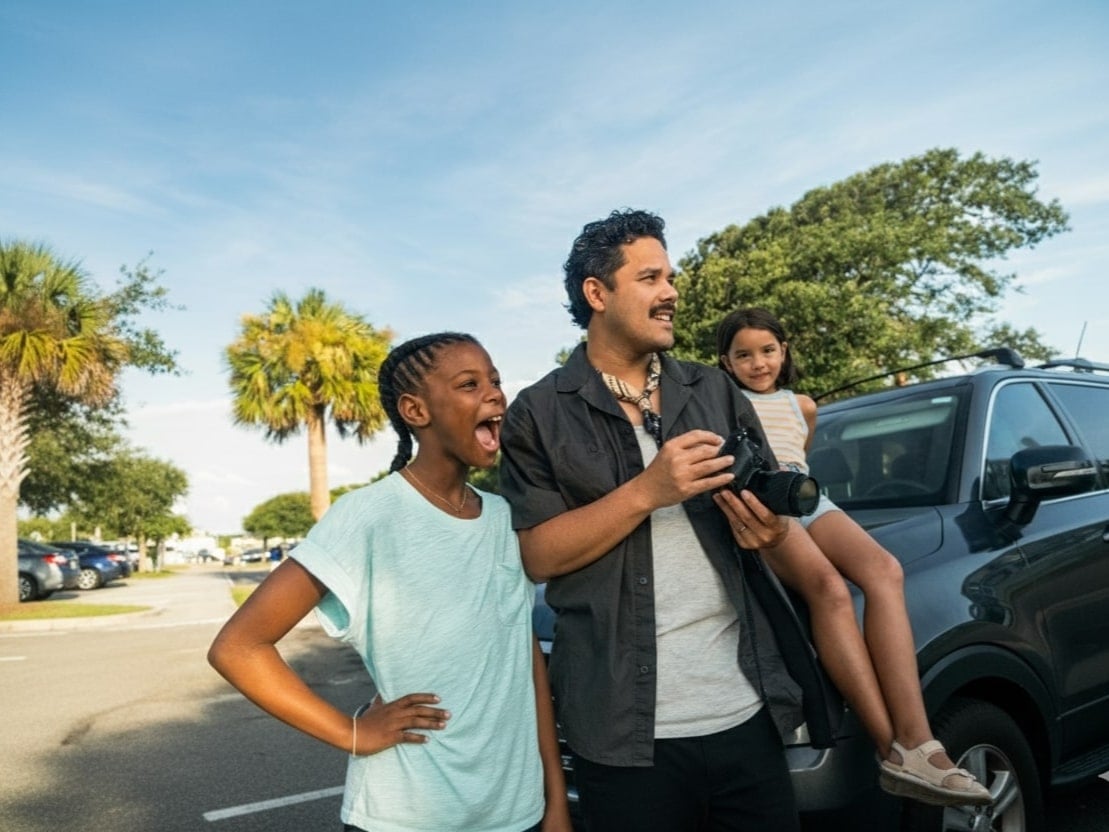
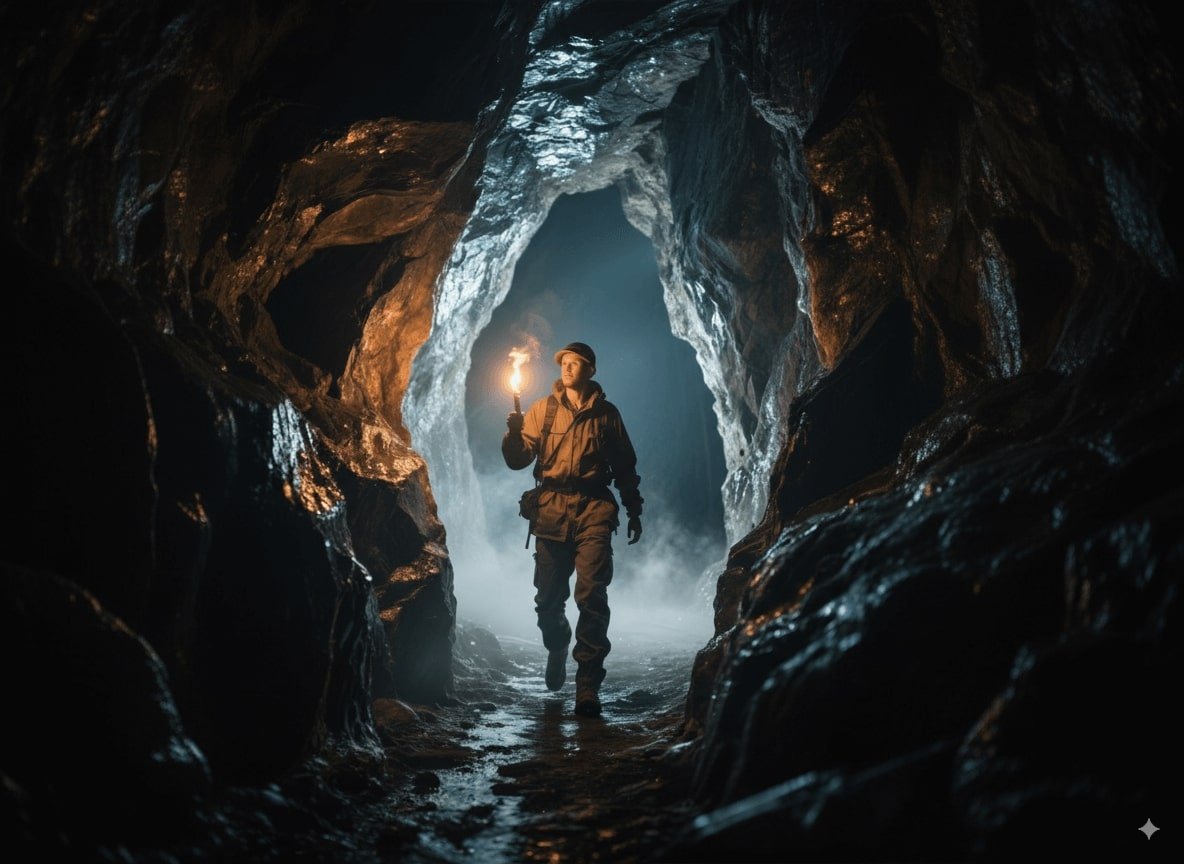
Nano Banana users have probably run into the issue of not being able to customize image aspect ratios. Simply entering a Nano Banana image prompt with the desired dimensions won’t generate an image in the exact size. However, by using the following method, you can control the aspect ratio when expanding the image:
- First, upload the “original image to be outpainted.”
- Second, upload the “aspect ratio template image.”
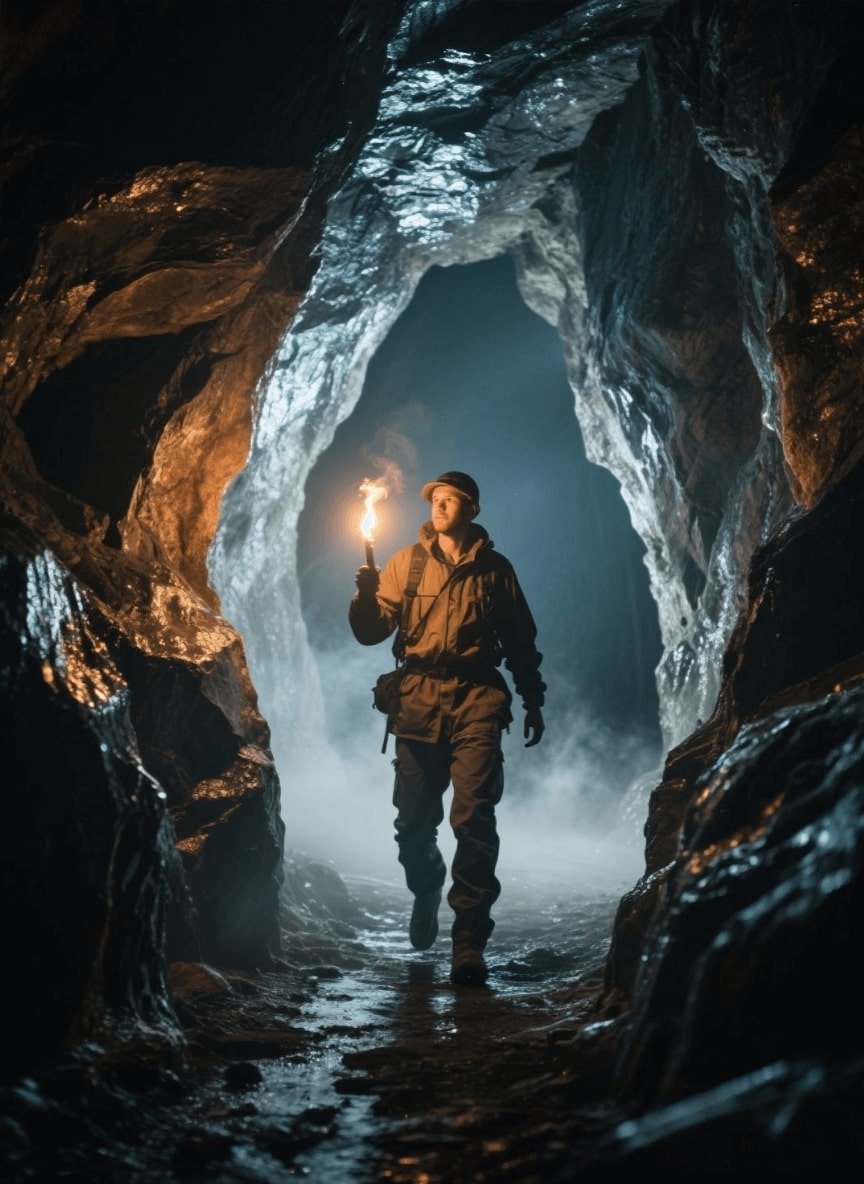
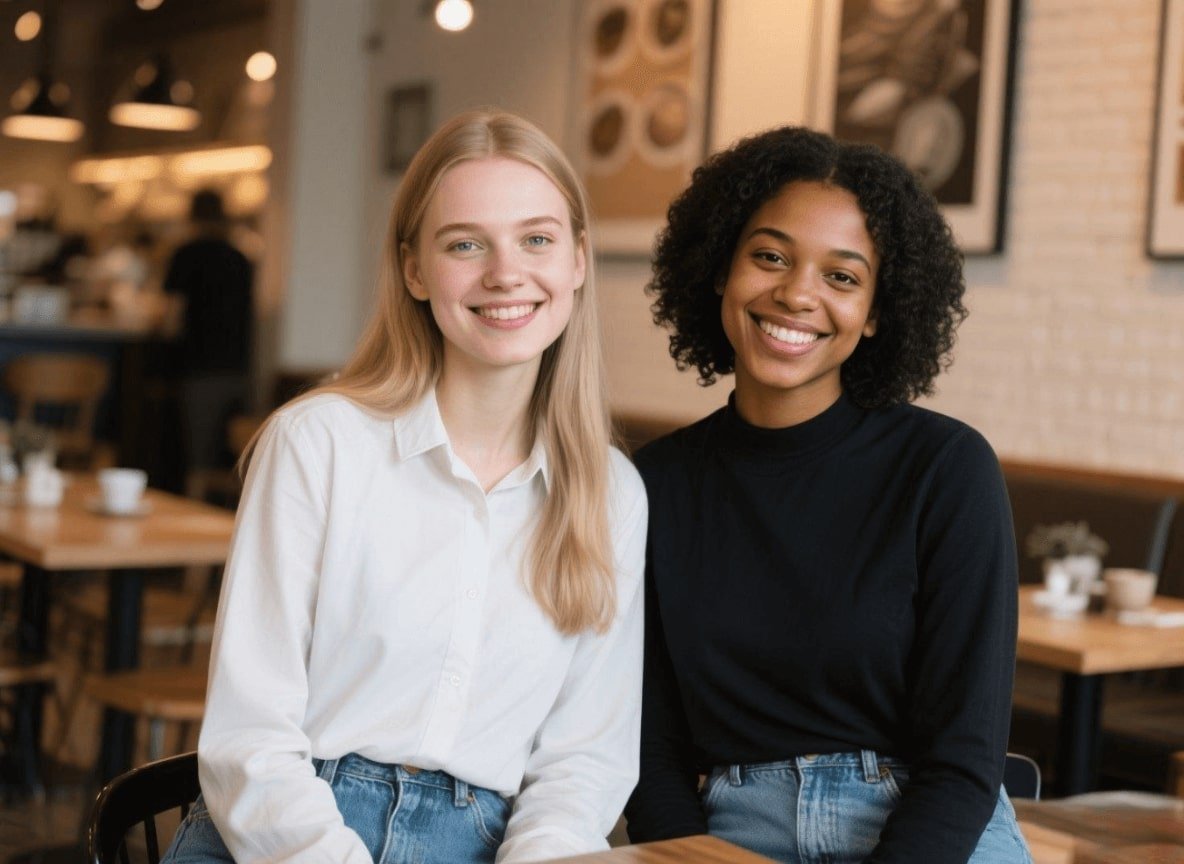
- Input the following the image prompt:
✅ Nano Banana Prompt:
Redraw the content of Figure 1 onto Figure 2, add more detailed content to Figure 1 to fit the aspect ratio of Figure 2, completely clear the content of Figure 2, and only retain the aspect ratio of Figure 2.
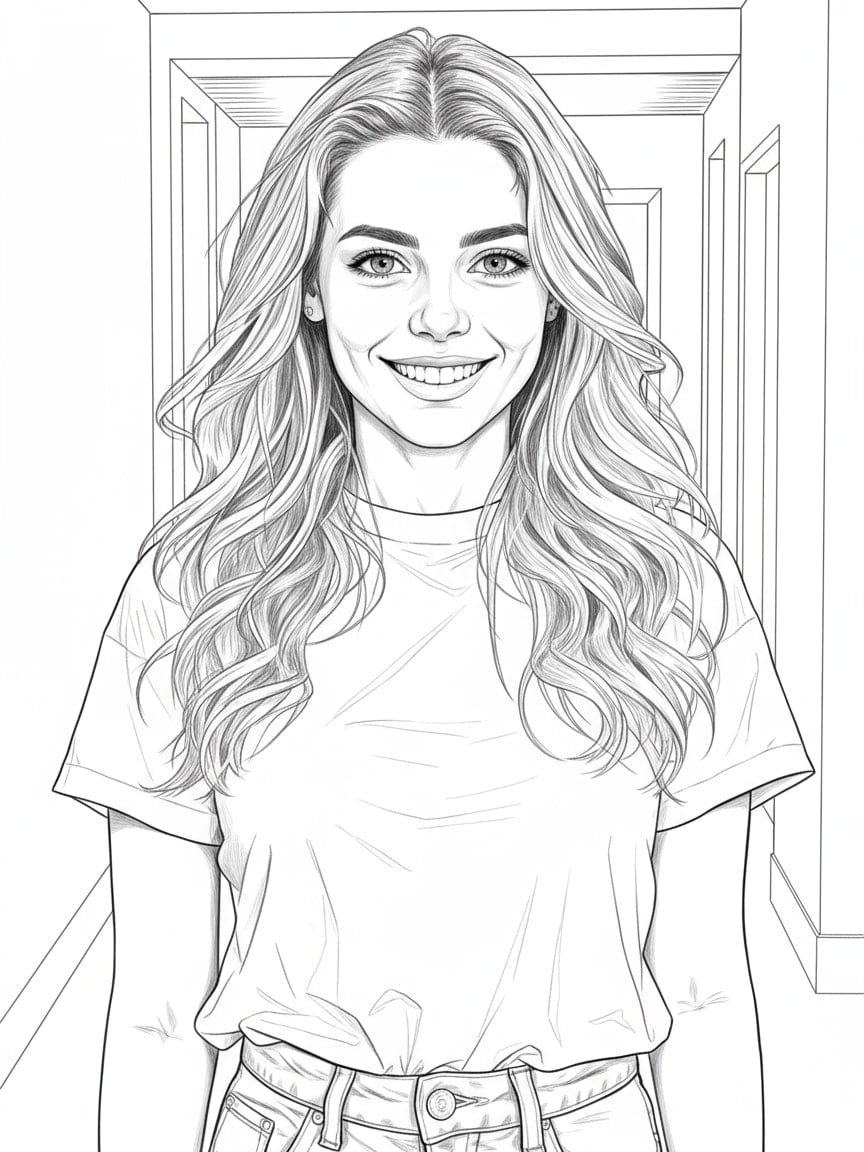
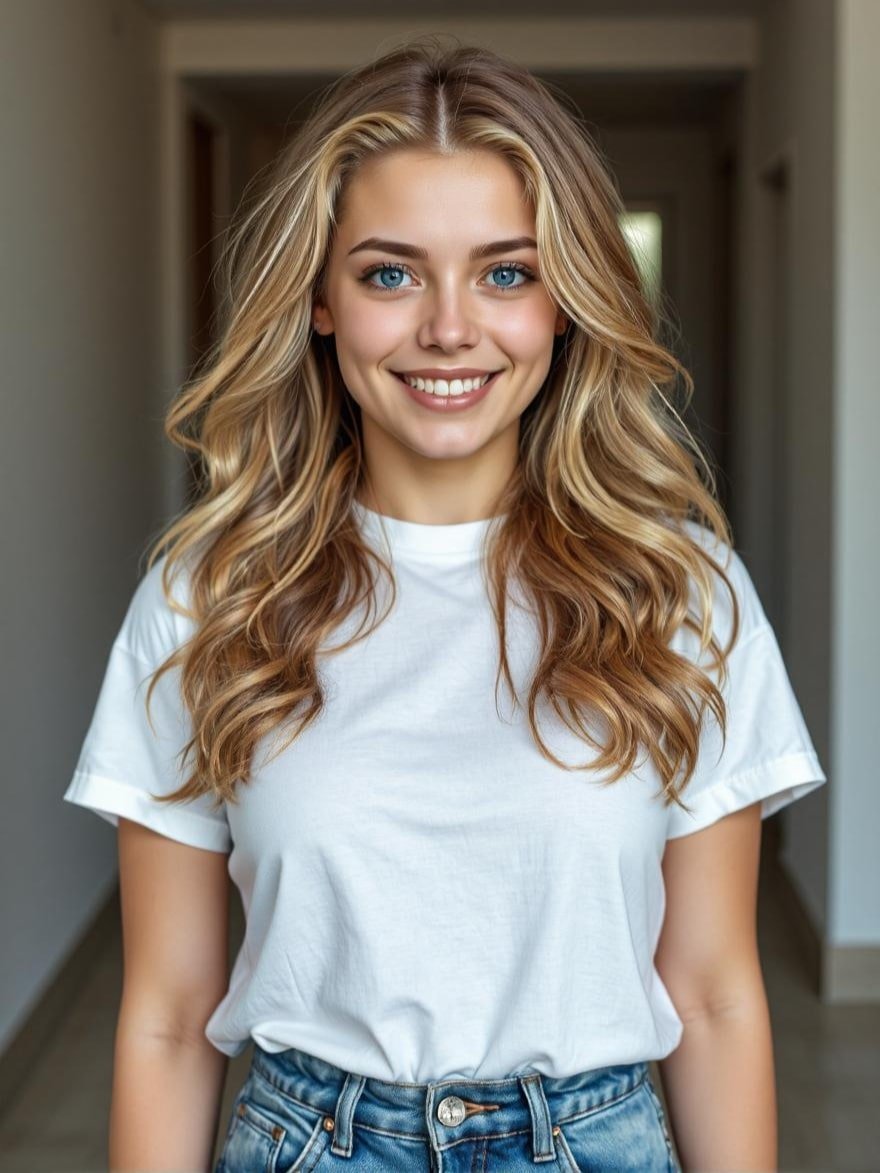
28. Line to Image
turn line art or sketches into an image that is fully colored and detailed with realistic or stylized effects.
✅ Nano Banana Prompt:
Convert the line art in [Image1] into a fully colored and detailed image. Preserve all original outlines and compositions. Apply [desired style, e.g., photorealistic, anime, cartoon, digital painting] with realistic lighting, shadows, and textures. High-resolution, natural, seamless rendering.
29. 3x3 Photo Grid Pose
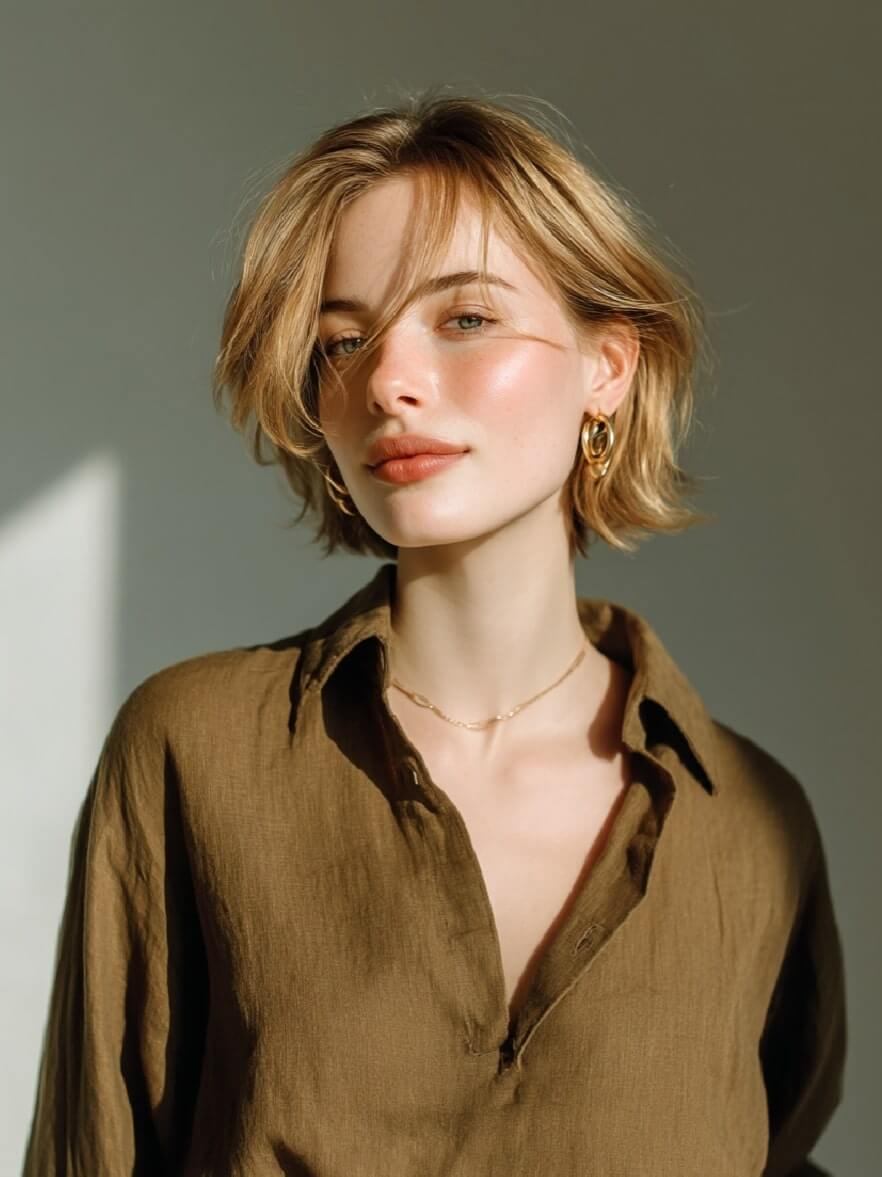
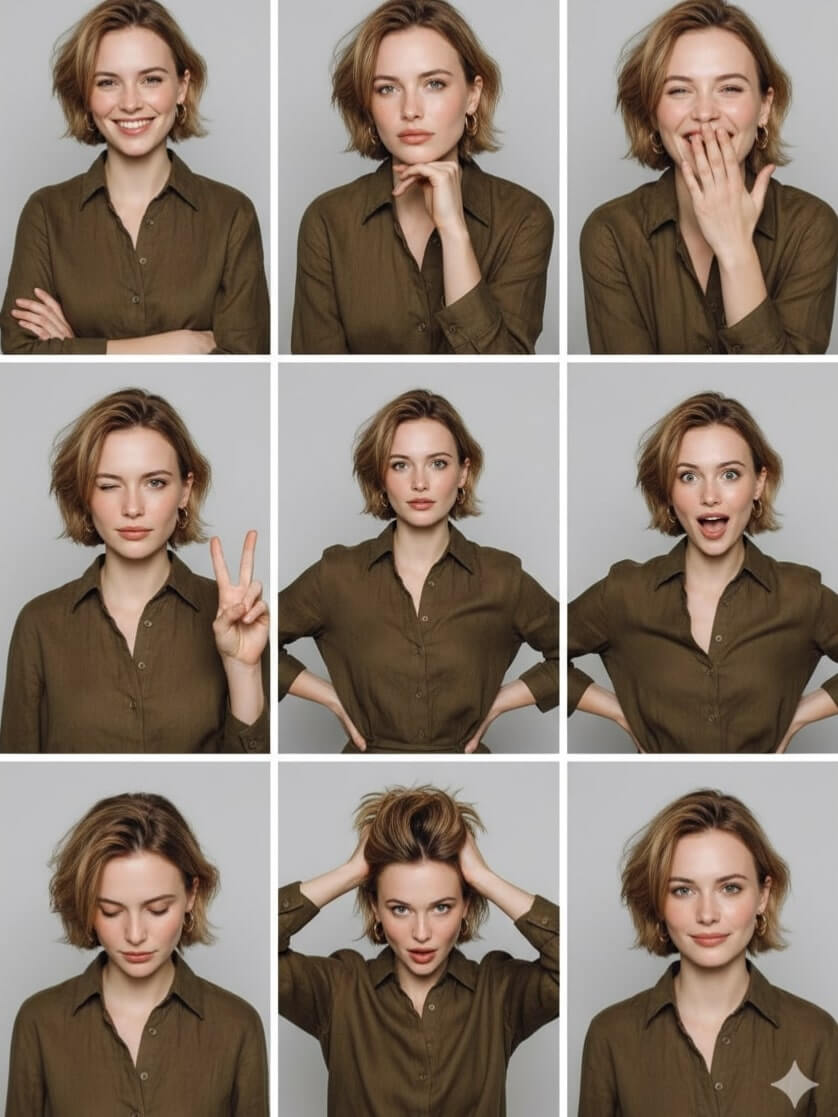
Generate a 3x3 photo grid with varied poses, giving your portraits a dynamic and stylish presentation.
✅ Nano Banana Prompt:
Turn the photo into a 3x3 grid of photo strips with different studio-style poses and expressions.
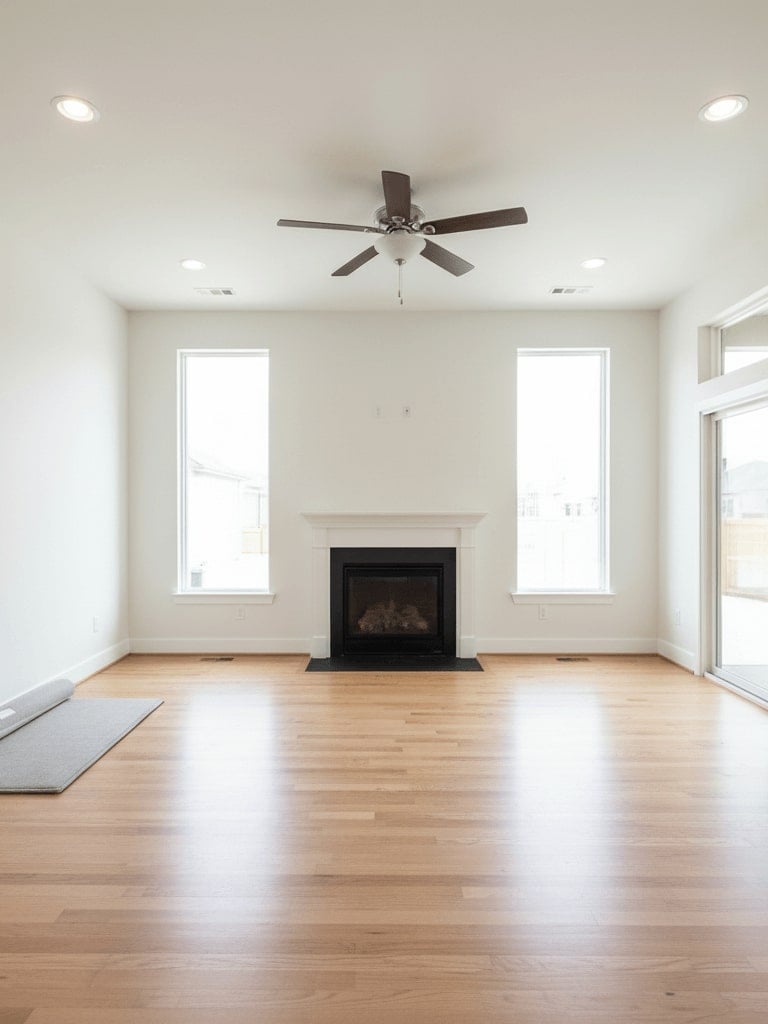
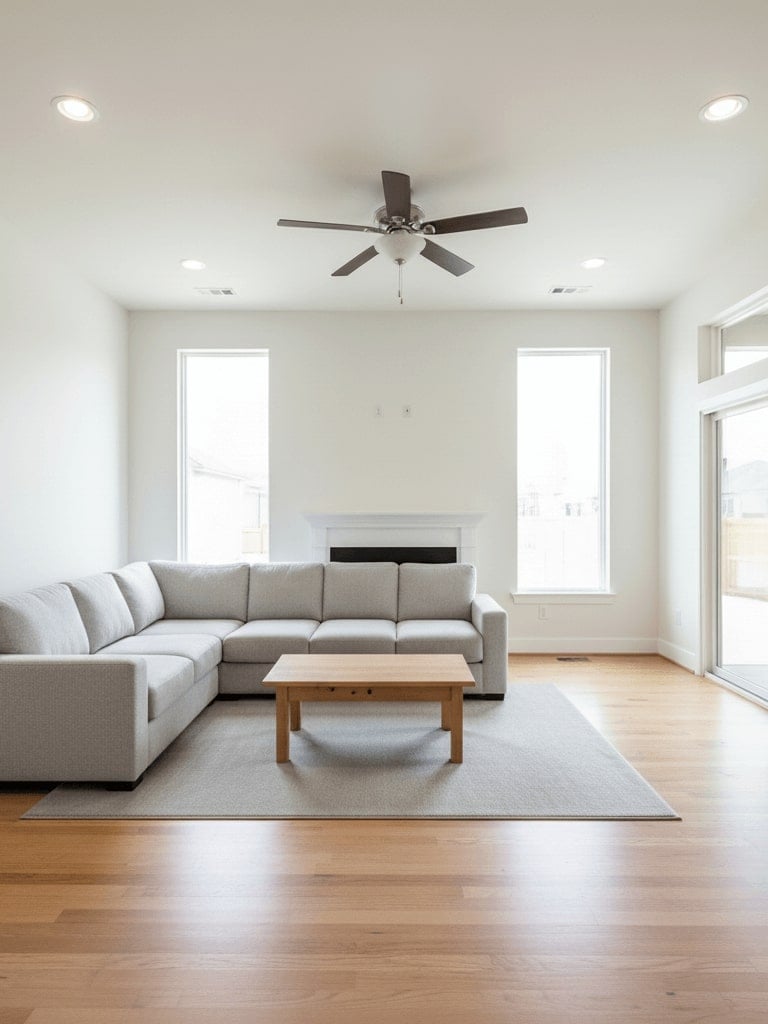
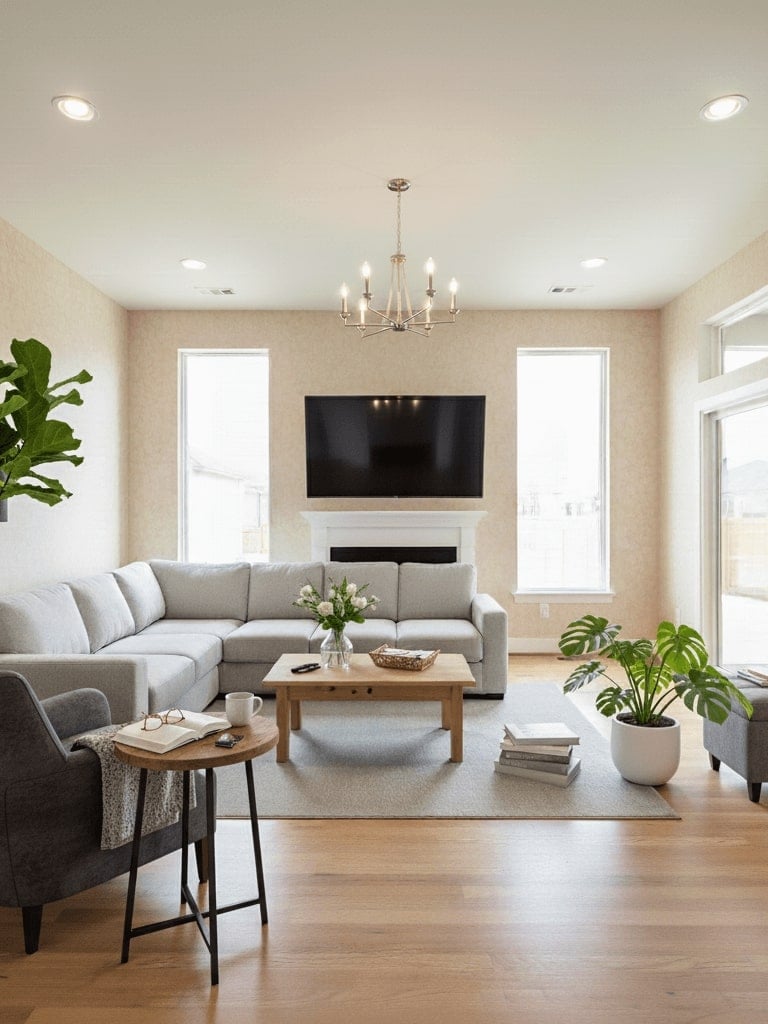
30. AI Interior Design
A step-by-step Nano Banana prompt to visualize and redesign any room with AI interior design, creating stylish spaces.
✅ Nano Banana Prompt:
1️⃣ Step one: Add a comfortable gray sofa and a wooden coffee table in the center, matching the room’s contemporary style, photorealistic render.
2️⃣ Step two: Add more furniture-like items to the foreground and more daily necessities on the table. Also, change the wallpaper to something warmer.
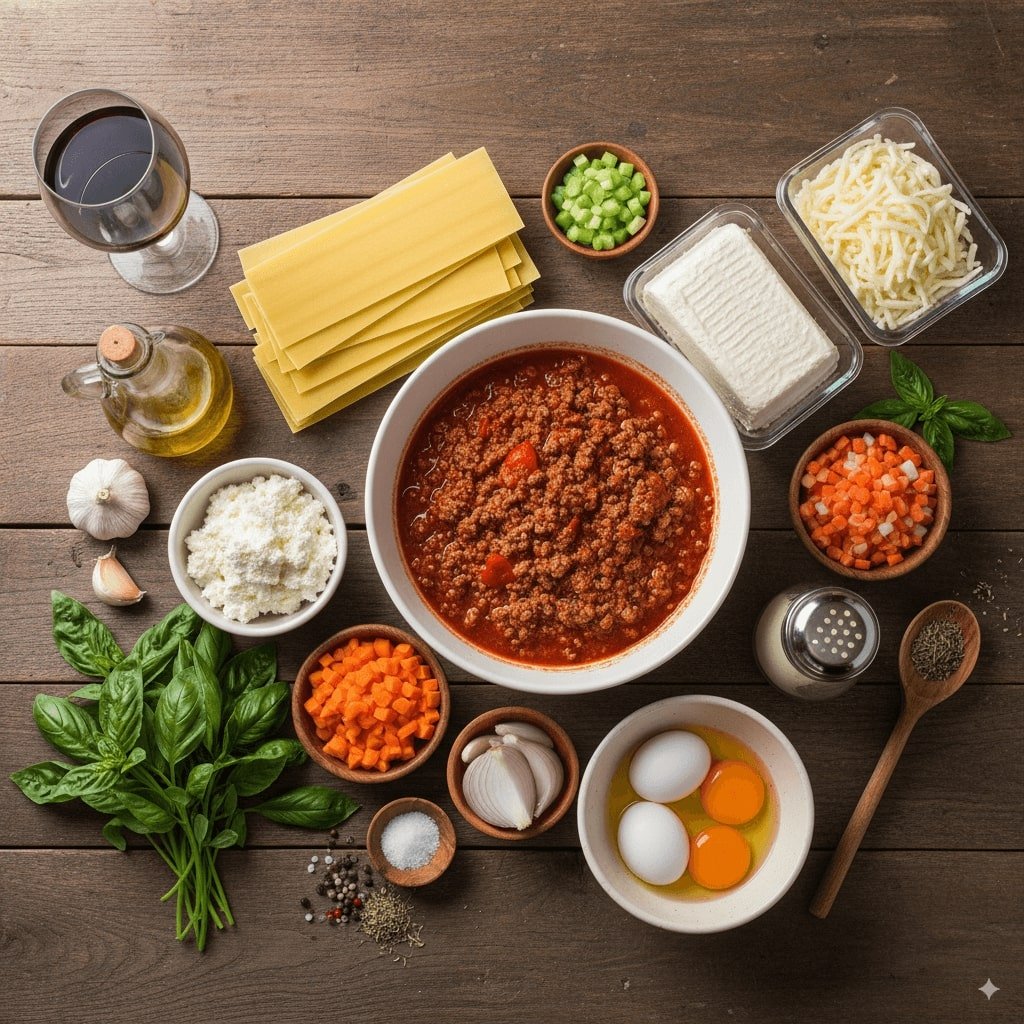
31. Ingredients to Dish
Turn raw ingredients into a beautifully plated dish AI-generated picture from Nano Banana prompt generator.
✅ Nano Banana Prompt:
Here are the items available: [List of items]. Based on these items, create an image of a [type of object/scene] that can be made or represented by combining them. The composition should make logical sense, considering the relationship between the items. Ensure the image is [visual style]. It should be with appropriate proportions and clear placement of each item.
👀 Note: Replace [List of items], [type of object/scene], [visual style] in the prompt with specific descriptions.
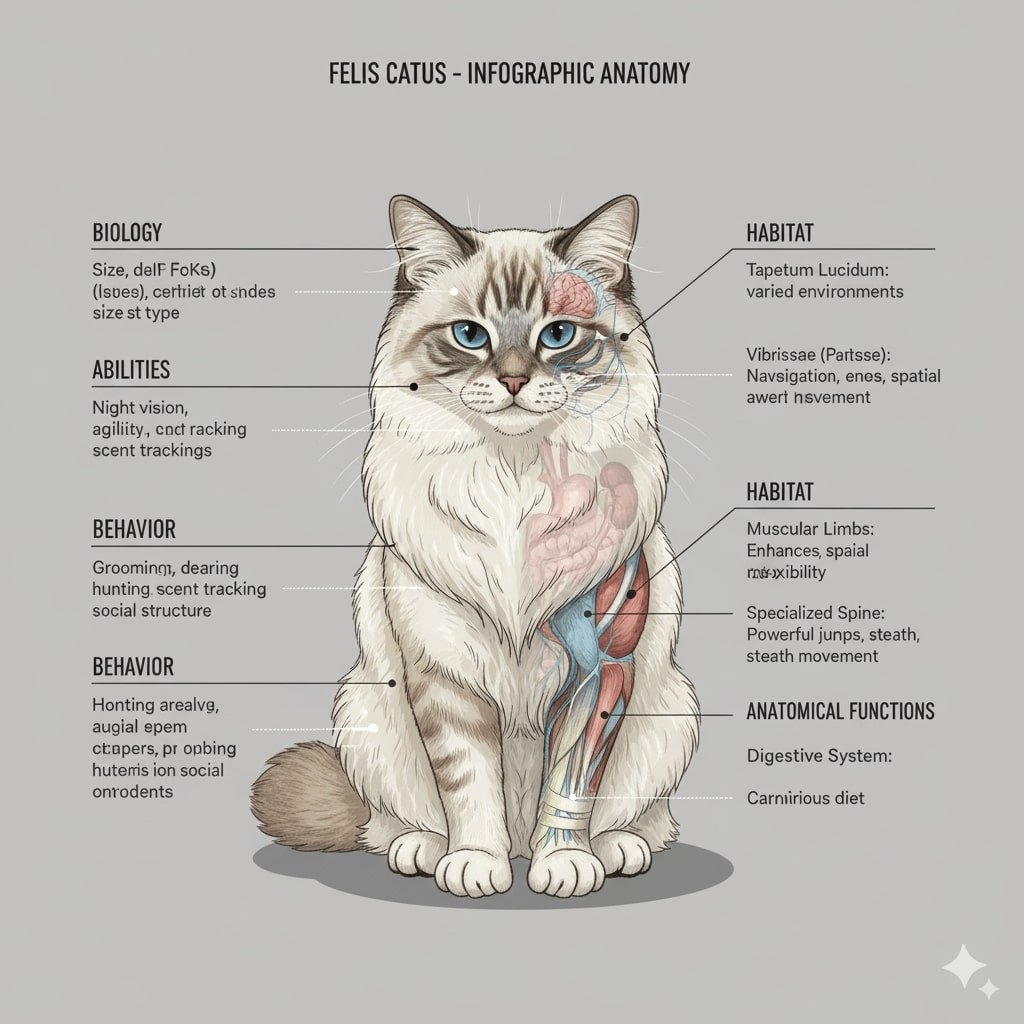
32. Anatomy Illustration
Generate precise and detailed anatomical illustrations for study or creative projects with prompt for Nano Banana AI model.
✅ Nano Banana Prompt:
Draw a bilaterally symmetrical frontal anatomical illustration of the [Character], styled similarly to an infographic. The image should show the creature's external features on both sides, with its internal anatomy partially exposed. Detailed text should flank the image, explaining the creature's biology, abilities, behavior, habitat, and the specific functions of its anatomical structures. The overall design should be clear, informative, and in the style of a scientific illustration.
👀 Note: Replace [Character] in the prompt with specific descriptions.
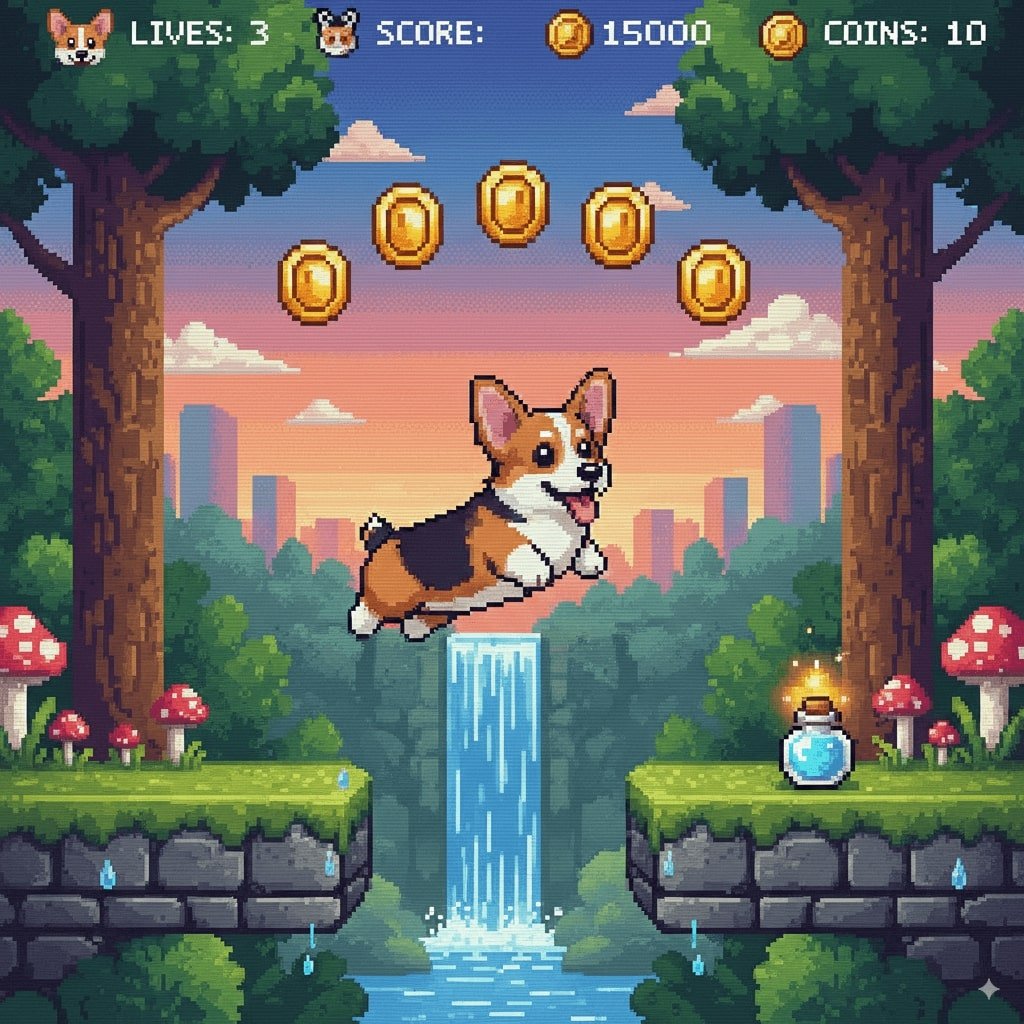
33. 16-Bit Video Game Character
Use Nano Banana prompt text to convert your photos into pixelated, retro-game-style images that look straight out of a classic 16-bit video game.
✅ Nano Banana Prompt:
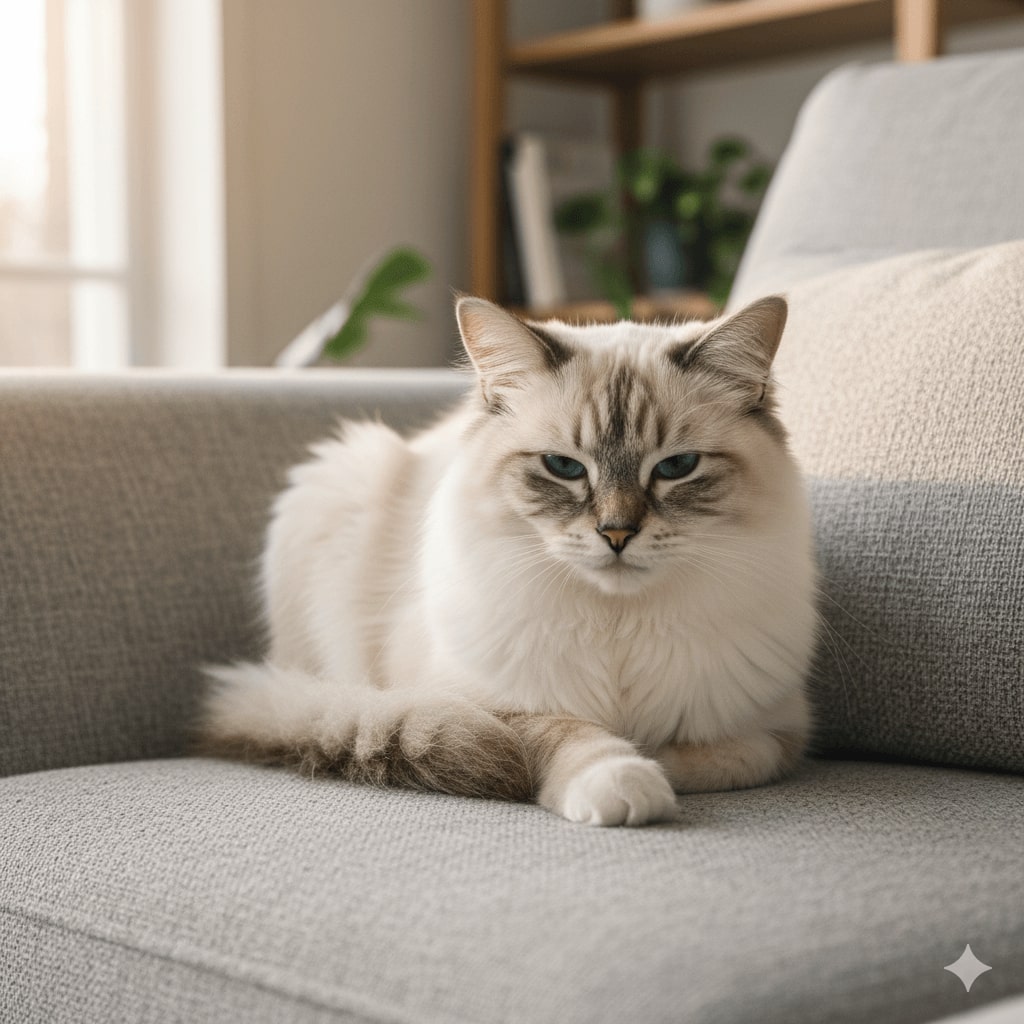
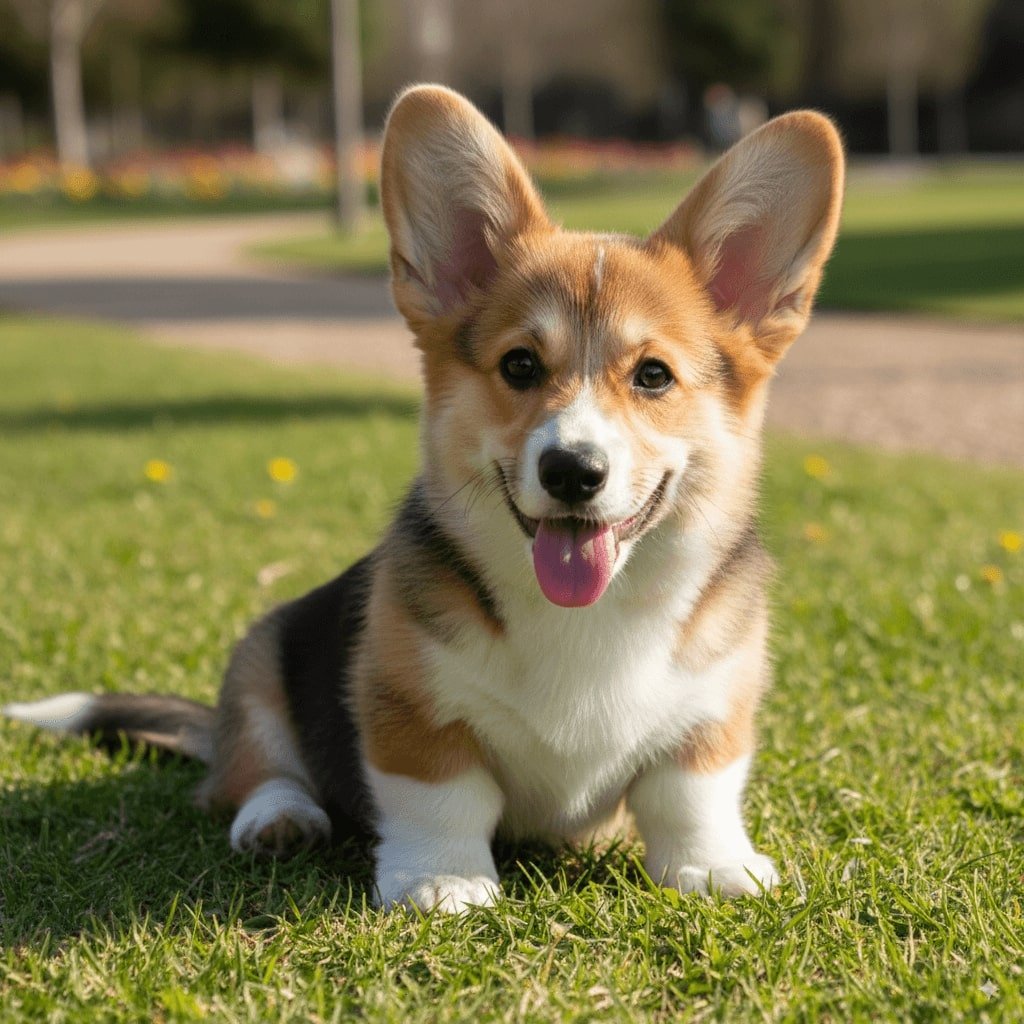
Recreate this [Character] as a 16-bit video game character, and place the character in a level of a 2D 16-bit platform video game.
👀 Note: Replace [Character] in the prompt with specific descriptions.
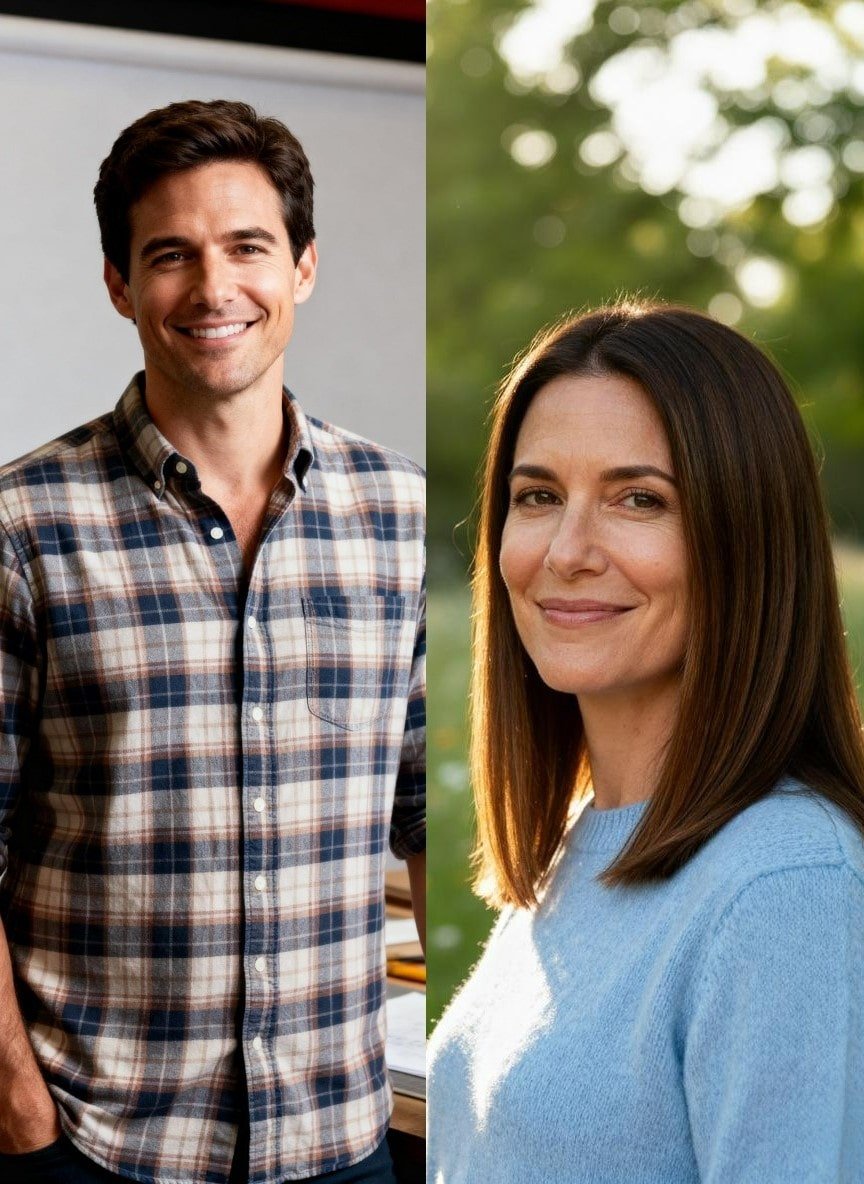
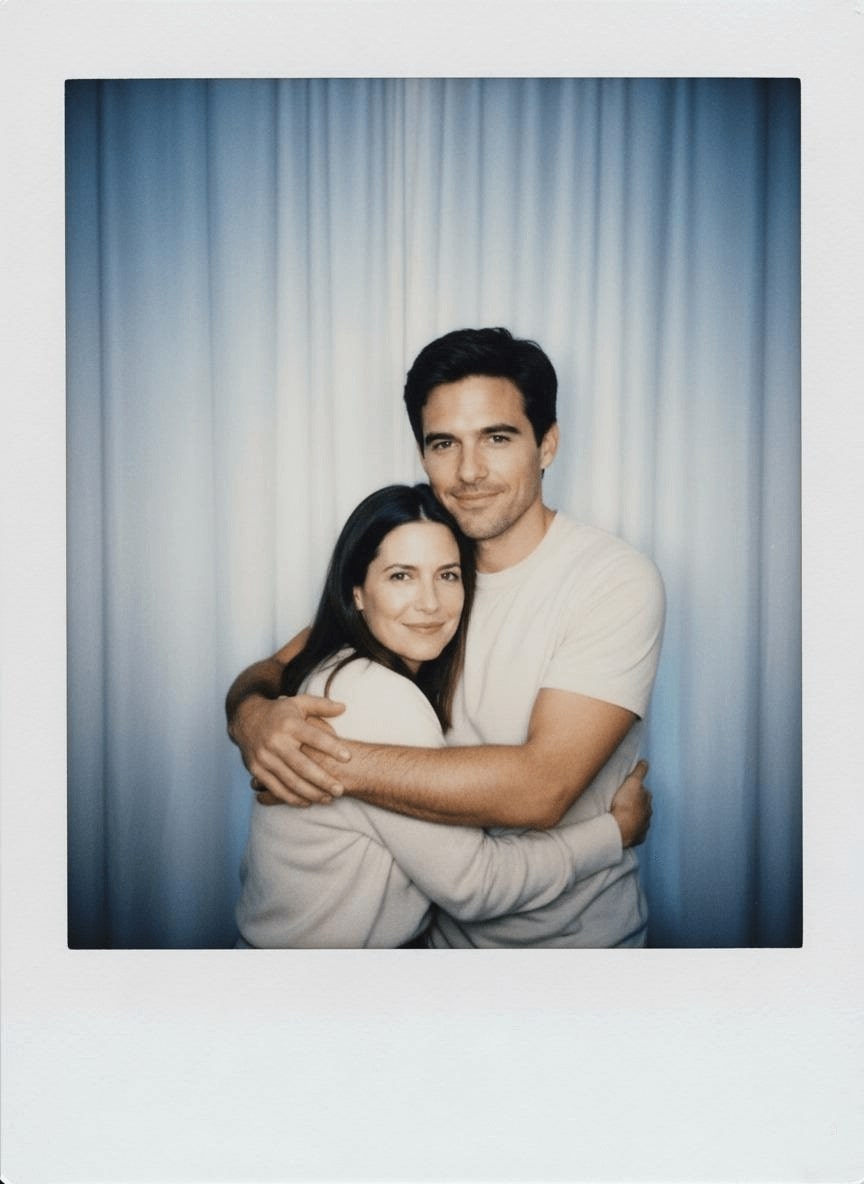
34. Gemini AI Polaroid-Style Photo
Gemini turns your snapshots into vintage AI Polaroid-style images with a nostalgic, retro aesthetic with Gemini AI photo prompts.
✅ Nano Banana Prompt:
Take a picture with a Polaroid camera. The photo should look like a normal photo, without any clear subject or props. The photo should have a slight blur a consistent light source. Such as a flash from a dark room, spread throughout the photo. Do not change the faces. Replace the background behind the two people with a white curtain.
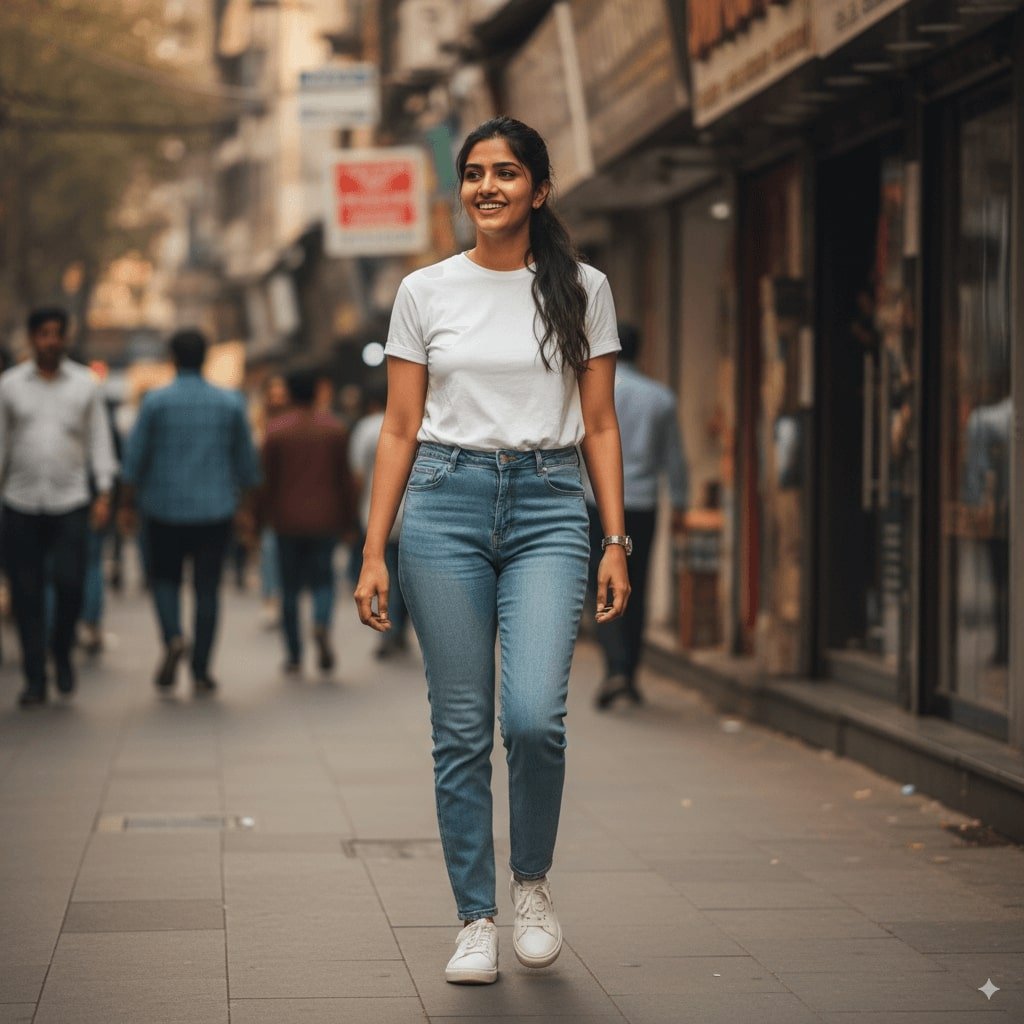
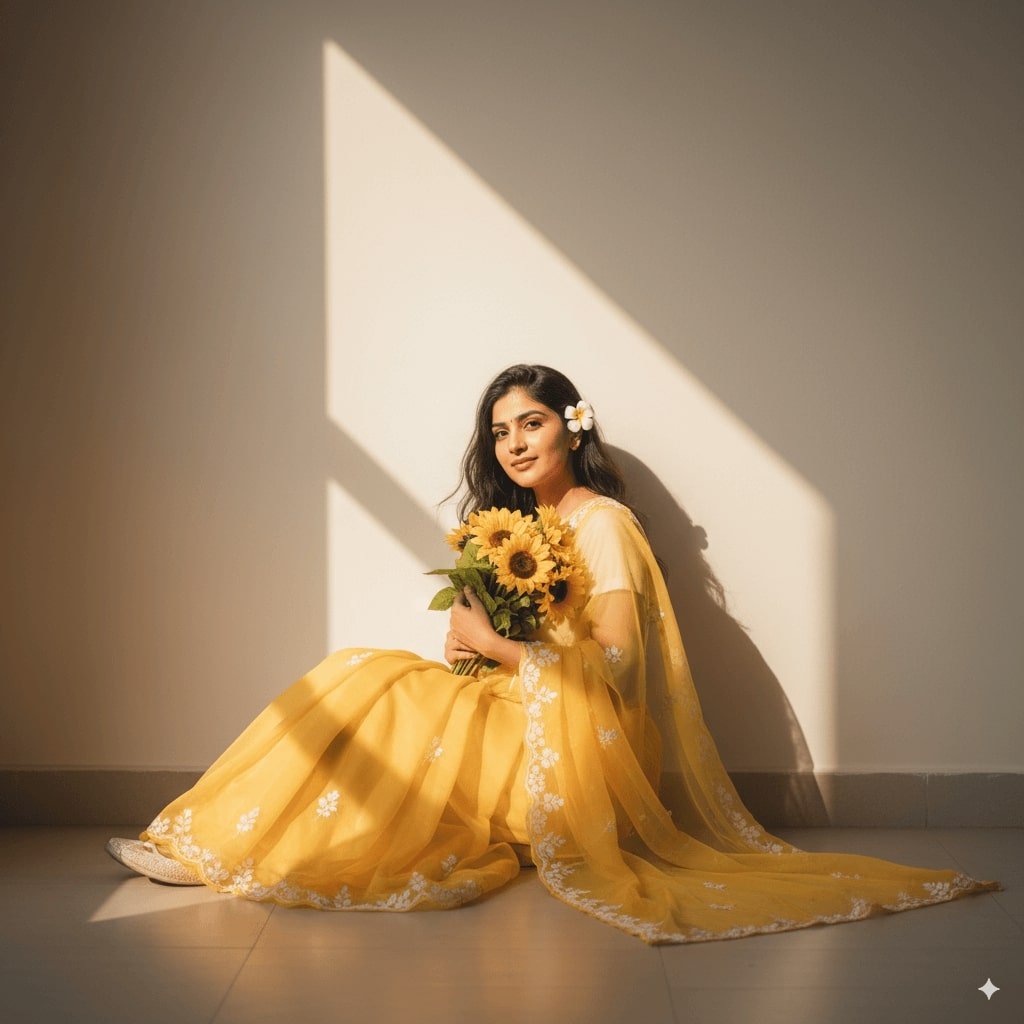
35. AI Saree
Gemini instantly dresses your photo in a traditional saree, blending cultural elegance with simple AI photo text prompts.
✅ Nano Banana Prompt:
Create A soft, sunlit portrait wearing a flowing sheer yellow saree with delicate floral embroidery. Sit gracefully against a plain wall, bathed in warm natural light with a triangular patch of sunlight casting artistic shadows. Hold a vibrant bouquet of sunflowers close to the chest, and a small white flower is tucked behind he ear. Gentle expression, loose hair strands moving slightly, and the dreamy golden glow create a serene, poetic, and romantic.
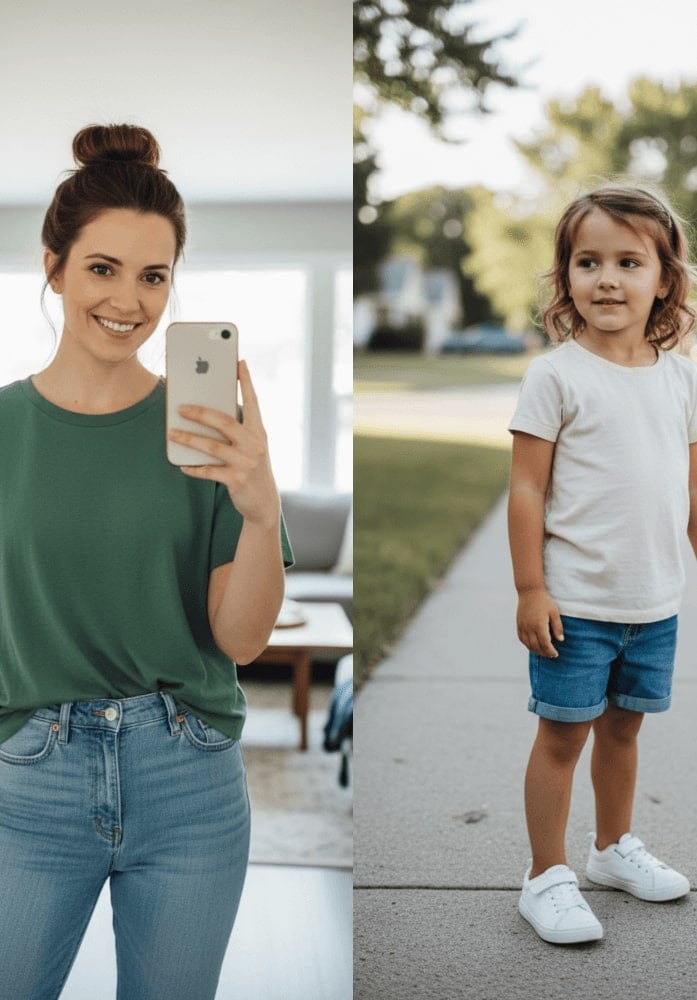
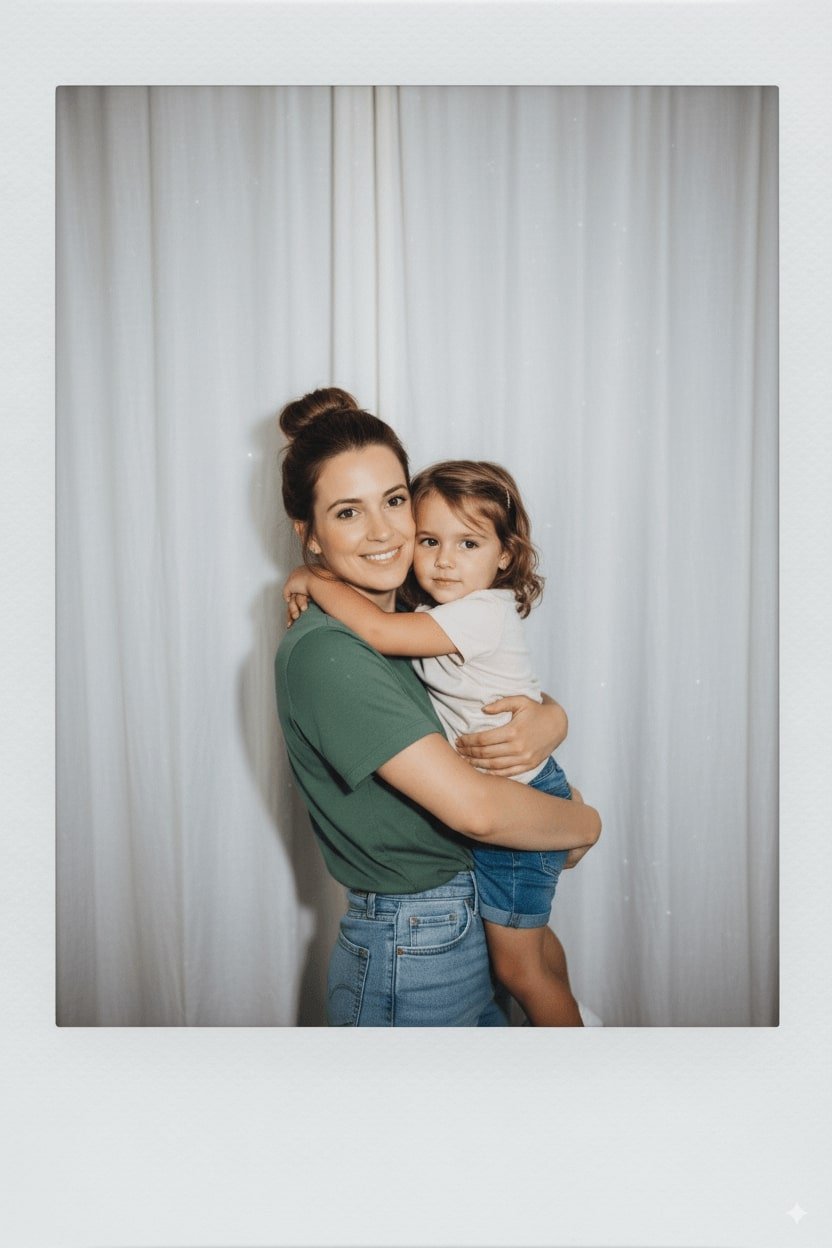
36. AI Hug Younger Self
Create a touching image of your present self hugging your younger self, capturing warmth by Gemini AI photo prompt text copy and paste.
✅ Nano Banana Prompt:
Take a photo taken with a Polaroid camera. The photo should look like an ordinary photograph, without an explicit subject or property. The photo should have a slight blur and a consistent light source, like a flash from a dark room, scattered throughout the photo. Don’t change the face. Change the background behind those two people with white curtains. Make it look like both people in the reference picture are hugging each other.
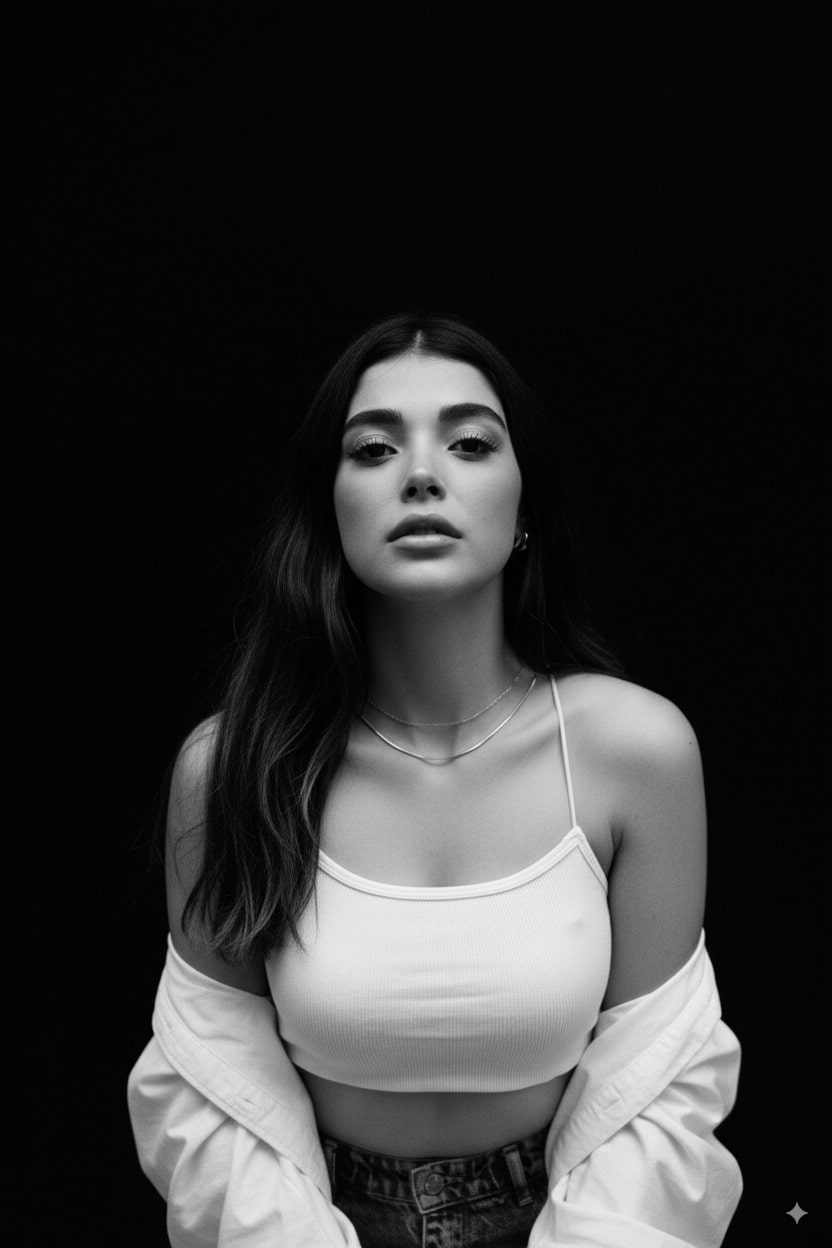
37. AI B&W Studio Portrait
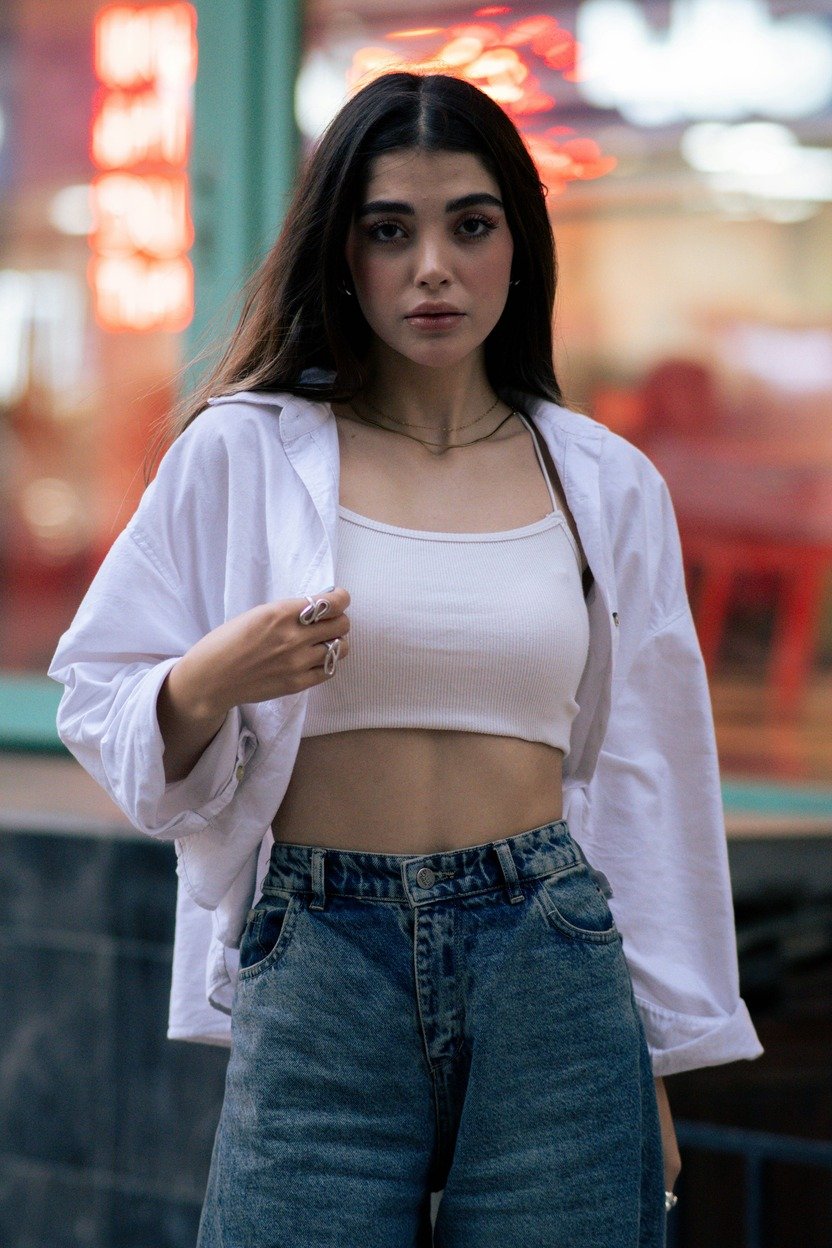
Nano Banana generates a classic black-and-white studio portrait with professional lighting and timeless elegance with Gemini AI photo prompts.
✅ Nano Banana Prompt:
Please generate a top-angle and close-up black and white portrait of my face, focused on the head facing forward. Use a 35mm lens look, 10.7K 4HD quality. Proud expression. Deep black shadow background - only the face, the upper chest, and the shoulder.
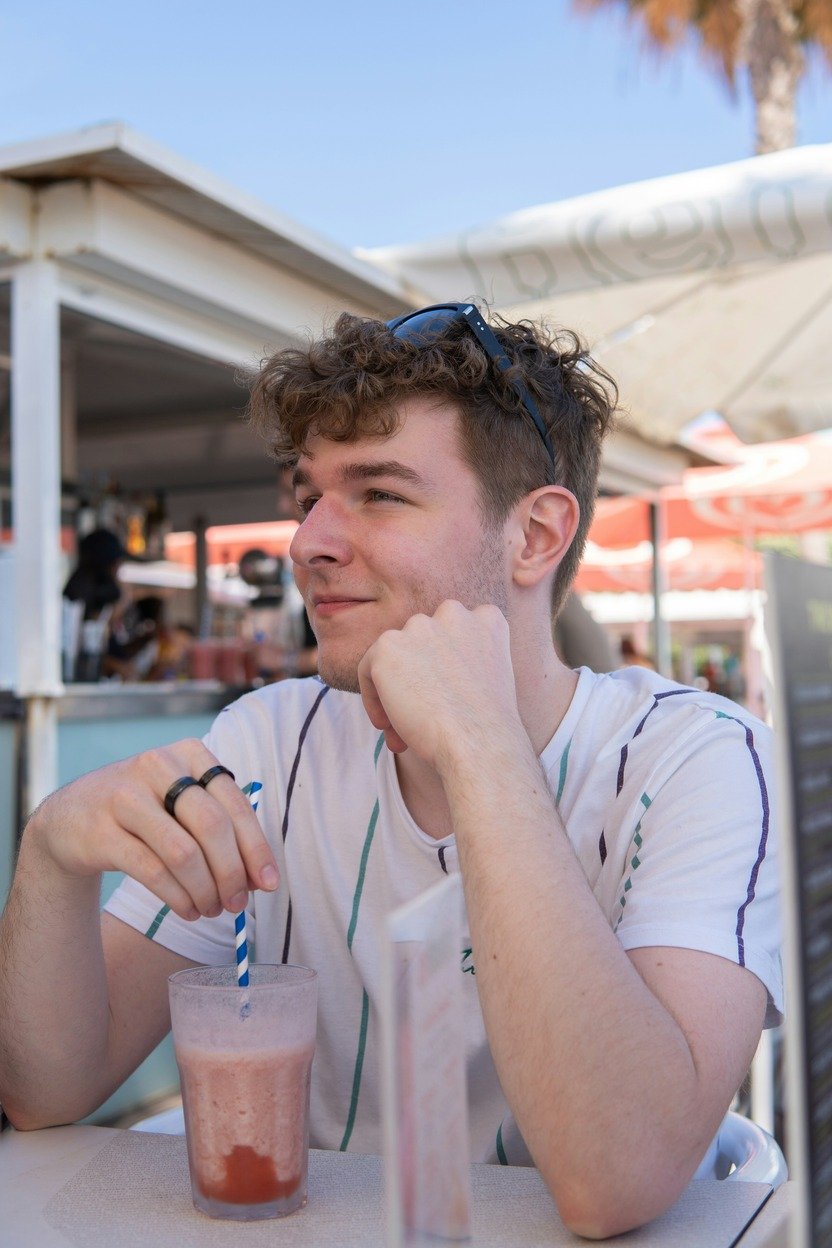
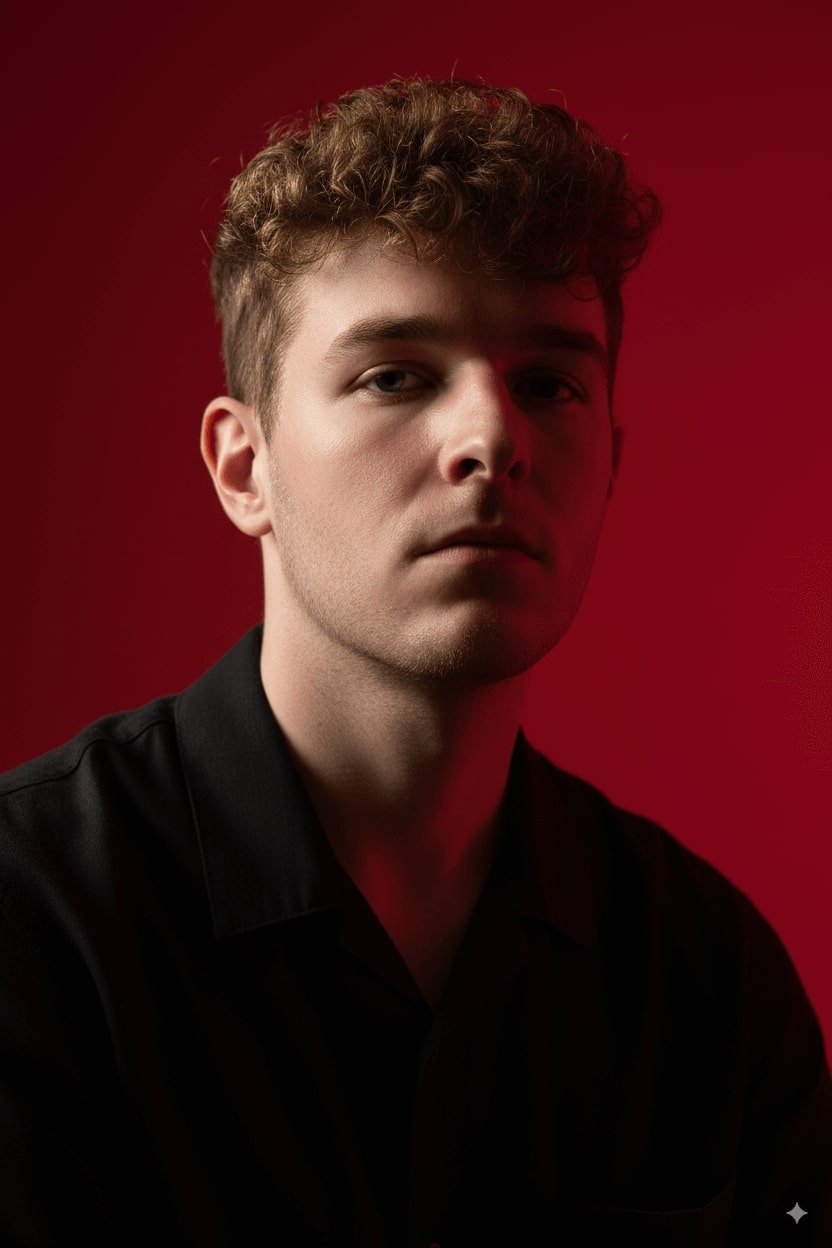
38. AI Cinematic Portrait
Gemini transforms your photo into a dramatic, movie-style portrait with rich lighting, depth, and cinematic flair using Nano Banana prompt text.
✅ Nano Banana Prompt:
Create a vertical potrait shot using the exact same face features, characterized by stark cinematic lighting and intense contrast. Captured in a slightly low, upward-facing angle that dramatized the subject’s jawline and neck, the composition evokes quite dominance and sculptural elegance. The background is a deep, saturated crimson red, creating a bold visual clash with the model’s luminous skin and dark wardrobe.
How to Use Nano Banana AI with the Nano Banana Prompt Text
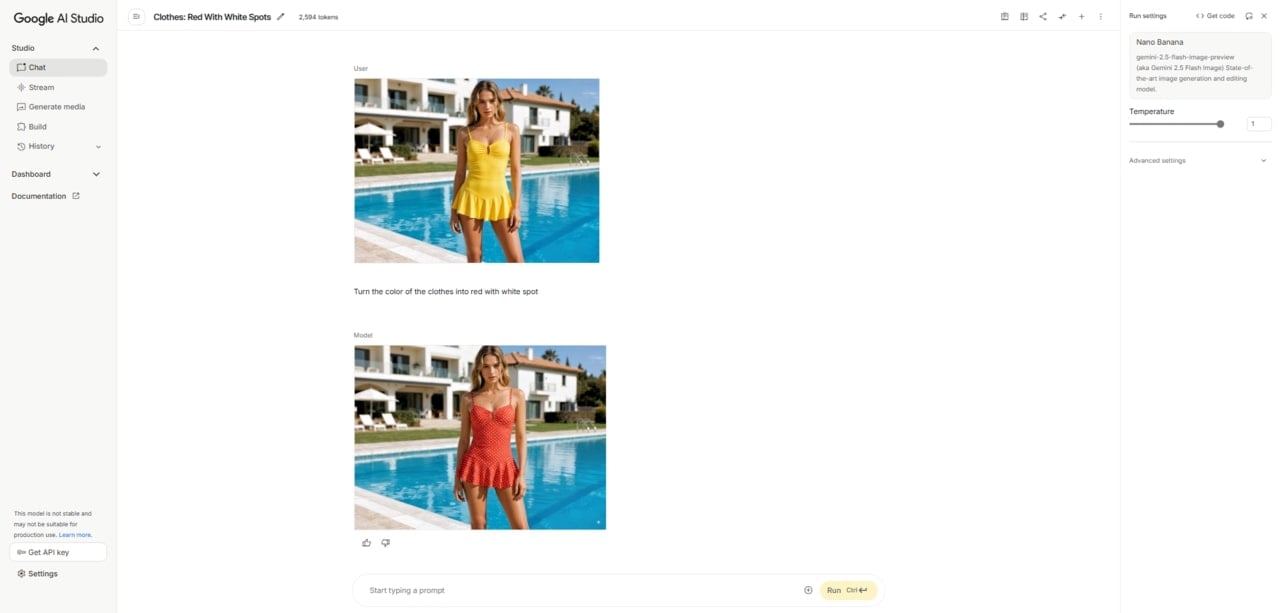
Getting started with Nano Banana AI tool is simple, but the key to stunning results lies in what are your input images and Nano Banana model prompts. Luckily, we have prepared you with the most hottest AI Banana prompt text. With just a few steps, you can turn ordinary photos into creative, professional-quality visuals.
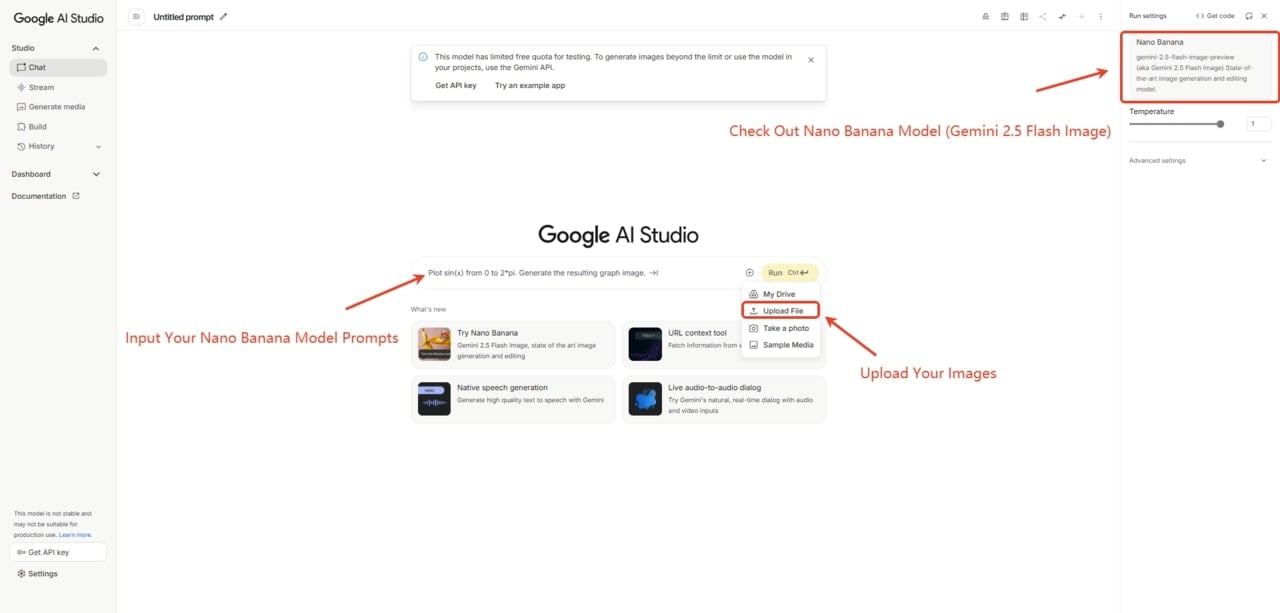
1. Go to the Nano Banana AI Tool
Visit the official platform, Google AI Studio, or other tools to access Nano Banana AI. The interface is simple, so you can start creating right away.
2. Upload the Image You Want to Edit
Upload a clear photo or sketch as your base. High-quality inputs always produce better results.
3. Input Nano Banana Prompts
Type in detailed AI photo prompts for Gemini Nano Banana describing the edits, styles, or transformations you want. You can copy and paste one of the provided trending Nano Banana image prompts for the first try.
4. Preview the Result
Generate and check the output instantly. If needed, adjust your AI photo prompt and refine it until it’s perfect. Then, you can download this Nano Banana AI-generated image and enjoy the fun.
✨ Bonus:
Fotor also provides access to the Nano Banana AI photo editor, allowing you to experiment with the same powerful prompts while enjoying its built-in photo editing tools. It’s a convenient way to explore creative image generation and editing all in one platform.
Practical Nano Banana Prompt Tips
1️⃣ Craft Detailed Prompts
Begin your Nano Banana model photo prompts with action verbs like "Create," "Generate," or "Draw." Clearly describe the subject, action, setting, and desired style. For example:
“Create an image of a smiling young woman wearing a flowing red dress, gently cradling a golden retriever puppy in her arms, standing on a grassy park path with sunlight filtering through the trees. Photorealistic style, with natural shadows and vivid colors.”
If you don't know how to start, you can try to copy and paste Gemini AI photo prompts from above.
2️⃣ Iterative Refinement
Use a conversational approach to refine your image over multiple interactions. Start with a broad Gemini AI photo prompt and progressively add details to achieve the desired outcome.
3️⃣ Specify Artistic Styles
Incorporate Nano Banana prompt style example such as "watercolor painting," "cyberpunk," or "anime" to guide the aesthetic of the generated image. This helps in aligning the output with your creative vision.
4️⃣ Leverage Contextual Information
Provide context about the scene, time of day, or emotional tone to enhance the relevance and coherence of the Gemini AI-generated image.
5️⃣ Experiment with Variations
Don't hesitate to modify your Geimini prompts by changing elements like color schemes, lighting conditions, or perspectives to explore different creative possibilities.
6️⃣ Maintain Consistent Lighting
When replacing objects, adjusting poses, or fusing images, match lighting and perspective to keep results realistic.
Conclusion
Explored the latest and most popular ways to use the Nano Banana AI image editor model, from multi-image fusion and style blending to pose control, facial expression edits, and creative 3D figure generation. We provided detailed Nano Banana AI photo prompts to copy and paste and practical tips to help users achieve high-quality, customized outputs effortlessly. You can check the Nano Banana vs Flux Kontext to see that Nano Banana AI stands out with faster generation speeds, more versatile style adaptation, and superior handling of complex edits, making it a go-to choice for both creative experimentation and professional-grade image generation. By applying the techniques shared here, users can unlock the full potential of AI-driven visual creativity.